How Can We Help?
What to do when BIG Waiter App products are not loading out?
Introduction
BIG Waiter App is an app that turns your staff’s smartphone into an order-taking device for your restaurant. This post will show what to do when your BIG Waiter App products are not loading out.
Here are the steps to solve your issue.
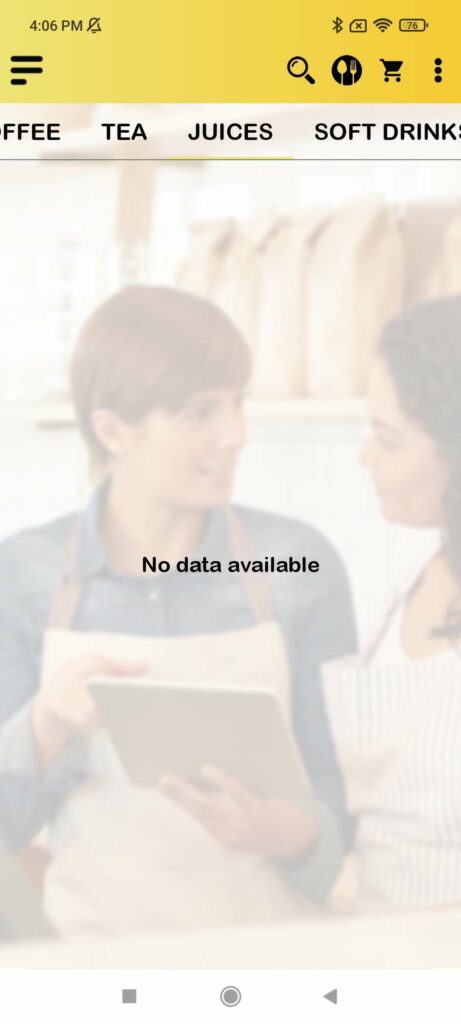
- When your BIG Waiter app show “No data available“, you need to go to your BIG POS Pro App Setting to solve this issue.
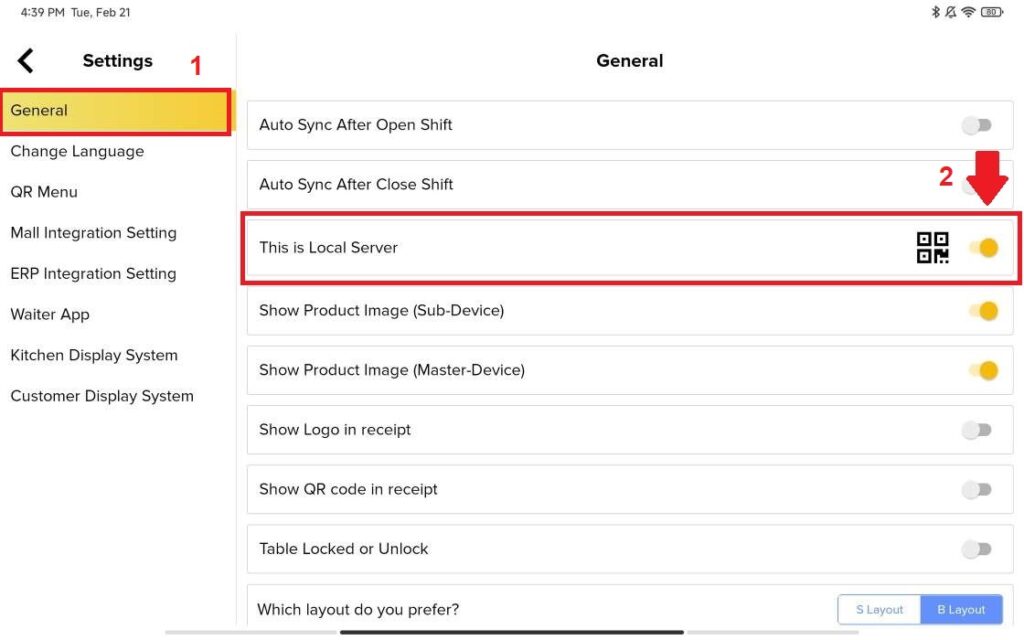
2. When you opened BIGPOS Pro App, Go To “Setting” and Select “General“. You will see the “This is Local Server” is toggled on. Then, you toggle off and toggle on the “This is Local Server” option. After doing this go back to your BIG Waiter App.
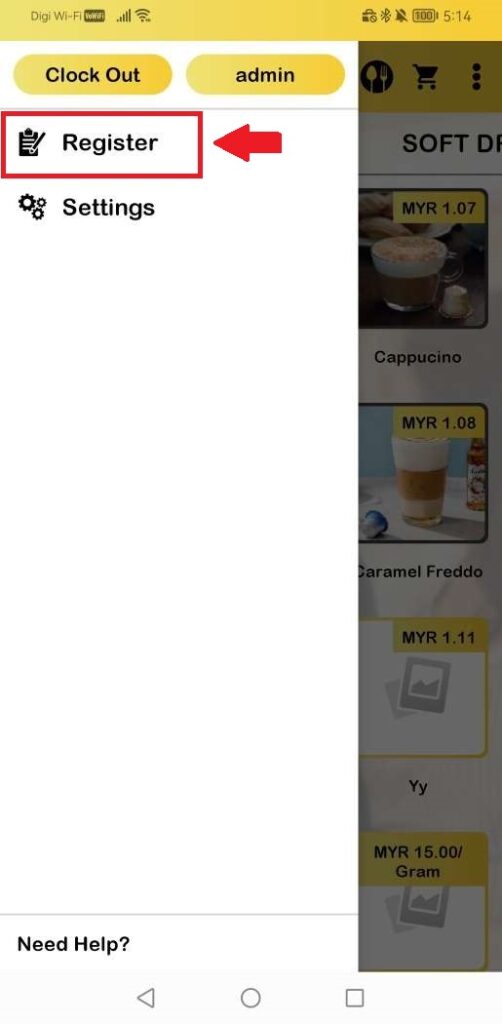
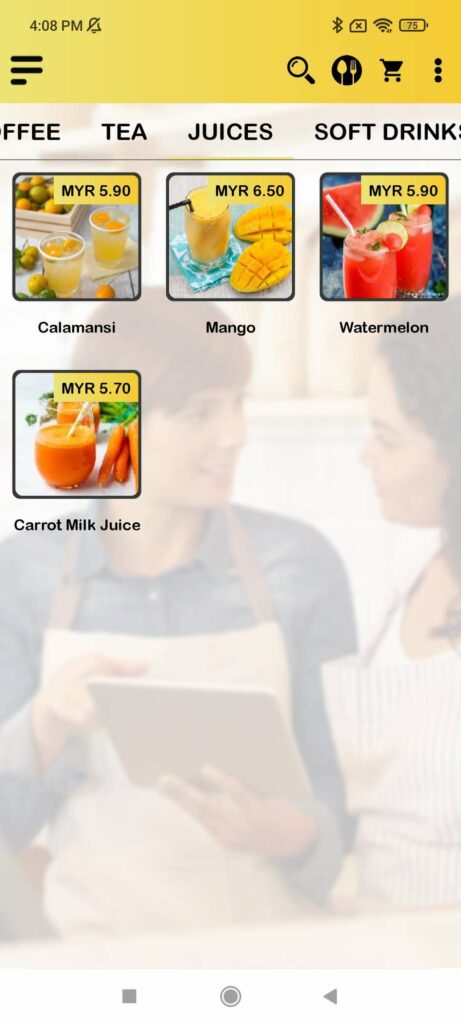
3. After back to BIG Waiter App, there are three ways to refresh the page. you need to refresh the app by clicking “Register” at the side menu, restart the app, or switch product categories to refresh the page and you will see your product is showing out.