How Can We Help?
Today’s sales report – Main Page
Introduction
Welcome to Bigpos support.
Today’s sales report provides you the details of a day’s each transactions’ details including sub total, tax value, service charge, take away charge, grand total and return amount and order status.
How to view Today’s Sales Report?
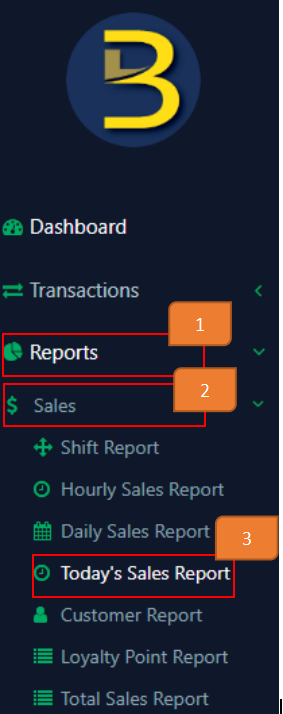
- Click on ‘Reports’ On the left panel menu.
- Click on ‘Sales’.
- Click on ‘Today’s Sales Report’.
- Apply filters
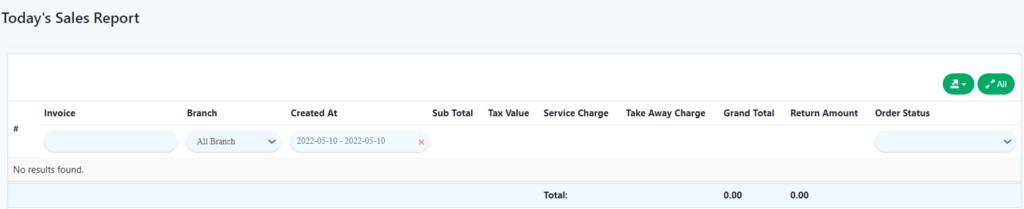
Today’s Sales Report Details
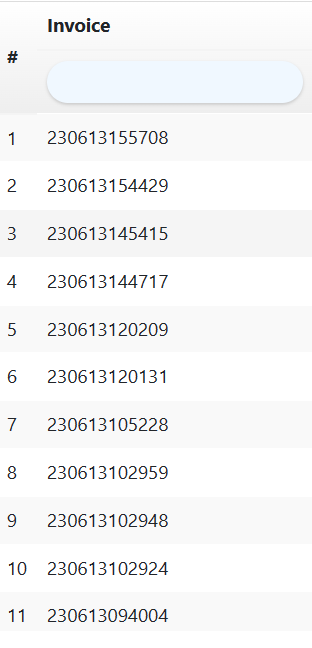
- Invoice
Enter the invoice number to check for relevant transactions.
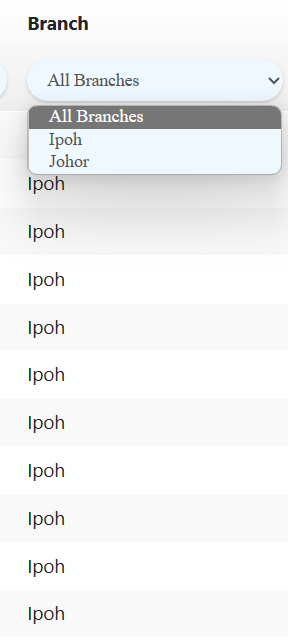
- Branch
Select the branch you wish to view for.
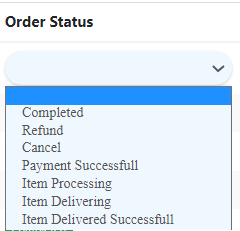
- Order status
You may select the order status of transactions to view relevant transactions.
Note:
- If you want to view transactions in one page, click the below icon on the page.

- If you want to view transactions page by page, click the below icon on the page.
