How Can We Help?
Subscription – Main Page
Introduction
Subscription allows users to choose a suitable plan to run a business. Subscription included duration for using this POS system with the device provided. Different plans come with different limitations.
How to enter the ‘Subscription’ main page?
To enter Subscription main page, follow the following steps:
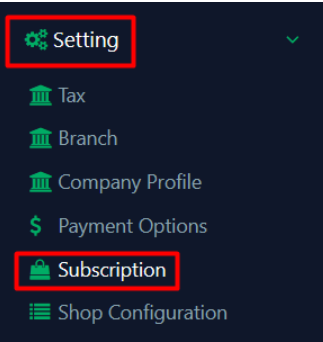
- Click ‘Setting’ on the left side panel menu.
- Click ‘Subscription’ from the dropdown menu.
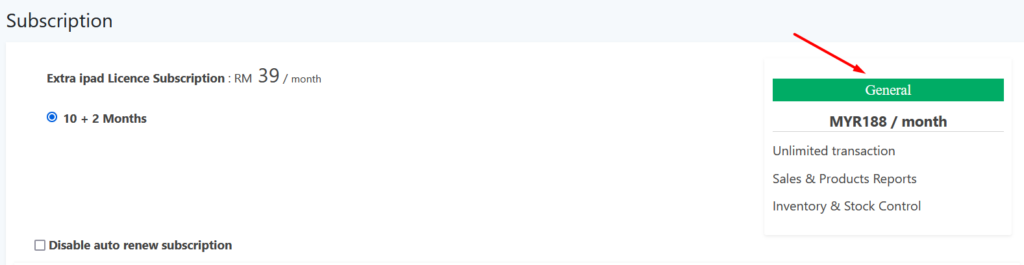
General features with price per month in a plan subscribed is display on the Subscription main page.
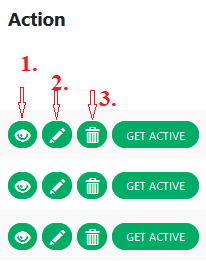
Under the ‘Action’ column,
- Indicates to ‘view‘ a device details such as Terminal name, device type, status etc.
- Indicates to ‘edit‘ the terminal name. Can be edited to a unique name.
- Indicates to ‘delete‘ an non active device.