How Can We Help?
Shift Report – Main Page
Introduction
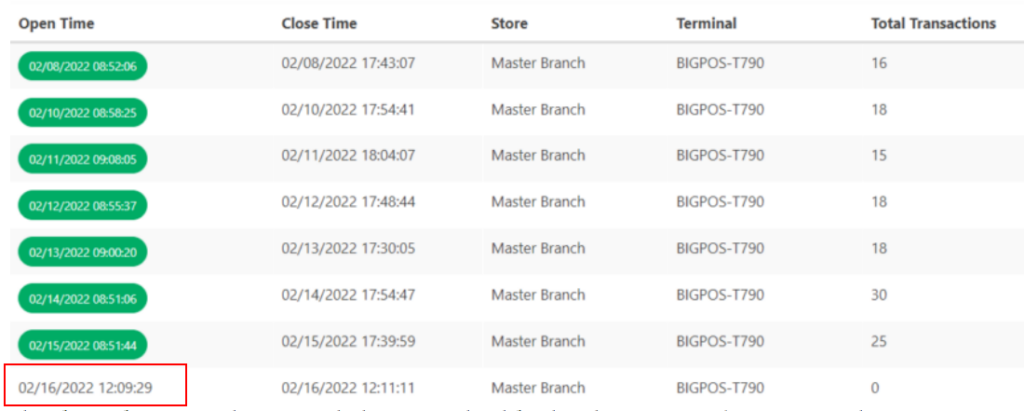
Shift report provides you the details per shift including open time, close time, store, terminal, total transactions and total sales.
Shift Report Details
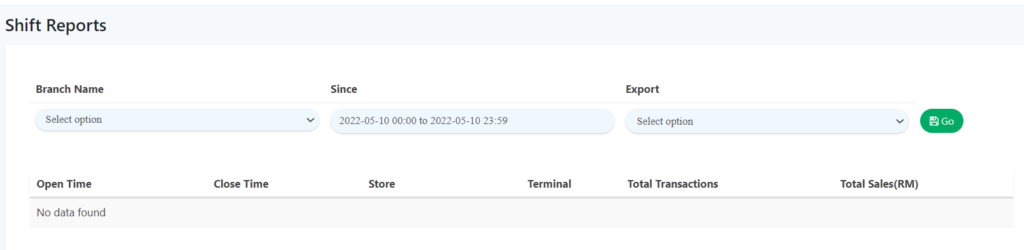
- Branch Name
Select the branch you wish to view for.
- Since
Select the date range of the shift reports that you wish to view.
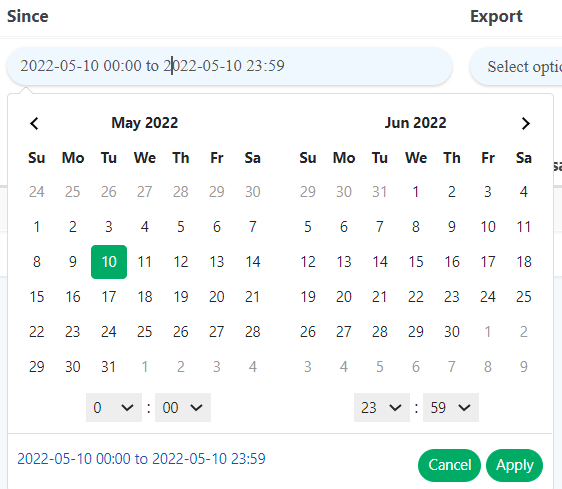
Note: If you want to export records, select the format(CSV or PDF). If not, leave it as ‘select option’.
How to view shift reports?
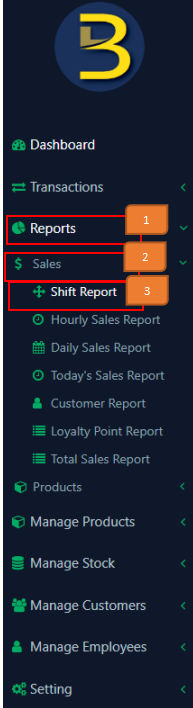
- Click on ‘Reports’ On the left panel menu
- Click on ‘Sales’
- Click on ‘Shift Report’
- Sample screenshot of shift report page is shown below.
- Specify data based on the description above, Click ‘Go’
 to query for a shift report.
 - Example of queried shift report is shown below.