How Can We Help?
Settings – How to enable tag number in receipt?
Introduction
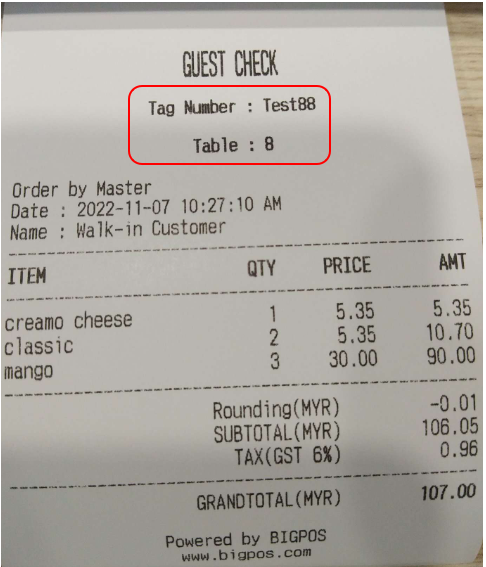
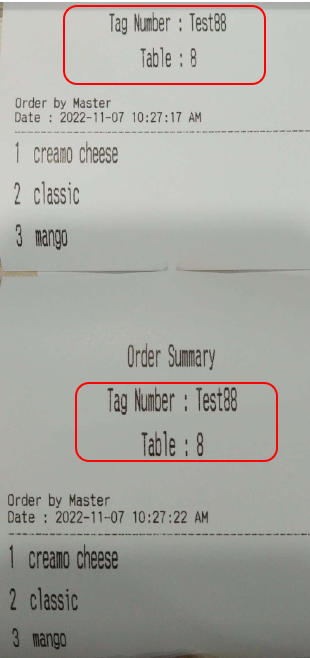
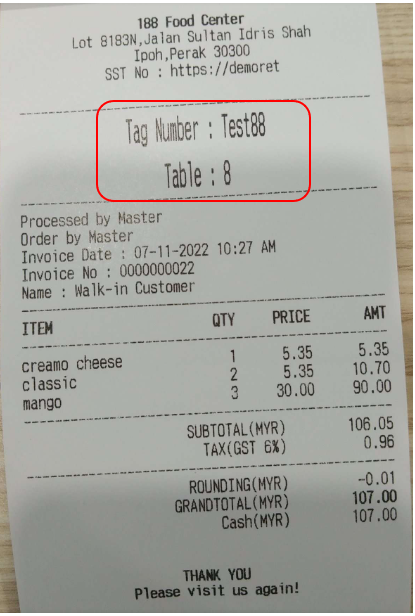
Users now have the option to display tag number along with table number when ‘Assign table number’ is chosen as the business mode in BIG POS Web Admin. Note that this Enable Tag Number option will be hidden if you choose ‘Auto generate queue number’, ‘Assign tag number’ business mode, or when logging into your retail account.
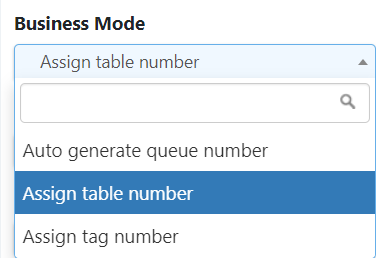
This section introduces how to show the tag number in receipt feature in the BIG POS App.
How to enable the ‘Enable Tag Number’?
Follow these steps to go to the ‘Enable Tag Number’:
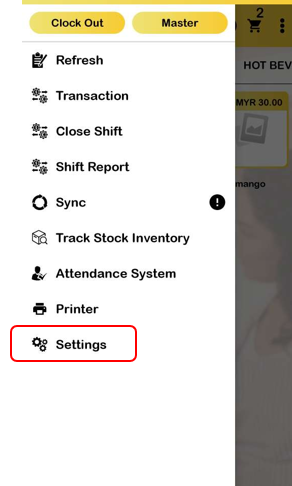
1. Go to the left side panel and click ‘Settings’.
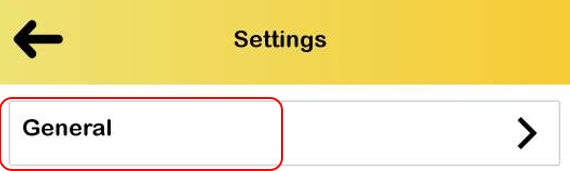
2. Proceed by selecting ‘General’ in the settings.

3. Turn on the ‘Enable Tag Number’.