How Can We Help?
Settings – How to change language on login page?
Introduction
Apart from changing language by going to the settings, users can also change the language through the login page. This feature is available for BIG POS Pro, Lite and Waiter apps.
Here are the steps:
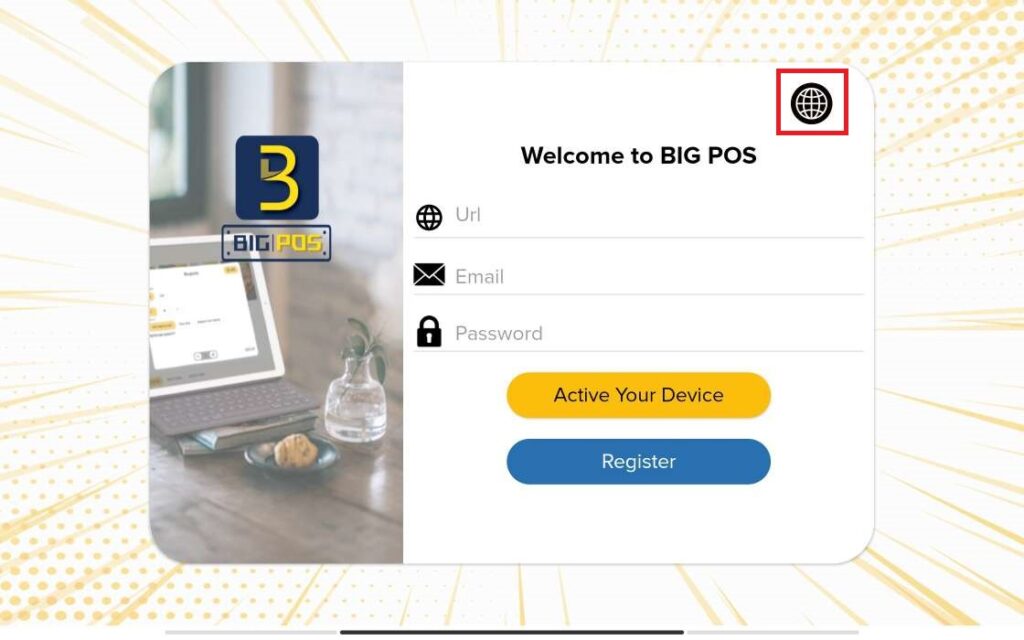
- Click on the language icon on top right corner of the login page.
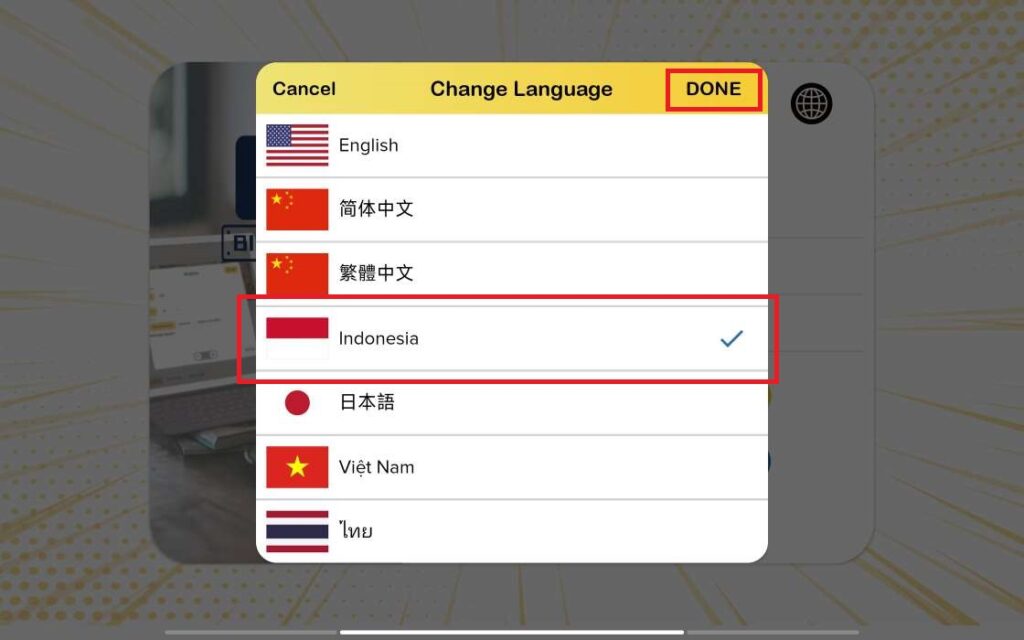
2. Select your language (e.g., Indonesia) and click ‘DONE’.
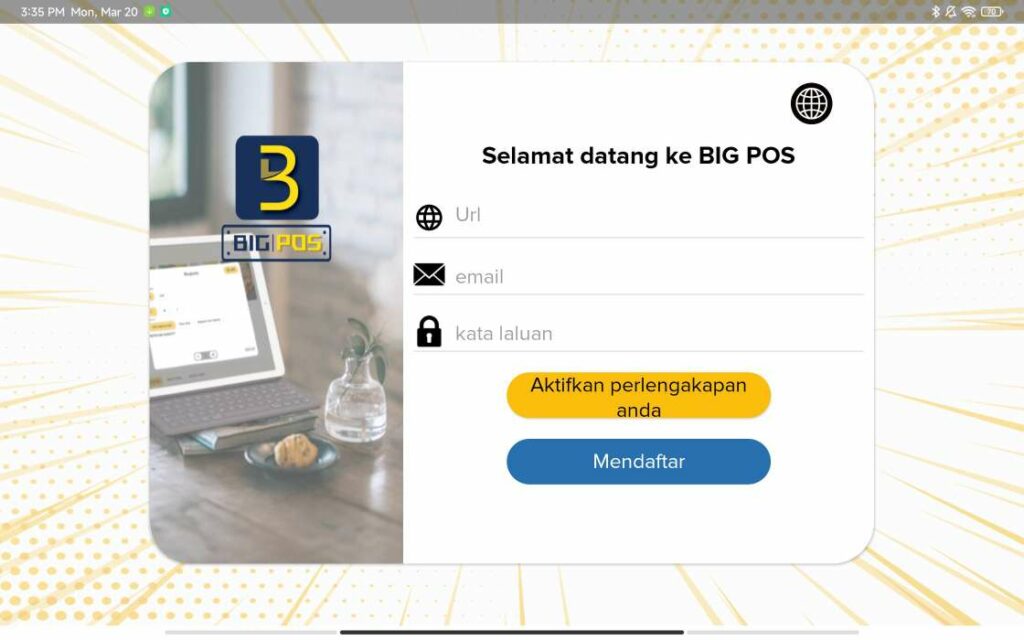
3. The login page will change into the selected language.
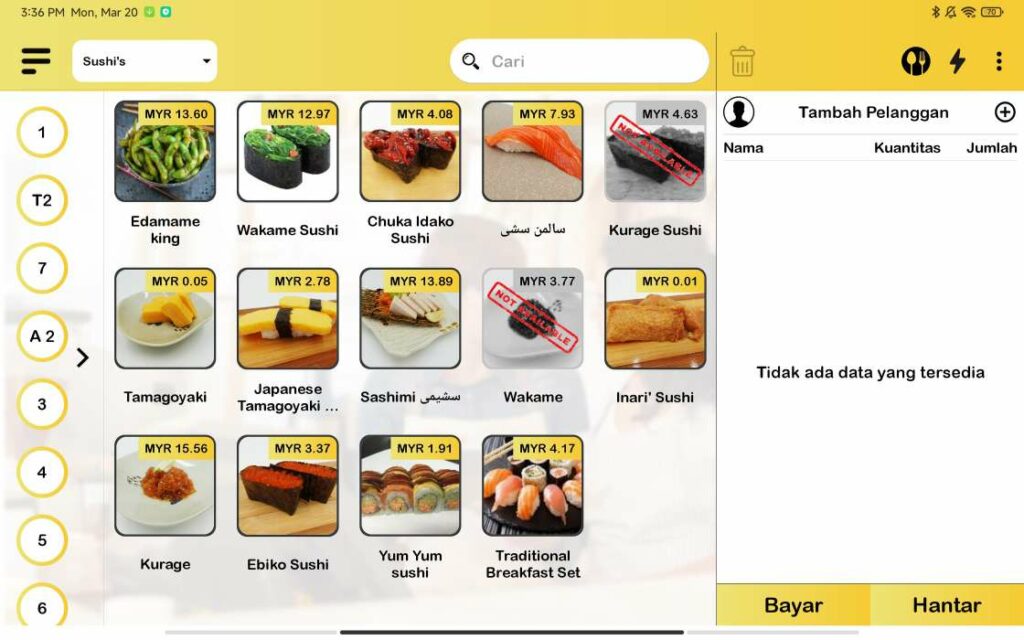
4. Once successfully login, the apps main page will be display according to the selected language in login page.