How Can We Help?
Save Apps Settings for Reinstall Usage Purpose
Introduction
To improve usability and user experience, a new save apps settings has been implemented specifically for the BIGPOS apps (Pro and Lite) . This feature allow users to remain application setting when reinstall the application .
Save Setting Feature
- Default settings in apps are disable . User can enable selected settings before reinstall .
- Need to sync the app before reinstall .
- After reinstall the application, the Pro or Lite apps will remain enabled or disabled according to the user selection .
- Example : User enable “Auto Sync” then sync. After reinstall the application , “Auto sync” remained enabled .
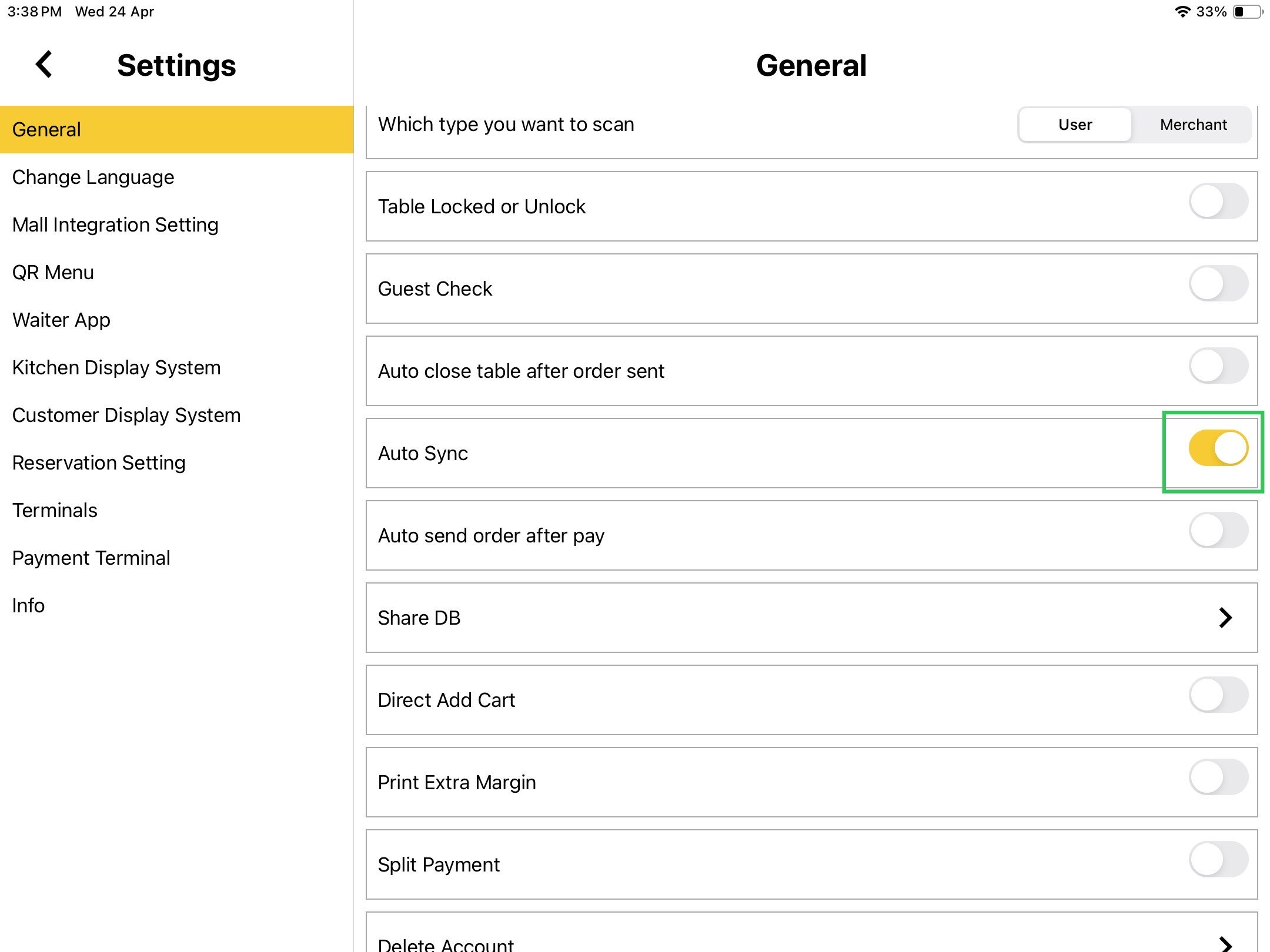
- Example : User enable “Auto Sync” then sync. After reinstall the application , “Auto sync” remained enabled .
- Applied to all settings ;
- General
- Change Language
- Mall Integration
- QR Menu
- Delivery
- Kitchen Display System (KDS)
- Customer Display System (CDS)
- Self Ordering Kiosk (SOK)
- Terminals
- Payment Terminal
- Info
- Printer
Connected App/Device
- Connect with Sub device : Settings not saved if uninstall the sub device.
- KDS , CDS , SOK , Waiter and Printer : Remain connected with Pro App.