Review of B Reward Application
Introduction
In the BIG POS system, there is a loyalty program for customers and BIG POS had built an app for loyalty program purposes. This app is called “B Reward” and includes a lot of features in it, it is not only checked for the number of loyalty points.
App review
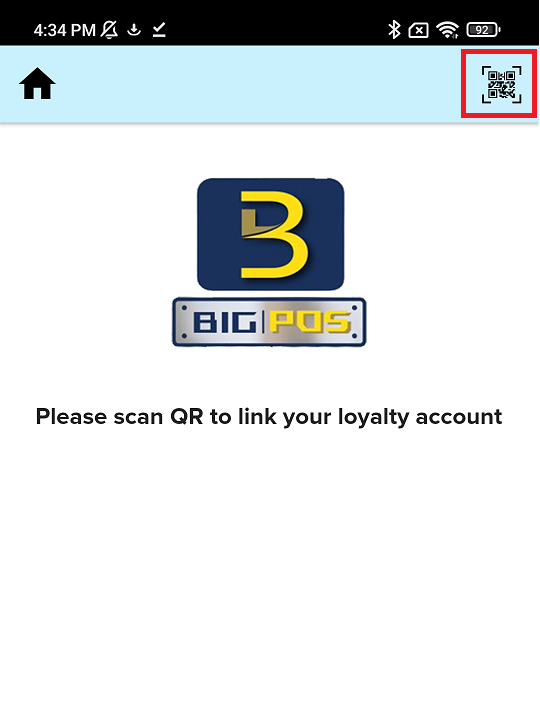
- When you open the B Reward App, you will saw this page. You need to press right side above Scan QR Icon.
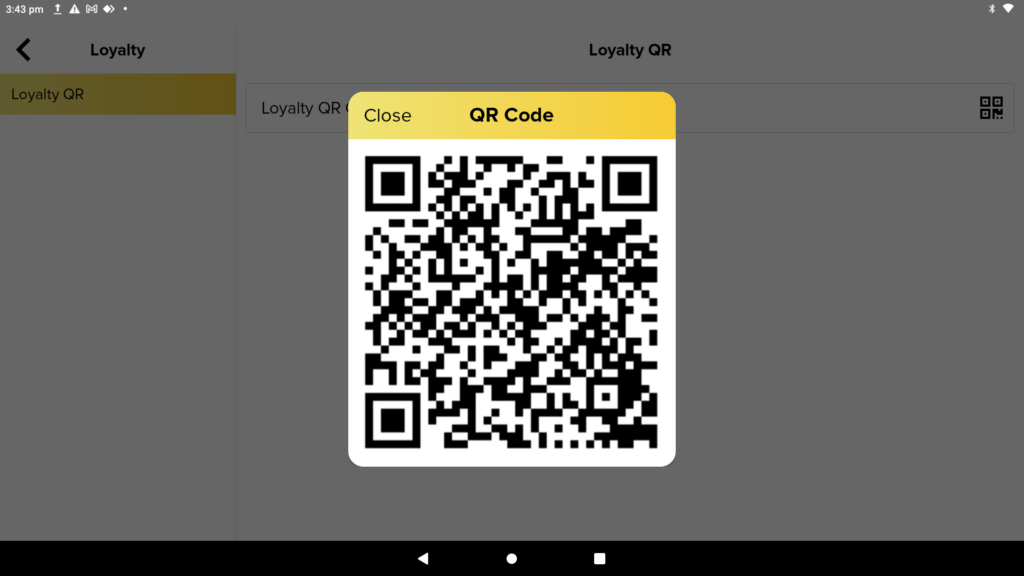
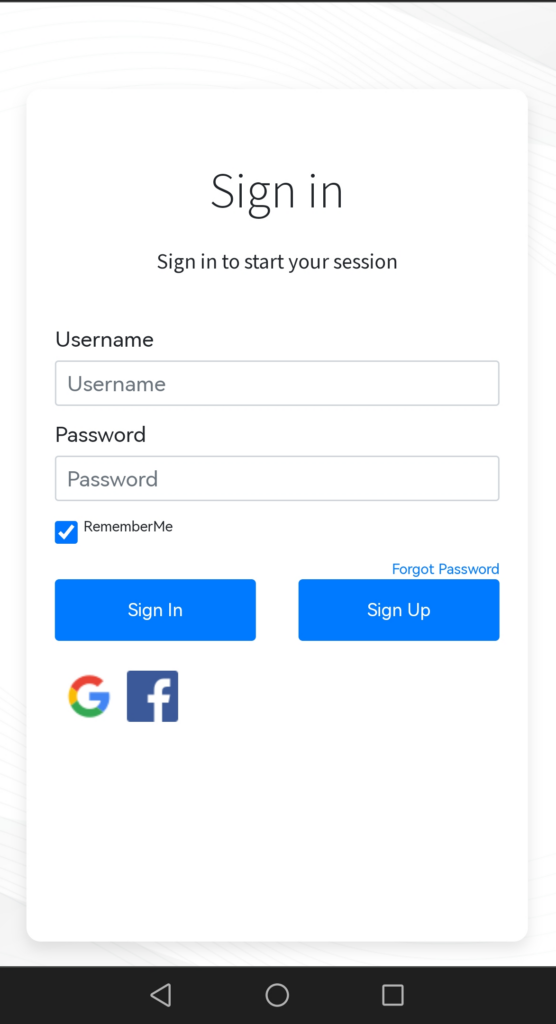
2. Then, you need to use B Reward App to scan QR Code in BIGPOS Pro to proceed to Loyalty Login Page. You can login your account with username and password or use Facebook or Google account to log in.
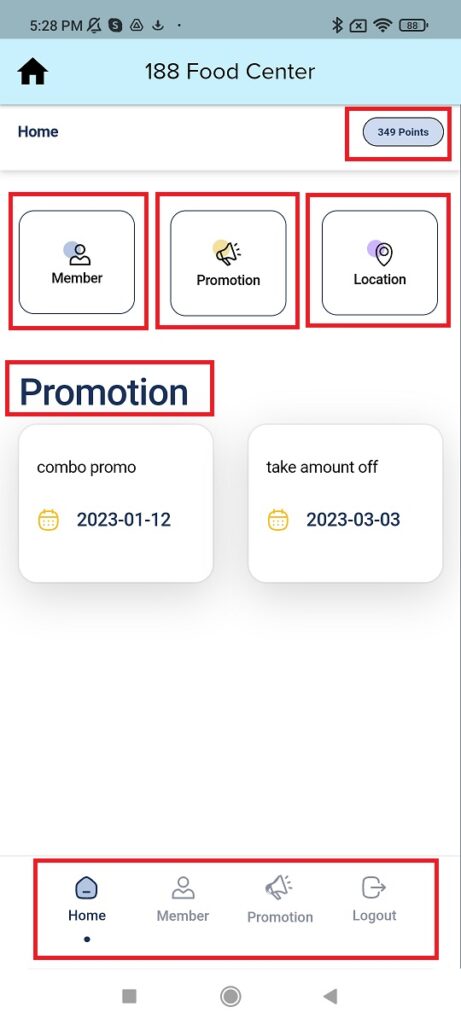
3. After you login, you will locate at the home page, you will saw your total loyalty points, member page, promotion page, location page, promotion display, and below there is a navigate bar.
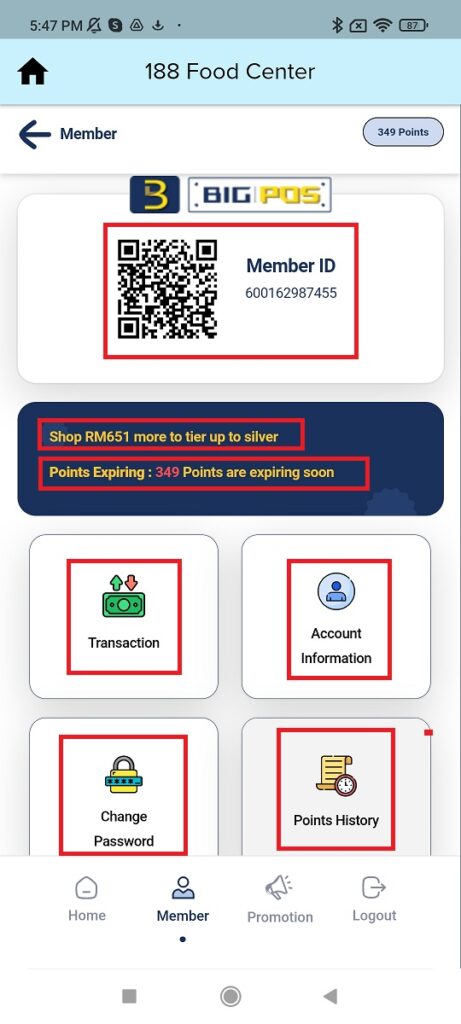
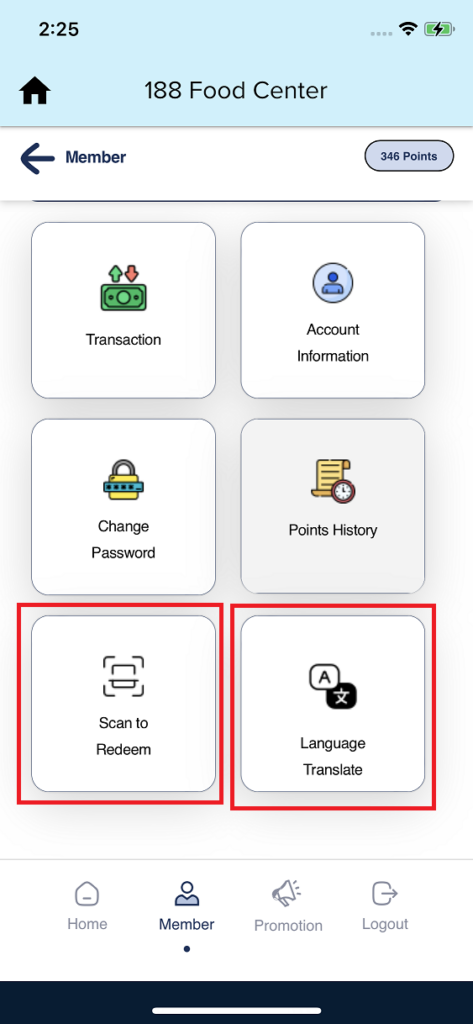
4. Next, in member page you will saw member ID with QR Code, which is used to identify membership. There is a message of showing to customer how much need to spend to get next rank, message to show customer points that going to be expired and it able to check transaction, view or edit account information, change password, check point history, scan to redeem and change languages.
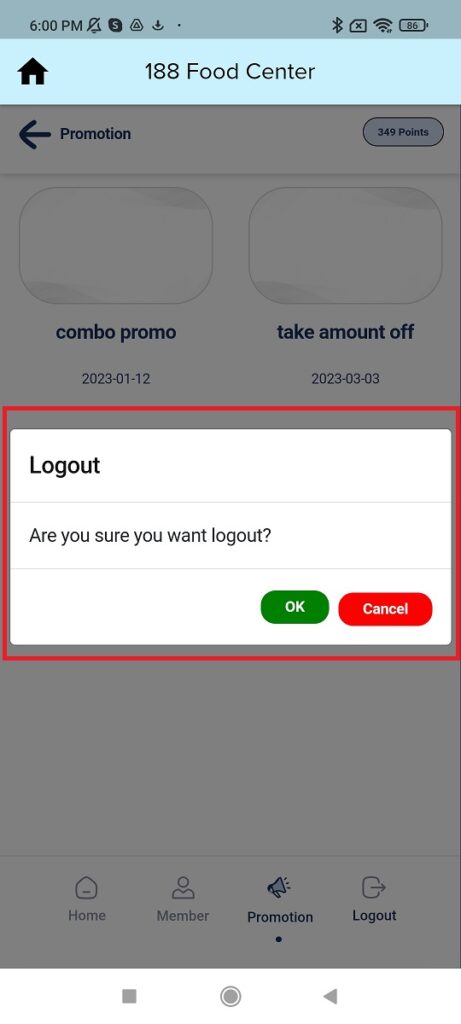
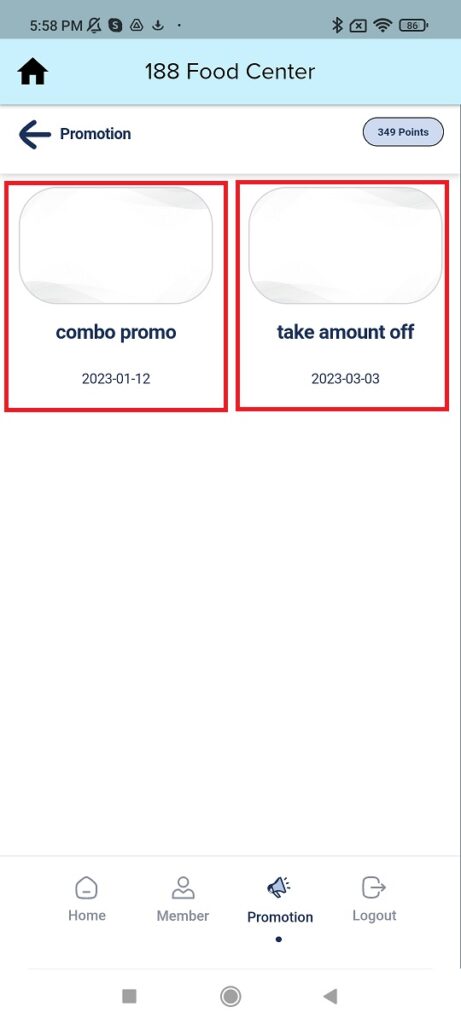
5. Other than that, this is the promotion page which let user to check what promotion the available.
6. Last but not least, there is a logout function to let user log out the app.