How Can We Help?
Refund Without Card Surcharge
Introduction
A new function on refund transactions that using credit or debit card. This functionality will not impact transactions that are cancelled. This new feature included ;
- Web Admin , BIGPOS Pro & Lite
- Offline payment : Credit Card & Debit Card , Till Terminal
- Online payment : Till Online
Setting in Web Admin
New setting added for Credit / Debit Card in Web Admin ;
- Refund include Card Surcharge YES (Default) = Refund transaction INCLUDE Card Charge.
- Refund include Card Surcharge NO = Refund transaction EXCLUDE Card Charge.

Refund include Card Surcharge = YES (Default)
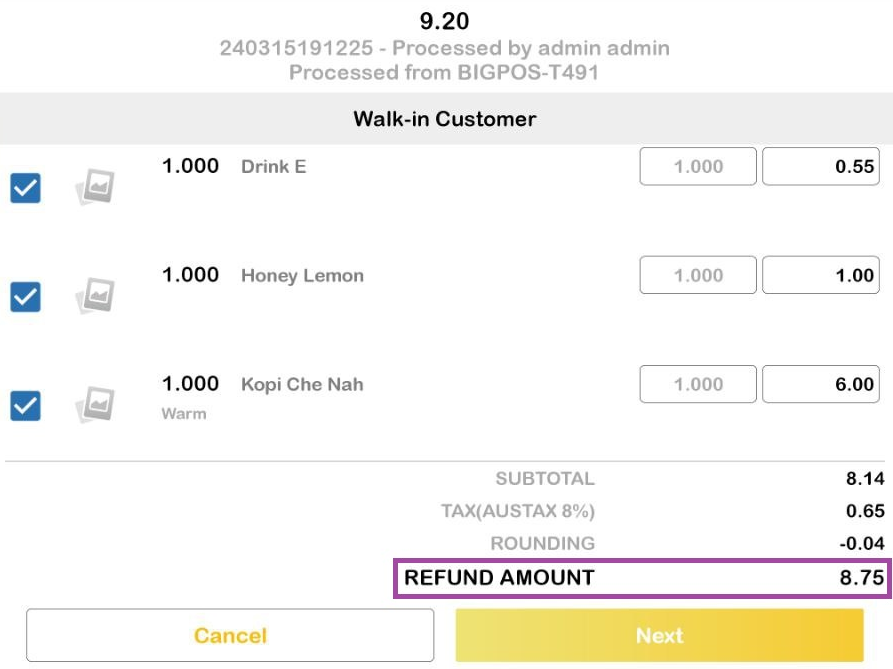
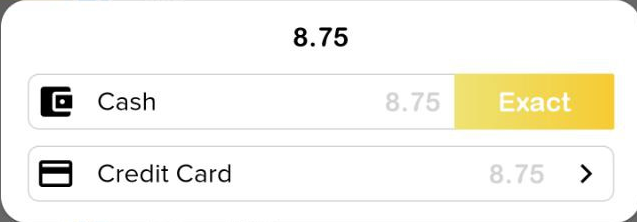
Below is an example of how the credit card charge row displayed when processing a refund. A credit card fee will be included in the refund amount either refund by cash or card.
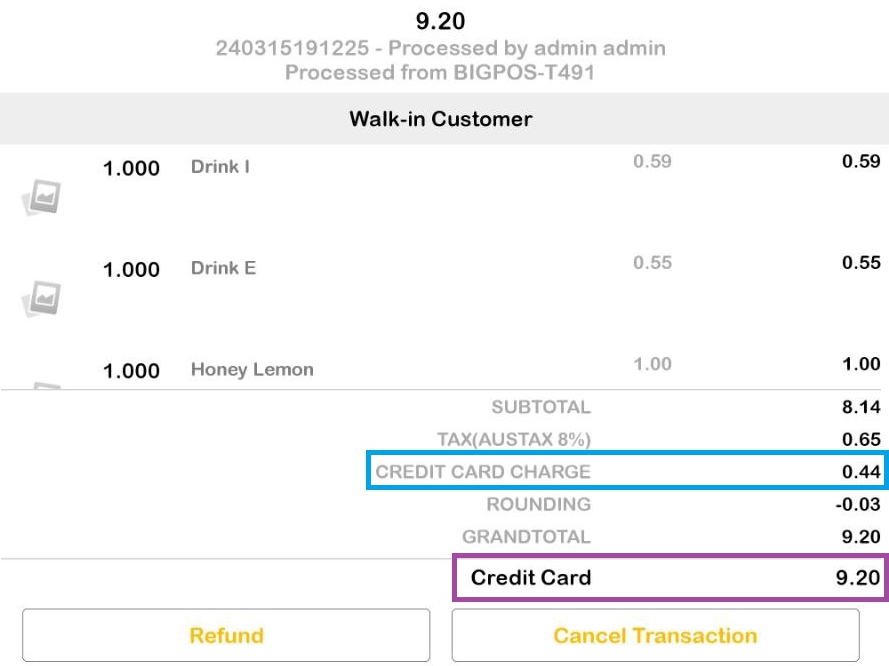
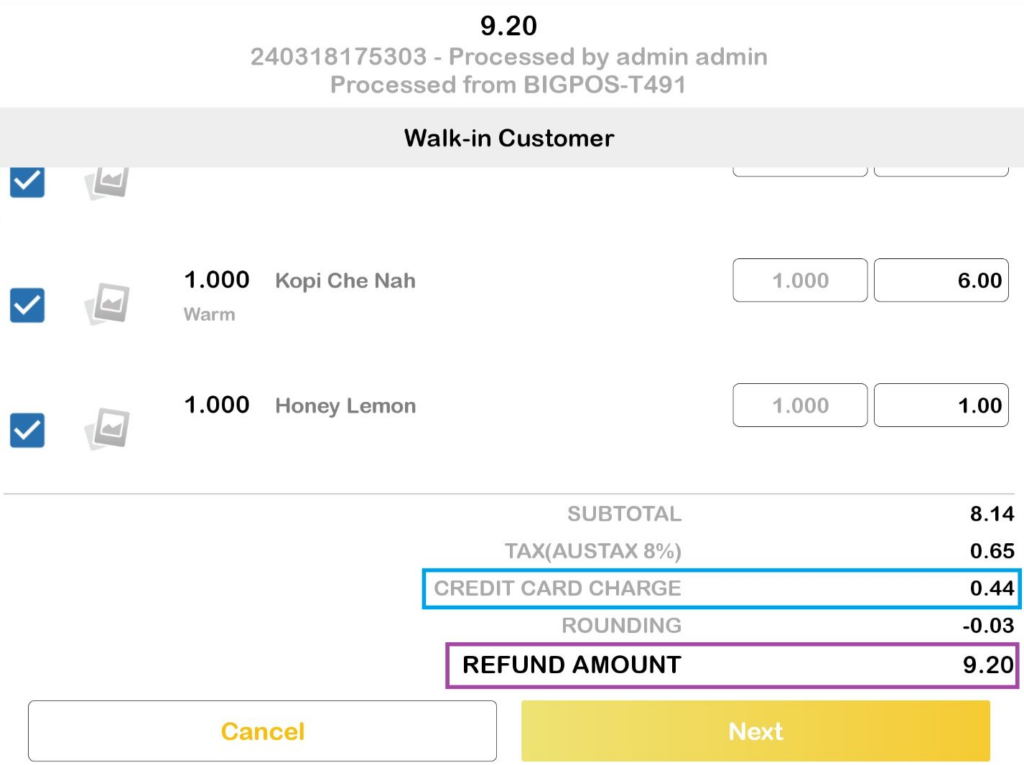
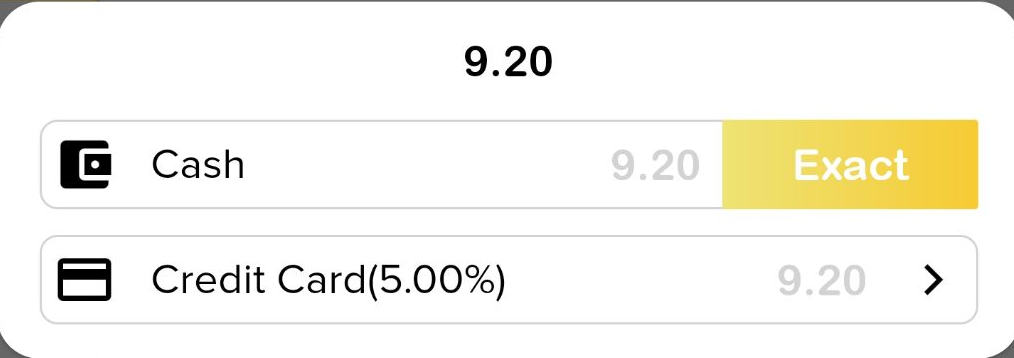
Note : Refund by cash or by card Refund include Card Surcharge = NO
Below is an example of a credit card charge row that not displayed when processing a refund. There is no credit card charge on the refund amount for both refund by cash or card.
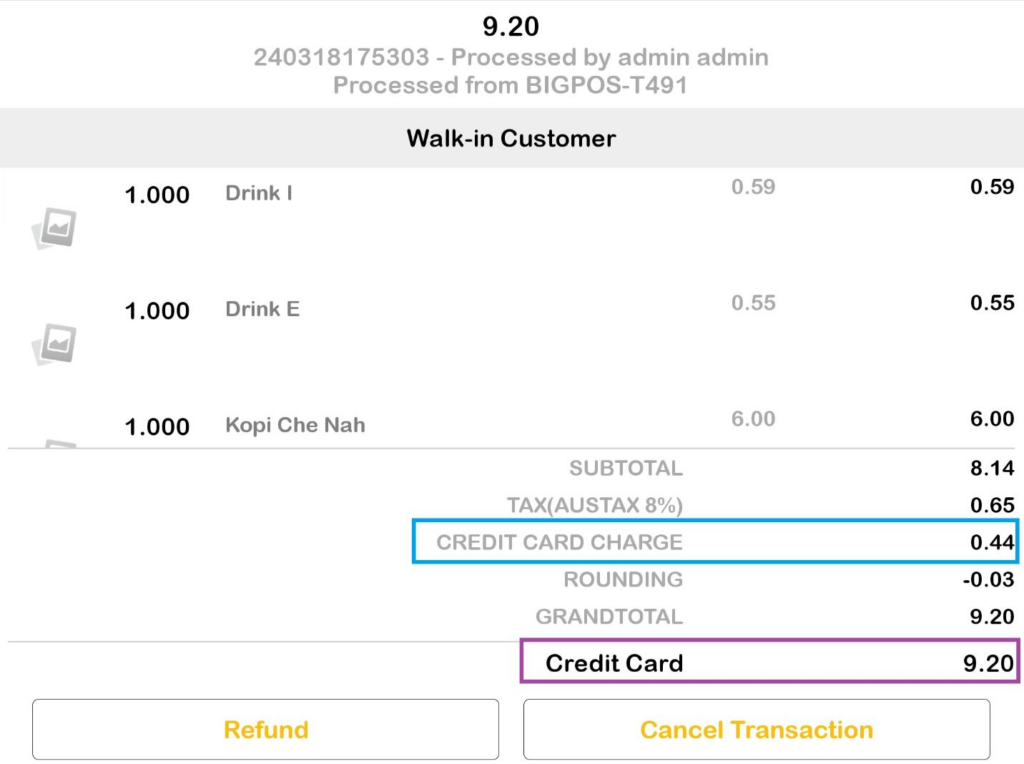
Web Admin Reports
This feature included changes in Daily sales report , Total sales report and Payment type report.
- Daily sales report :
- Refund with/without card surcharge (card-card/card-cash) > The transaction will be hidden
- Total sales report :
- Refund with/without card surcharge (card-card/card-cash) > The transaction will be hidden
- Payment type report :
- Refund with card surcharge (card-card) > The transaction will be hidden
- Refund with card surcharge (card-cash) > Show paid amount (include card surcharge)
- Refund without card surcharge (card-card) > Show card surcharge value
- Refund without card surcharge (card-cash) > Show paid amount (include card charge)