Queue Number Format Changes
Introduction
The new format changes for the queue number display will be explained in this post. The following format modifications include :
- Only for Queue Number Business Mode.
- Changes in BIGPOS Apps (Pro & Lite) , QR Menu, Kitchen Display System (KDS) , Customer Display System (CDS) and Self Ordering Kiosk (SOK) .
- Transaction in sub device will follow Master device terminal id .
Queue Number Format Changes
- Previous Format : Only have Queue order / QR order (QR transaction only) / SOK order (SOK only) .
- New Format : Add terminal id in front of queue no. ( Terminal id’s are different for different terminal names ) .
| NORMAL TRANSACTION | QR TRANSACTION | SOK (Pay at SOK) | |
| PREVIOUS FORMAT | Queue No: 1 •Queue order=1 | Queue No: 2 (QR 1) •Queue order=2 •QR order=1 | Queue No: 3 (SOK_112233) •Queue order=3 •SOK order = SOK_112233 |
| LATEST FORMAT | Queue No: 12-1 •Terminal id=12 •Queue order=1 | Queue No: 12-2 (QR-12-1) Terminal id=12 •Queue order=2 •QR order=1 | Queue No: 12-3 (SOK_112233) •Terminal id=12 •Queue order=3 •SOK order = SOK_112233 |
Apps (Pro & Lite) display
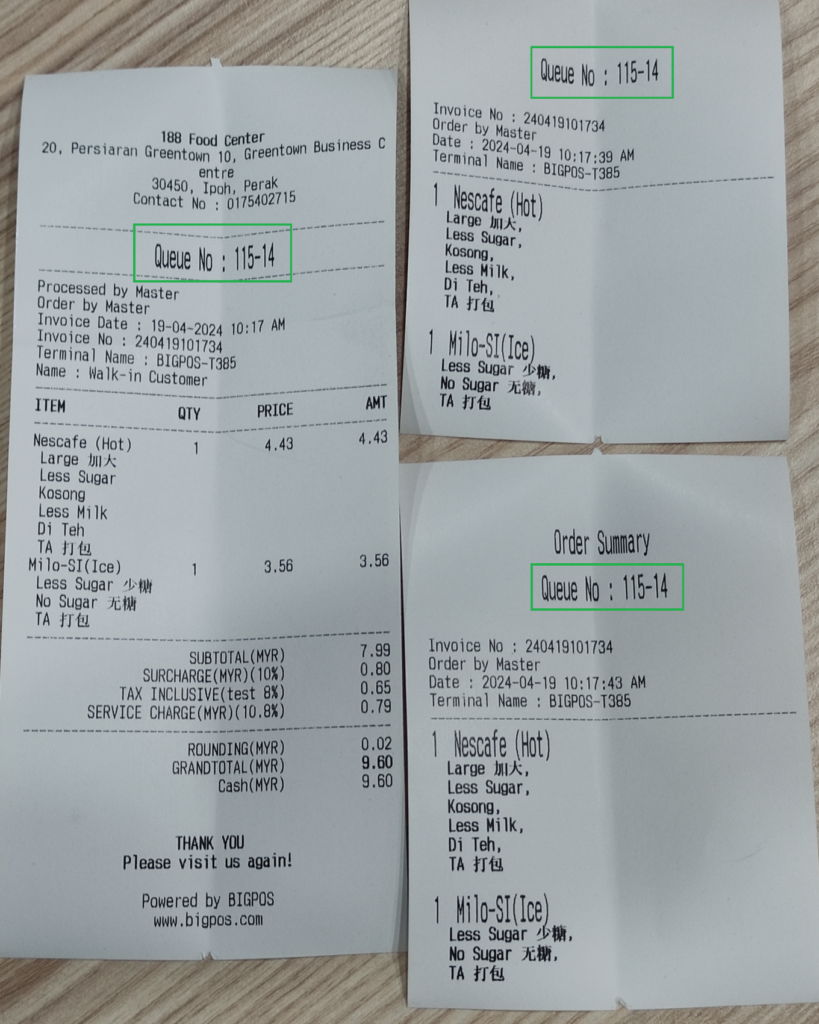
The format changes display in Pro and Lite apps are applied to the Invoice Receipt, Order Sheet , Order Summary and QR menu as shown below .
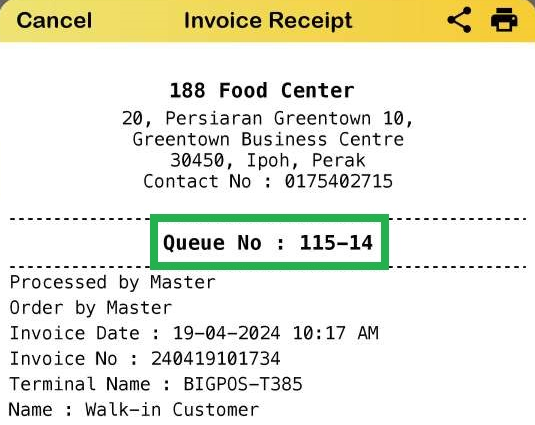
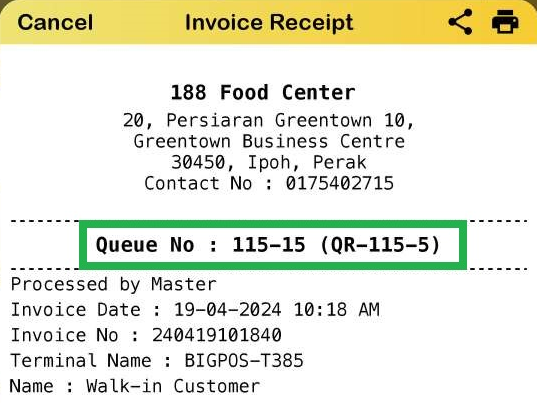
Order Sheet , Order Summary and Receipt
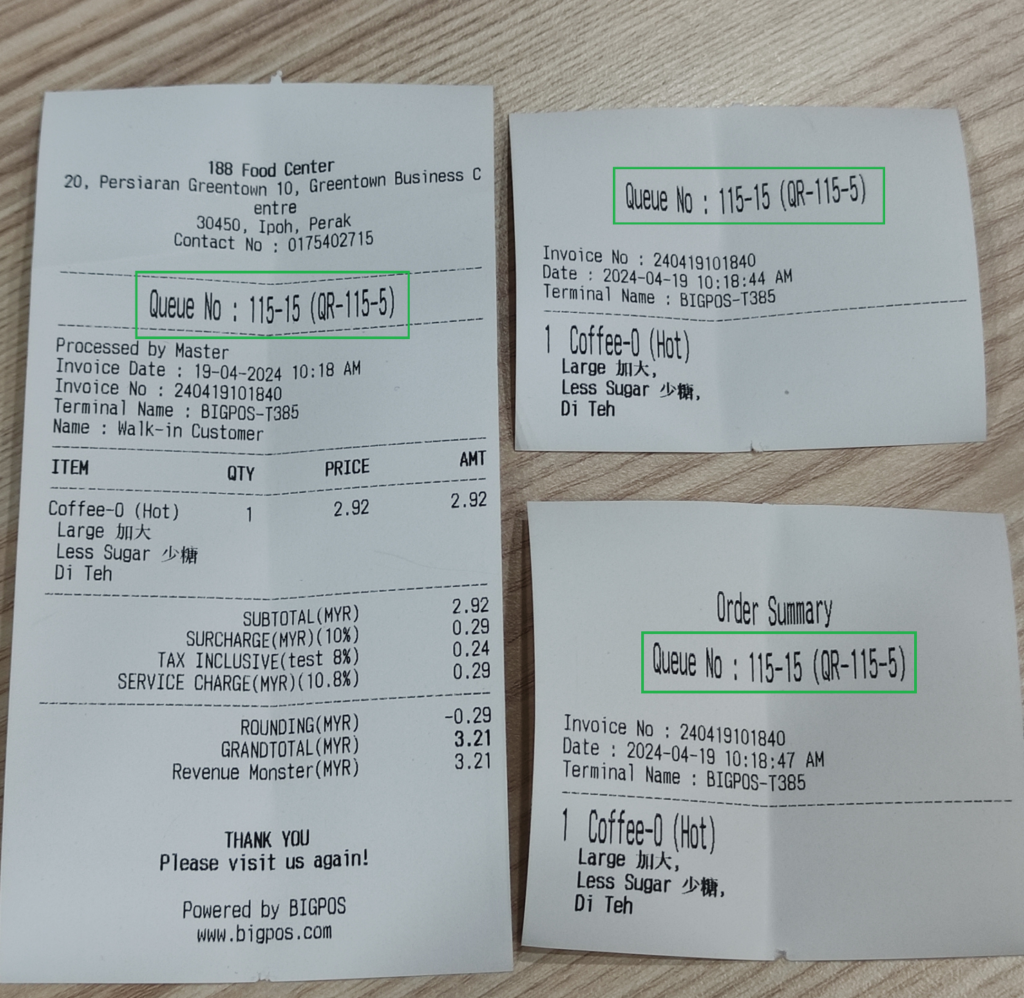
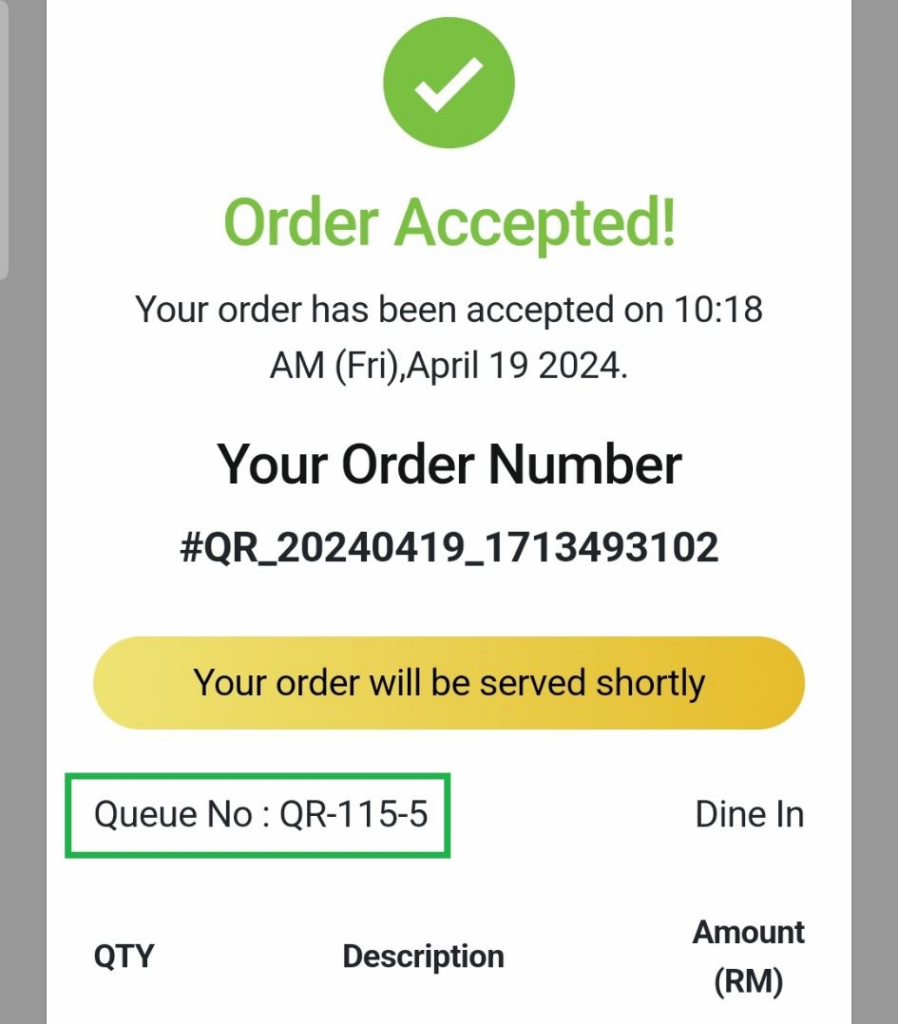
QR Menu
Format in QR Menu order receipt will display as Queue No : ‘QR-Terminal id’-‘QR order‘ as example below . 115 is terminal id and 5 is QR order.
Kitchen Display System (KDS) & Customer Display System (CDS)
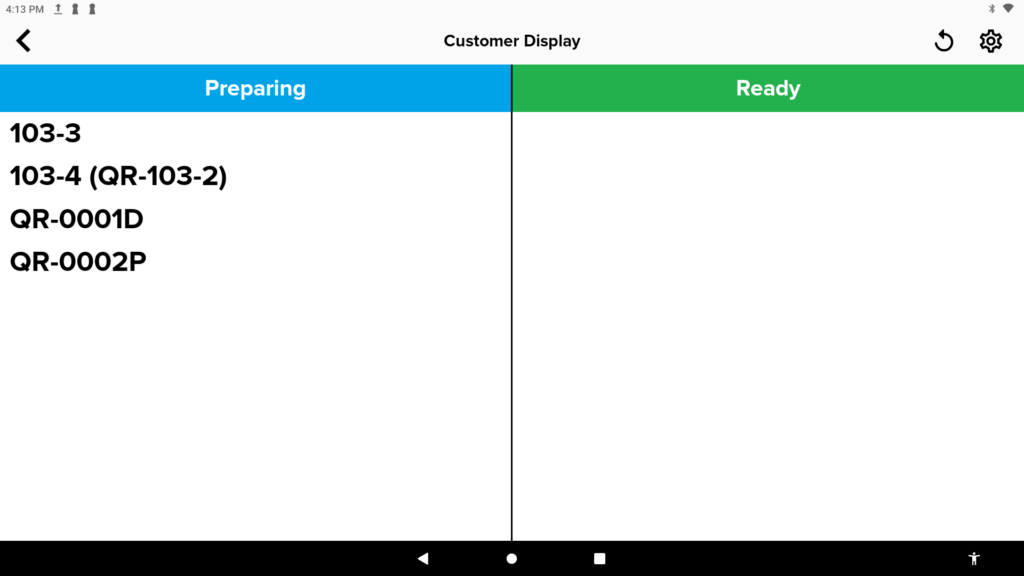
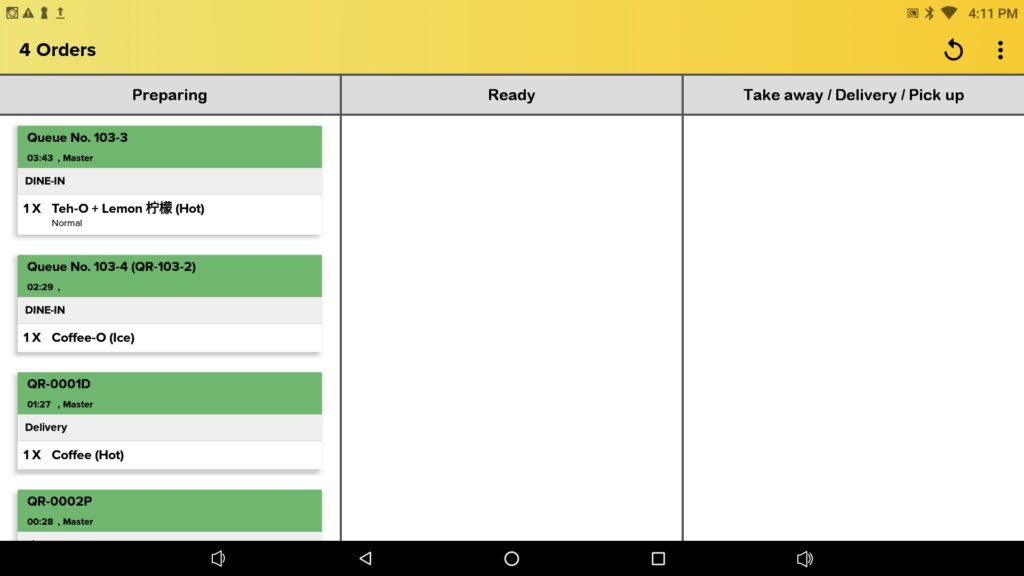
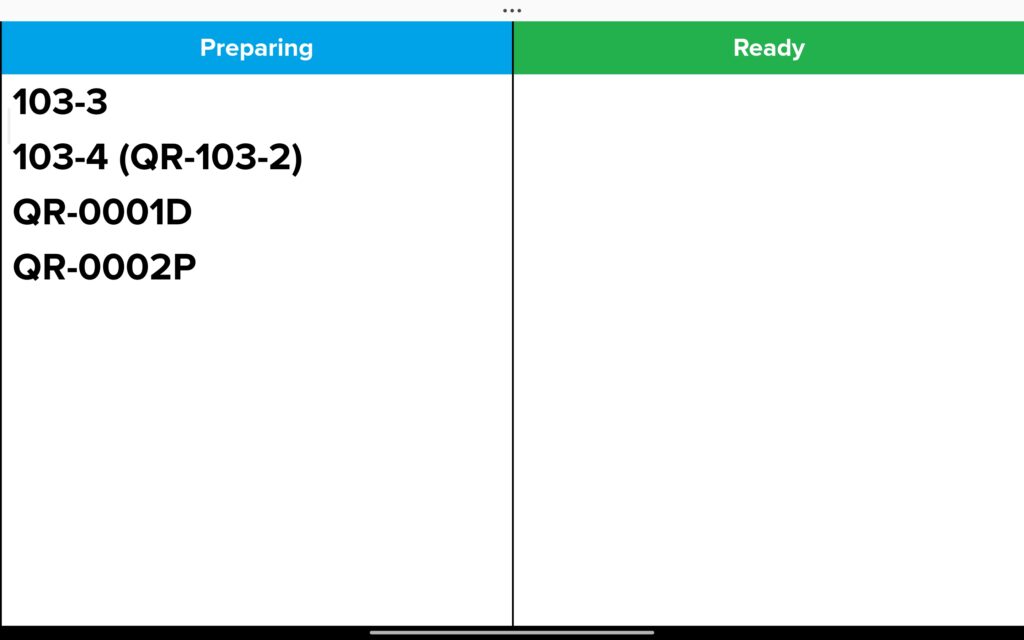
This new format changes applied to CDS and KDS as it will display queue number from Normal & QR Transaction. However still under development . Display format for Delivery / Pickup remain unchanged .
Self Ordering Kiosk (SOK)
Queue number format changes in SOK separated into 2 payment method ; Pay at Counter & Pay at SOK .
- SOK (Pay at Counter)
- order summary and guest check from SOK will show only SOK order number.
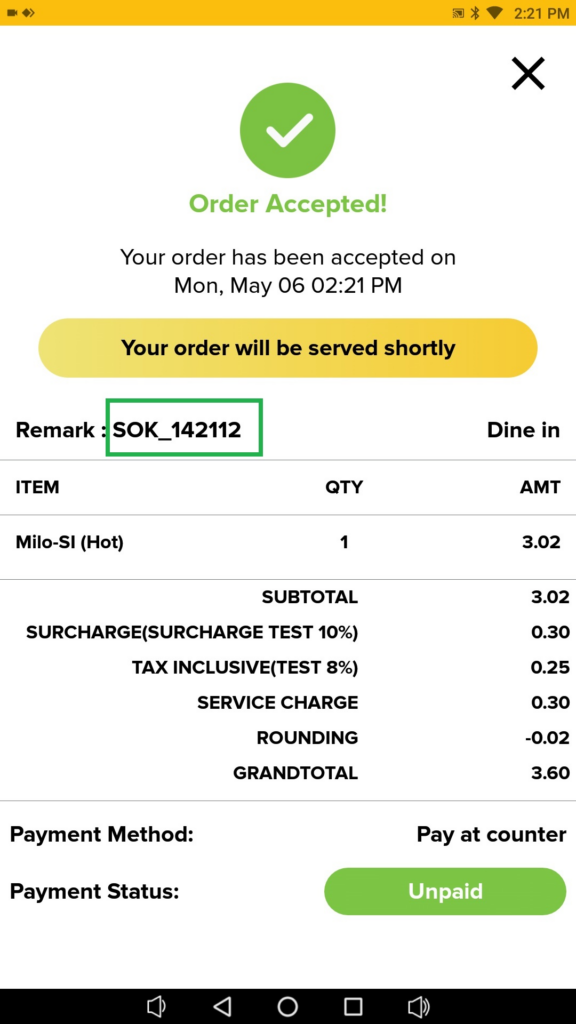
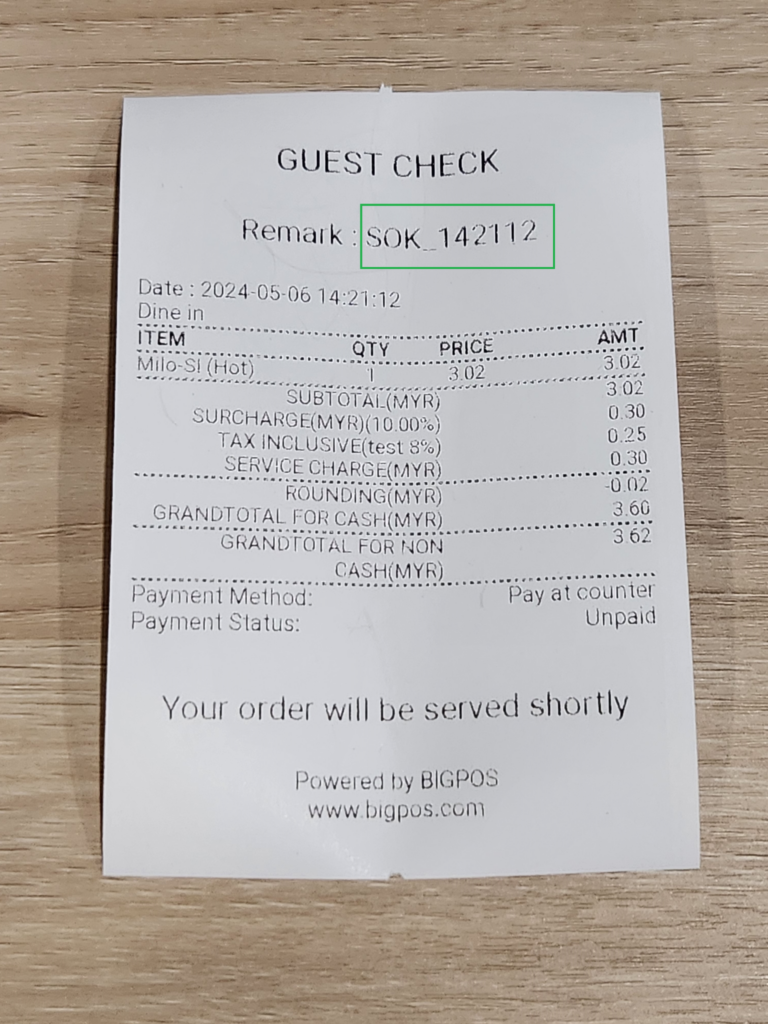
• order sheet , order summary and receipt print from Pro will have queue number with terminal id .
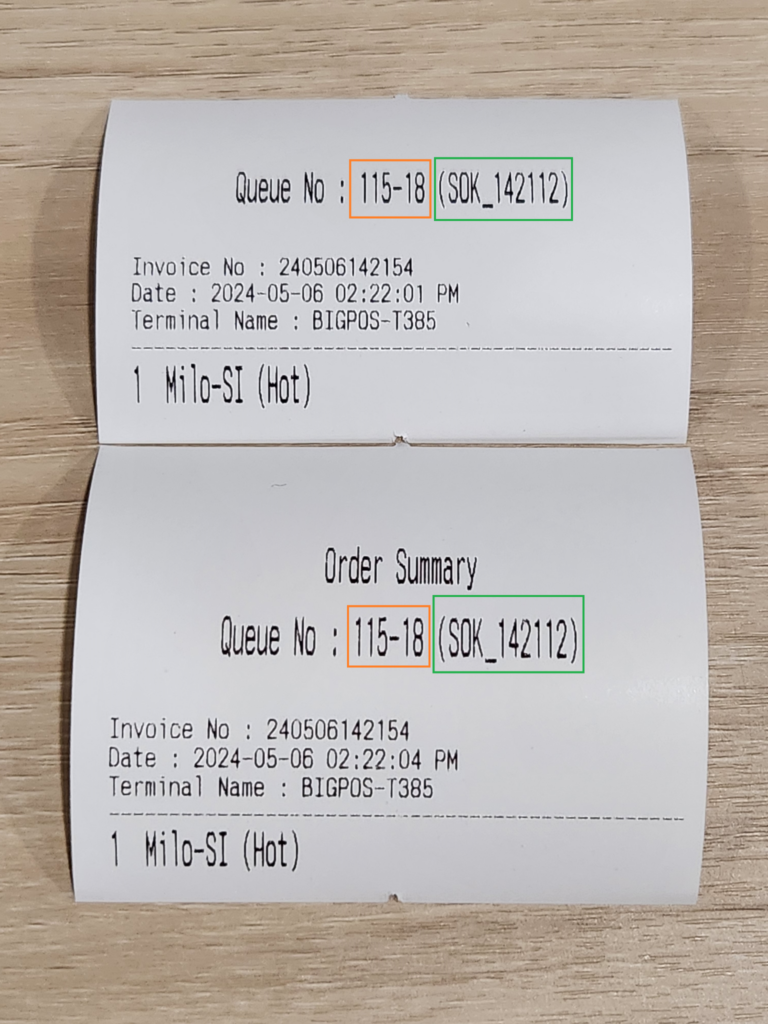
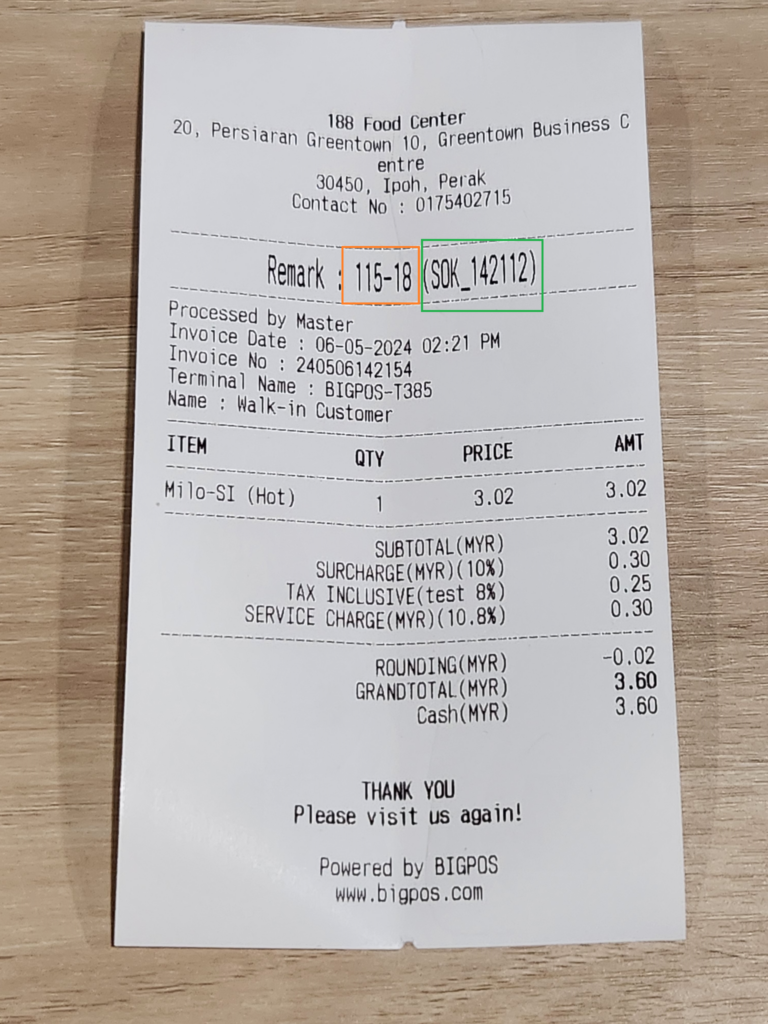
- SOK (Pay at SOK)
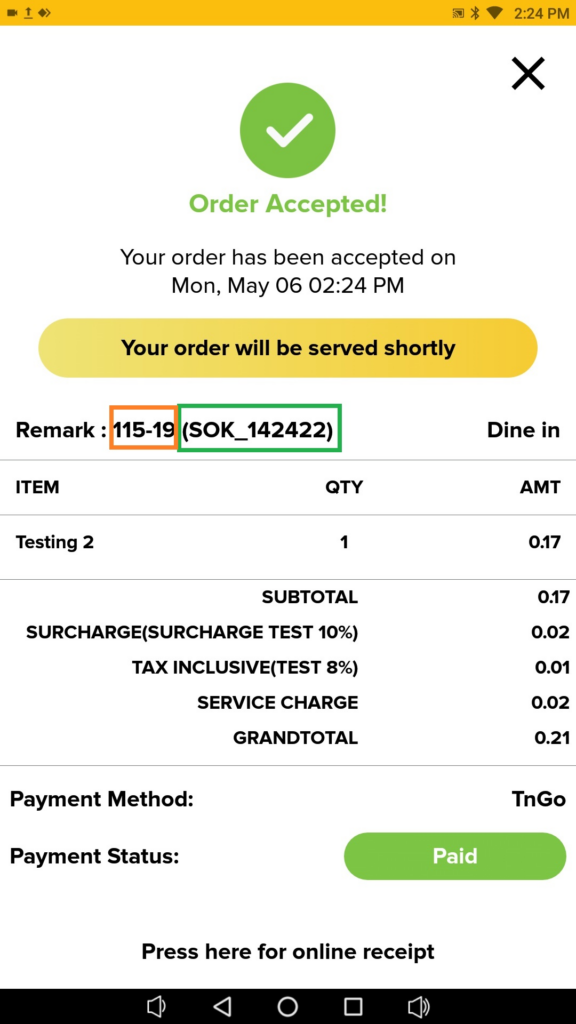
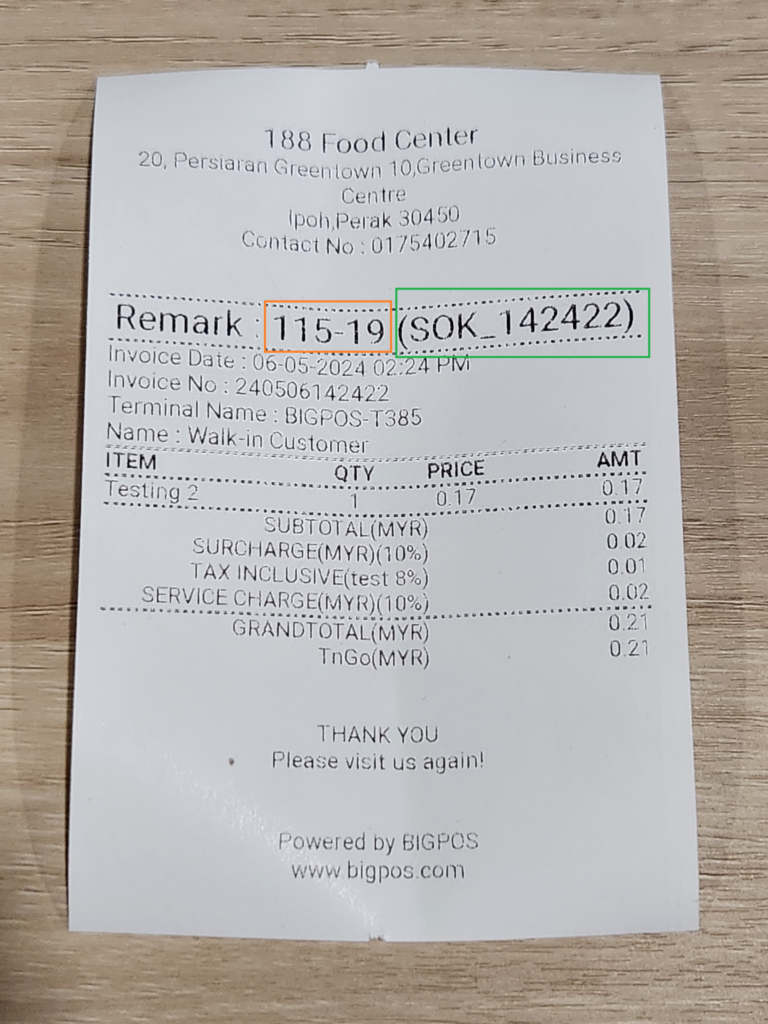
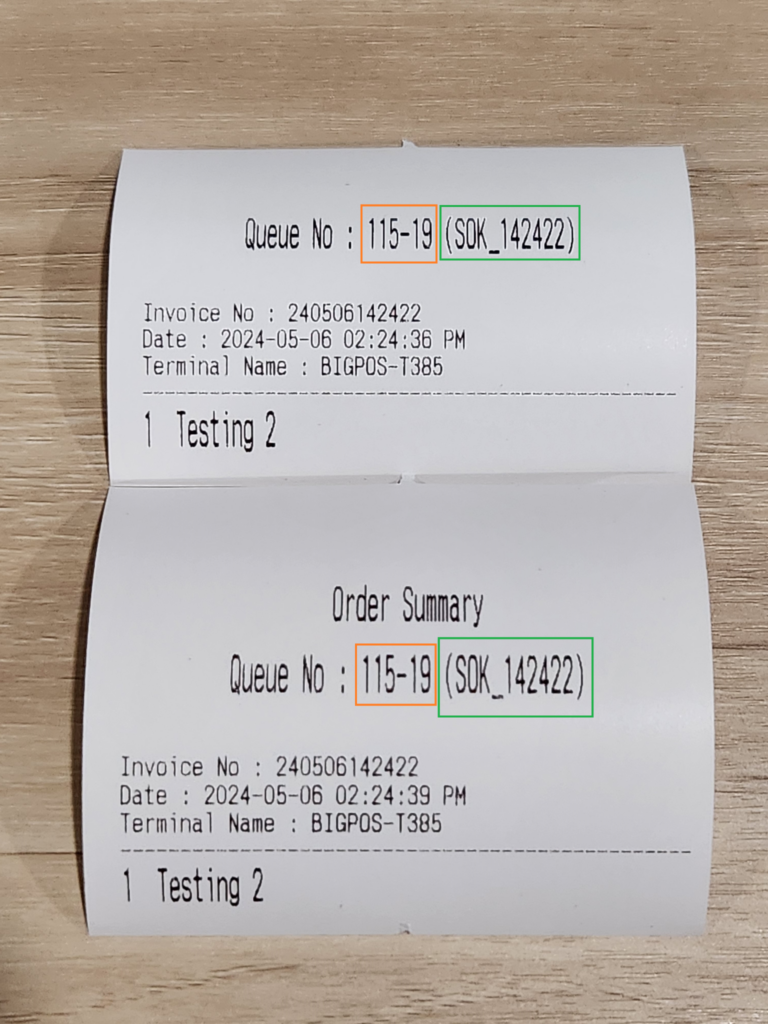
- order summary and receipt from SOK will show SOK order number with the new queue number format.
- Terminal id – order number (SOK order number) .
- Order sheet , order summary and receipt print from Pro also will have queue number with terminal id .
- order summary and receipt from SOK will show SOK order number with the new queue number format.