How Can We Help?
Profile – How to Edit Profile
Introduction
Users can edit their profile information in the BIG POS System. This section introduces how to edit a profile in the BIG POS Web Admin.
How to Edit Profile? (on BIG POS Web Admin)
Users can Edit profiles on any page within the BIG POS Web Admin.

- First, click on the “
 ” Icon on the top right of BIG POS Web Admin.
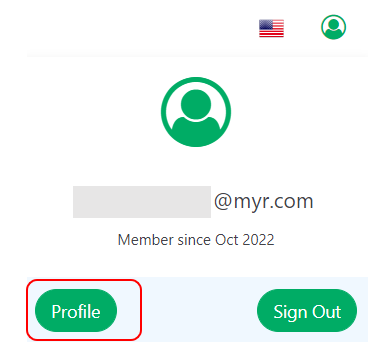
- Get into the Profile Page by clicking the “
 ” button.
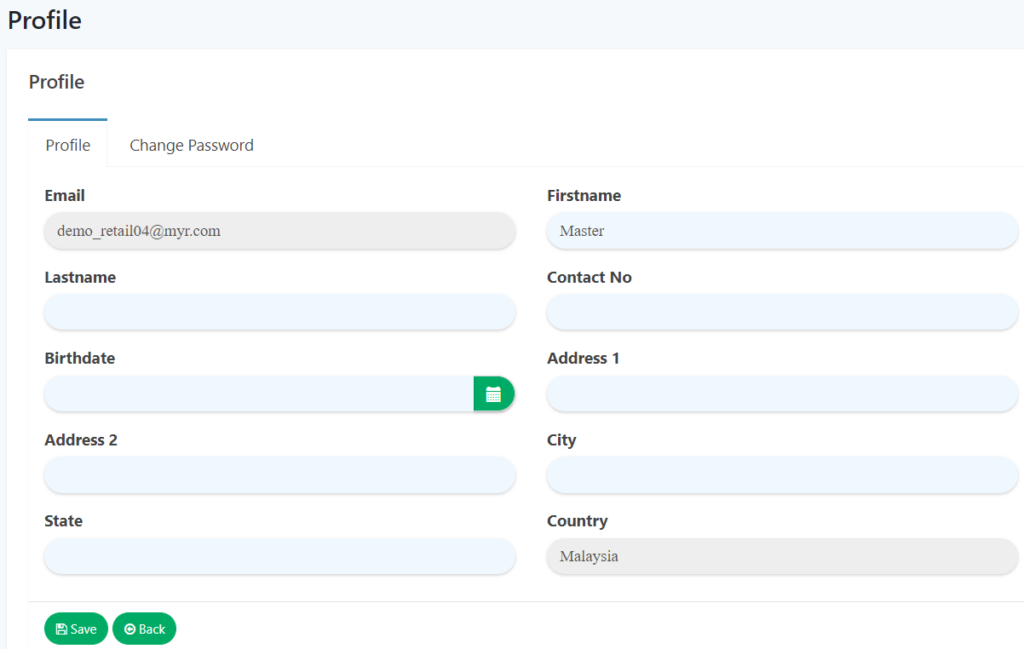
- In the Profile tab, fill in all the information.
- Once you’ve filled in all of the information, click on the “
 ” button to save the changes.
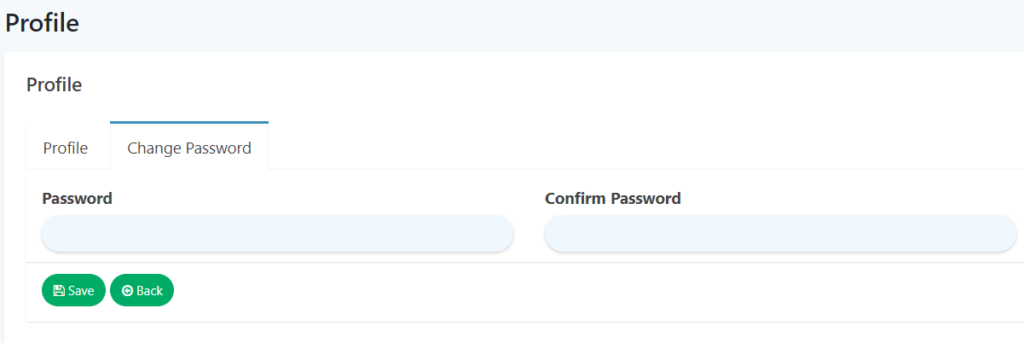
- You may change your password in the Change Password tab.
- Fill in the New Password and Confirm New Password and proceed by clicking the “” button.