How Can We Help?
Product Management – How to create variance settings for the products in web admin?
Introduction
This post will introduce you to creating variance settings for the products in web admin.
How to create variance settings for the products?
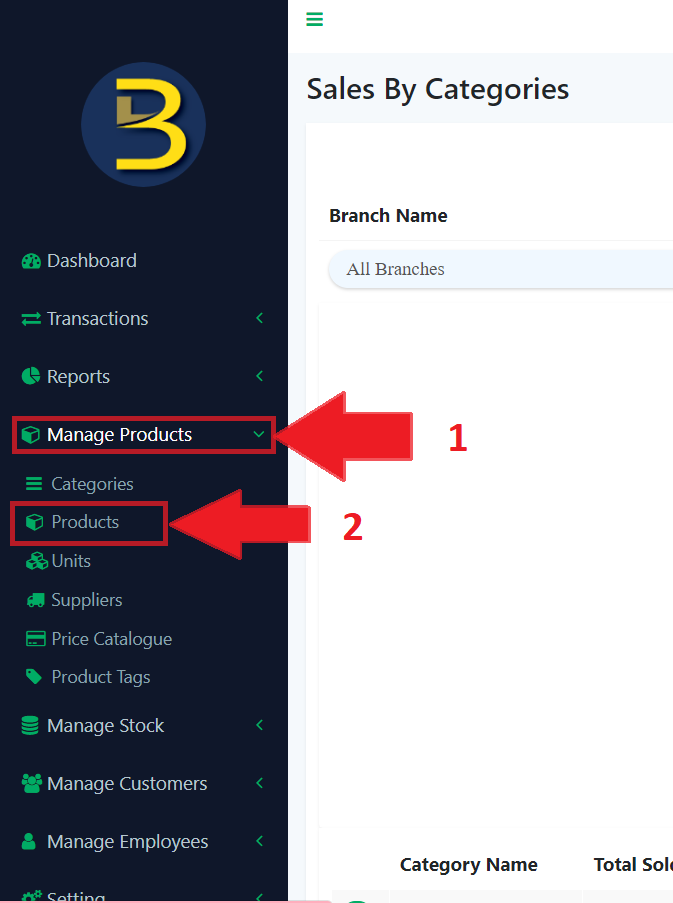
- First, click on the “Manage Product” button to expand the sub category.
- Then, click on the “Products” button to direct you to the products page.
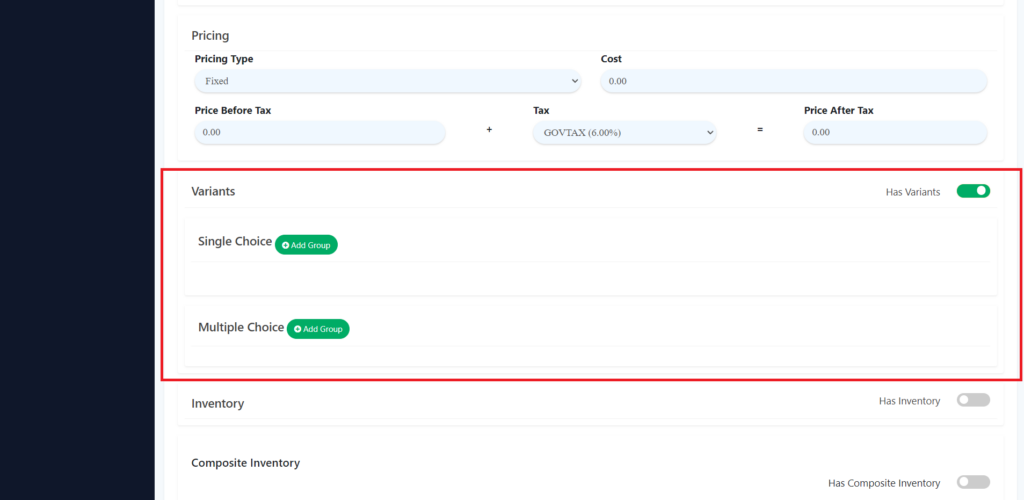
3. Turn on the variants. Set the single choice or multiple choices.
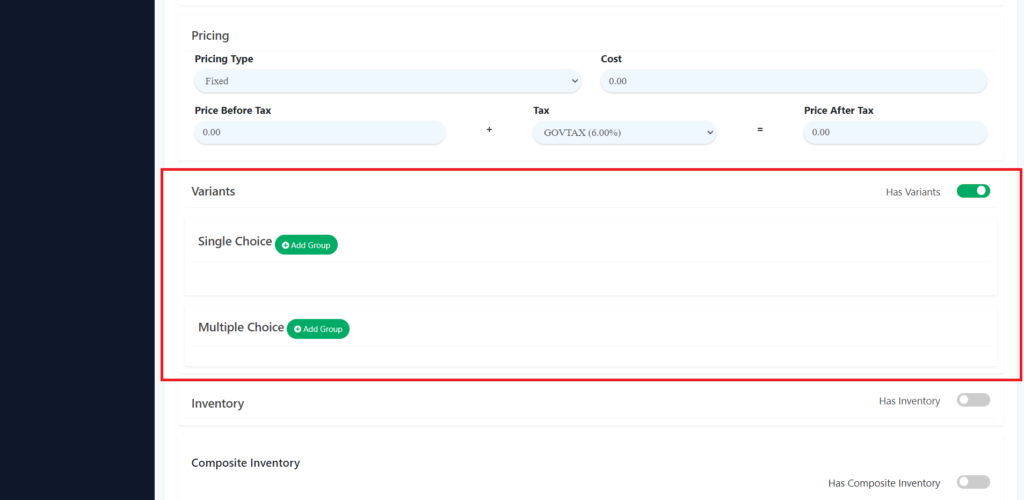
4. Click the “Add Group” to different choice.
5. Add details of the different choices.
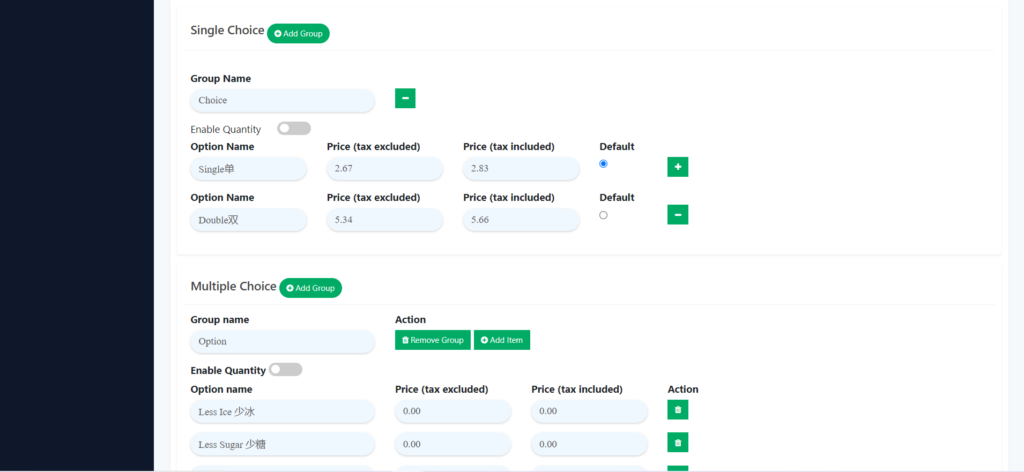
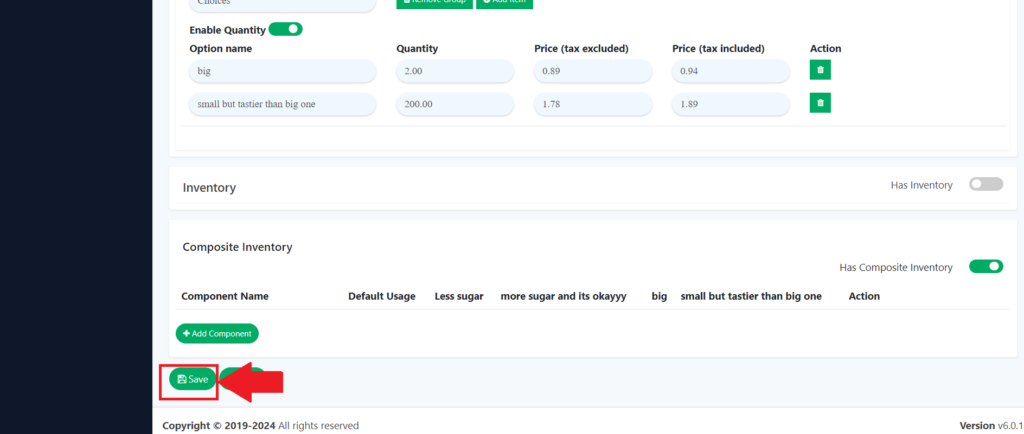
6. At the end, you need to click the save button to save the details.