How Can We Help?
How to view the pay-in/ out report in web admin?
Introduction
This post will guide you on how to view the pay-in/out report in web admin.
How to view the pay-in/out report?
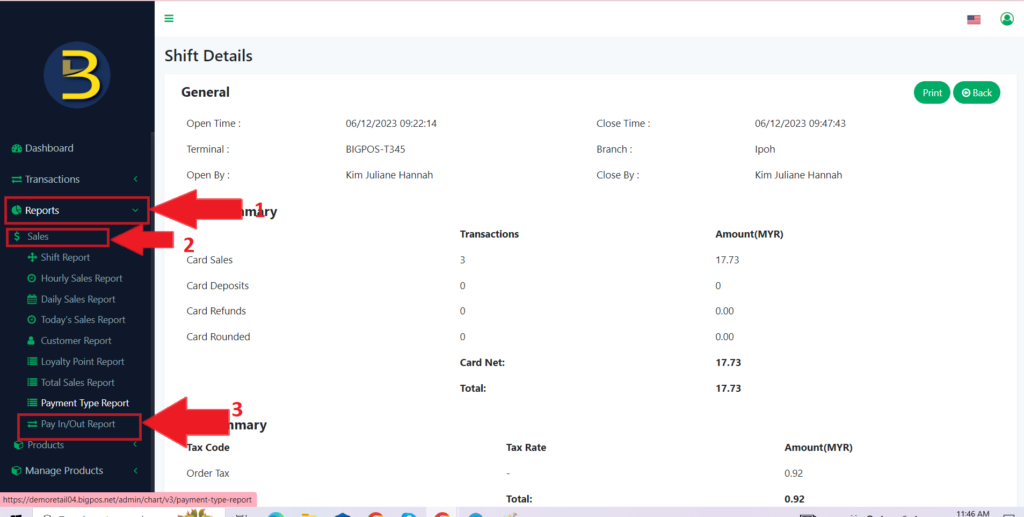
- First, you need to click the “Reports” button to expand the category.
- Then, you click on the “Sales” button to expand to different types of reports.
- Only then, you click on the “Pay In/Out Report “button to view it.
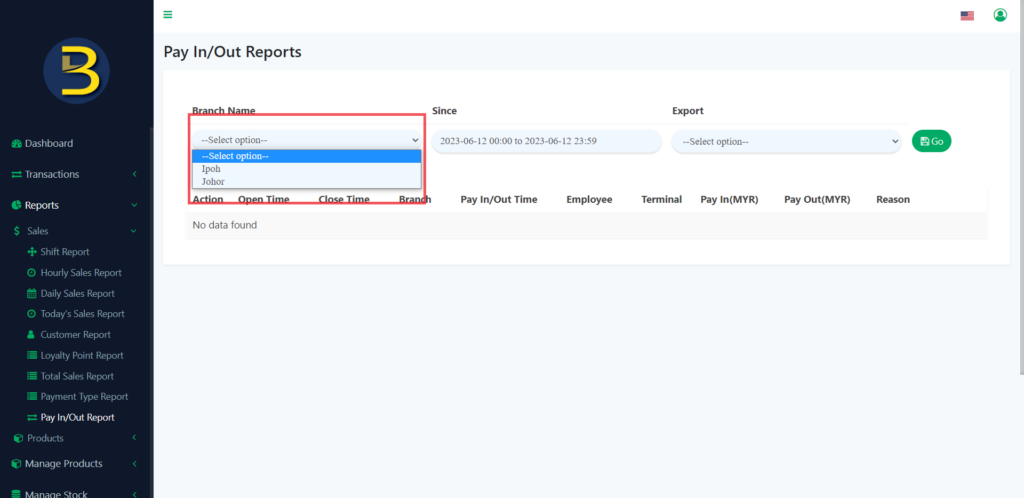
4. After clicking, you need to choose a branch where you want to view the pay-in/out report.
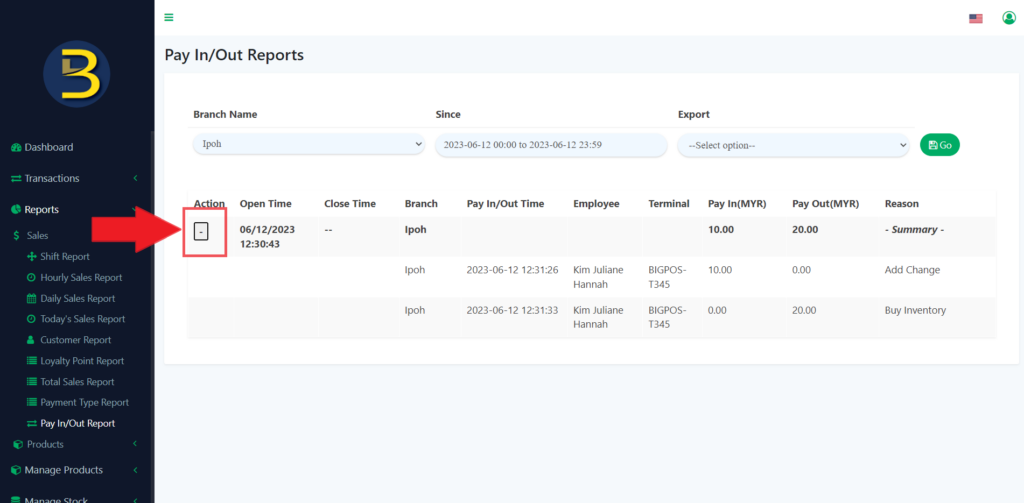
5. After you have chosen, will see the list of summary of the report.
6. If you want detail, you need to click on the button to see the detail of the pay-in/out report.