How Can We Help?
How to use the auto-close table after send order function in BIGPOS Pro and Lite app?
Introduction
This post will guide you to turn on the auto-close table after sending the order.
How to use the auto-close table after sending an order?
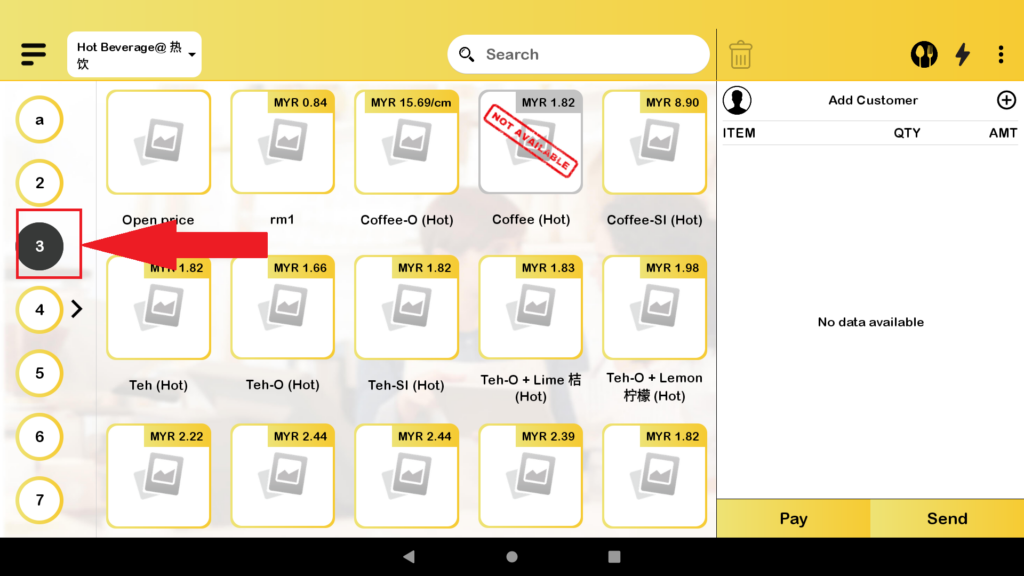
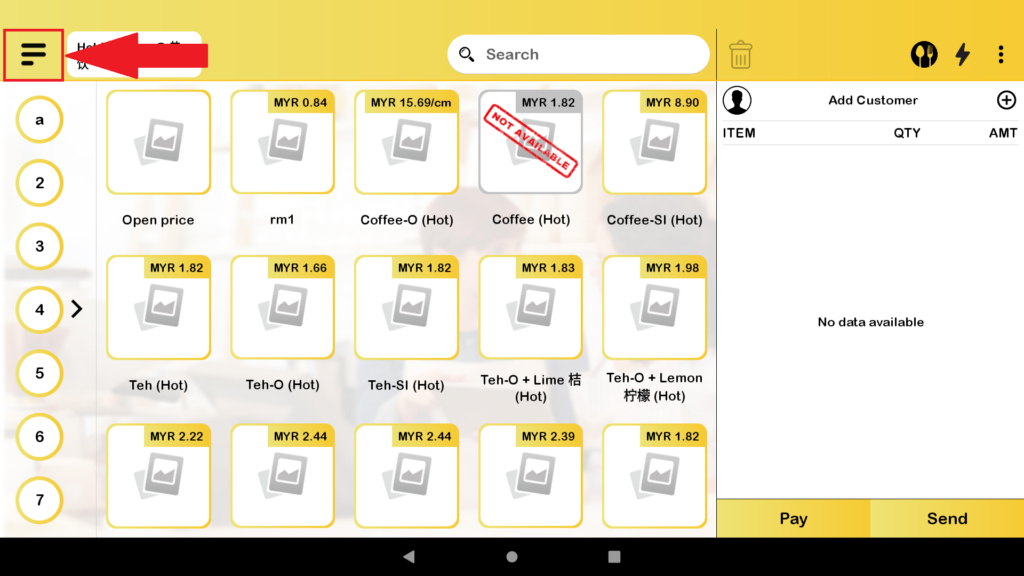
- First, You need to click on the bar button to expand the category.
- Then you click on the “Settings” to redirect to the setting page.
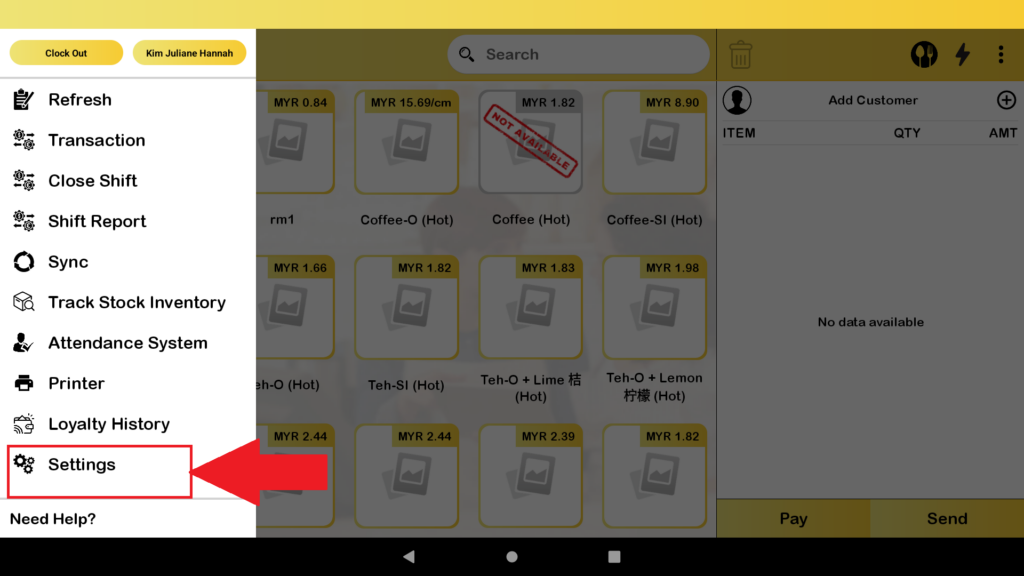
3. After in setting page, scroll down to look for the “Auto Close Table after Send Order” and then toggle on the setting.
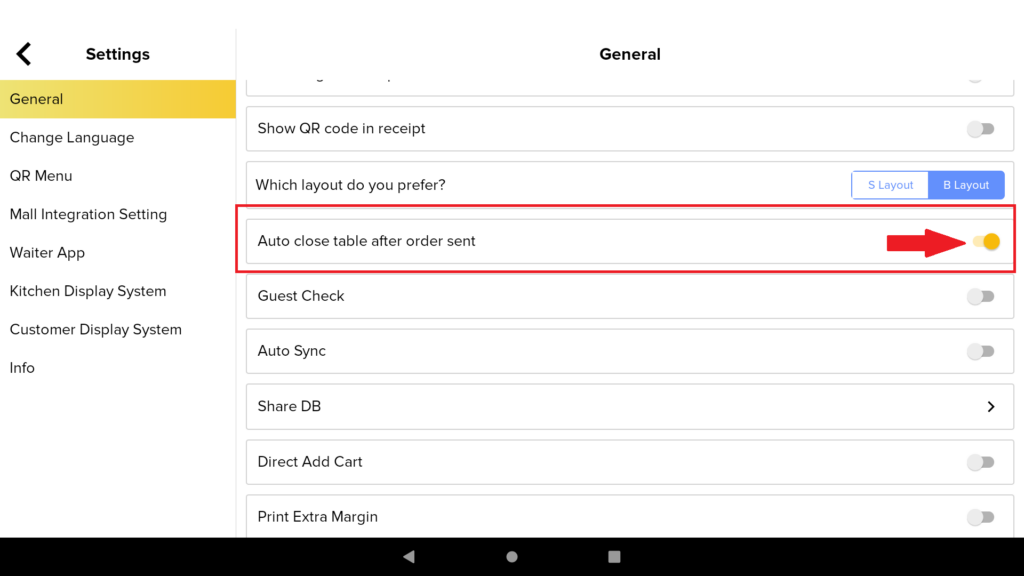
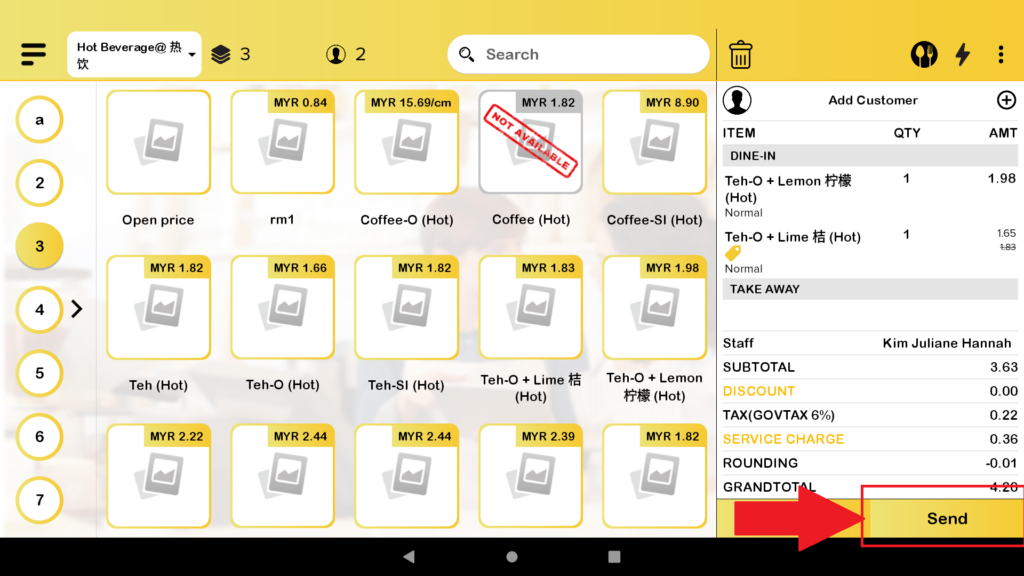
4. When you have an order in the cart and then click on the “Send” to send order to kitchen
5. The table will be auto-closed.