How Can We Help?
How to switch on the direct add-to-cart function ?
Introduction
This article shows you how to switch on the direct add-to-cart function.
How to switch on the direct add-to-cart function ?
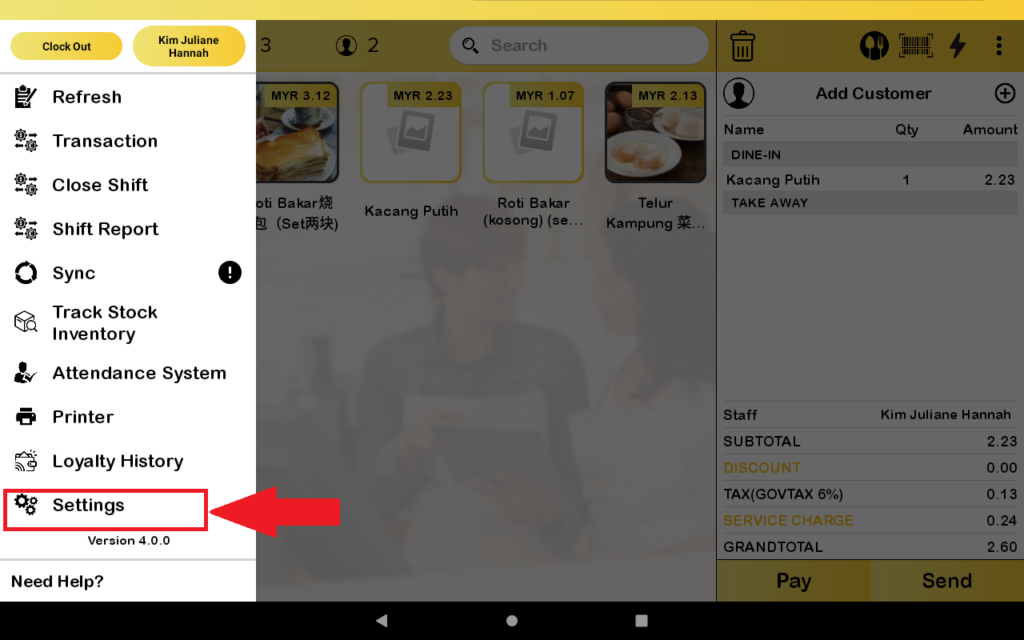
- First, go to the “Setting”.
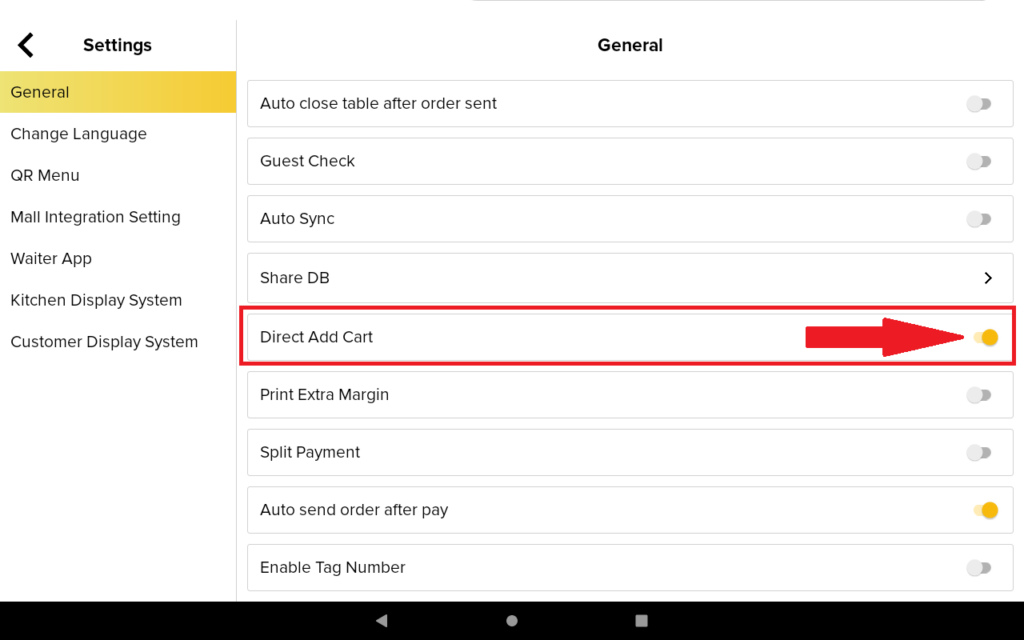
2. Then, you need to toggle on “Direct Add Cart”.
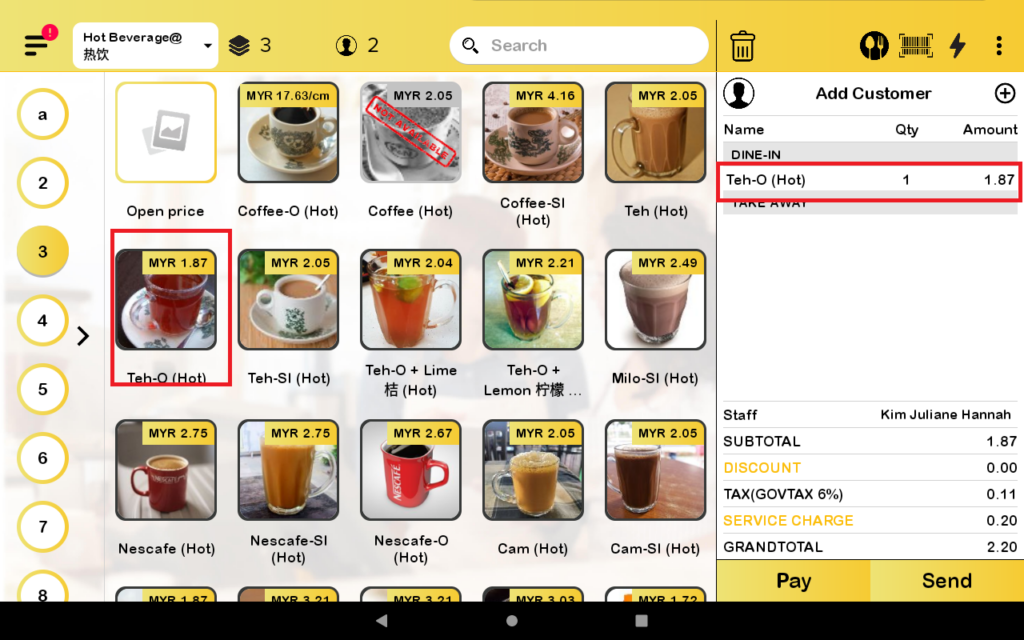
3. Then, you can directly add products without variants into the cart.
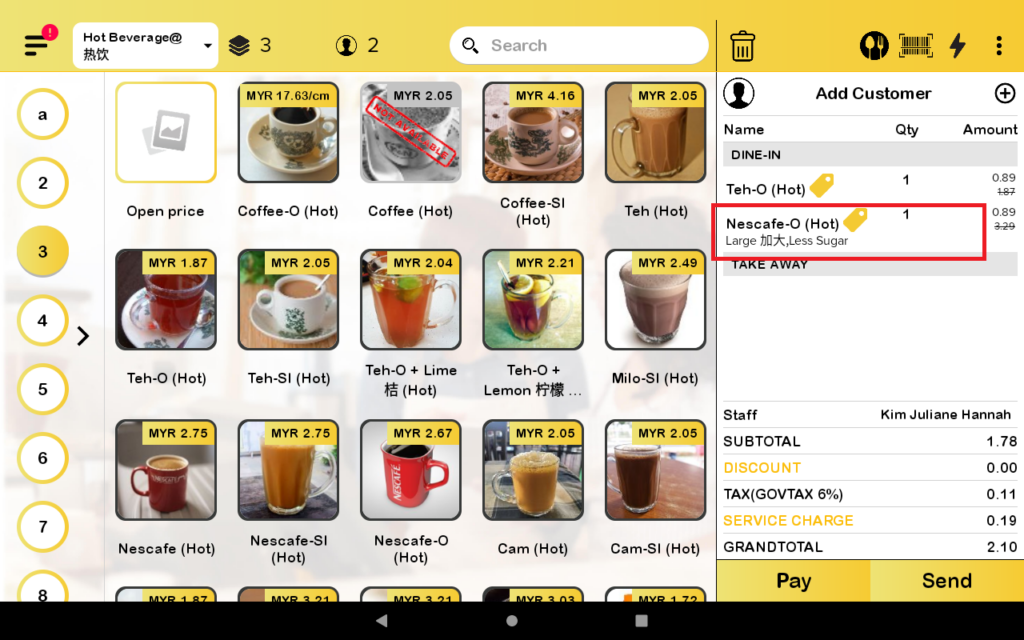
4. For the product with a variant, you need to choose the variant before you add it to the cart.
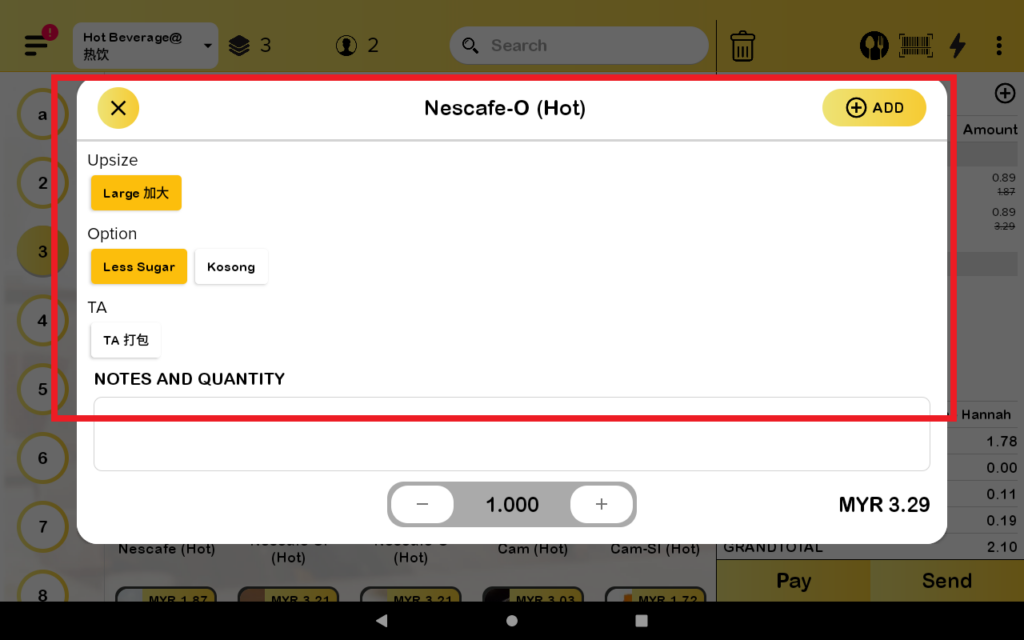
5. The cart will have the detail of the product with variant.