How Can We Help?
How to customize table layout size display (small/medium/large) in BIGPOS Pro
Introduction
Customize table layout size display function is adjustable for people who need bigger words to show to them. This function came in 3 sizes, which are small, medium, and large table layout sizes.
How to customize table layout size display of small, medium, or large?
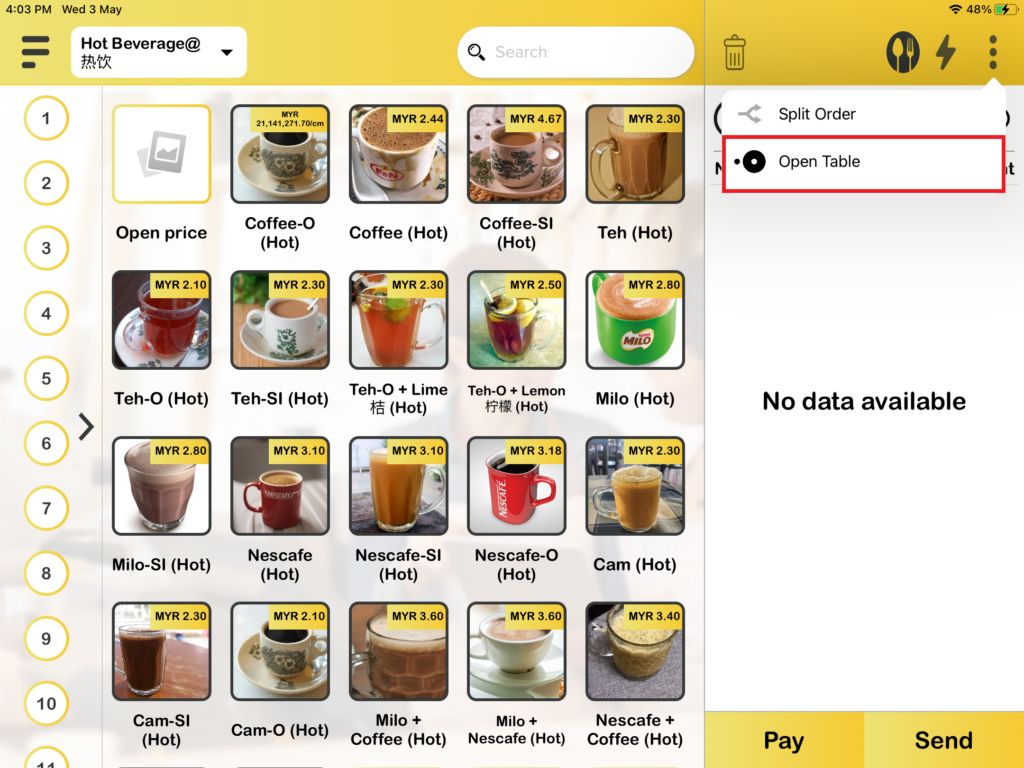
1. First, you need to press on “Open Table“, and you will direct to the table page.
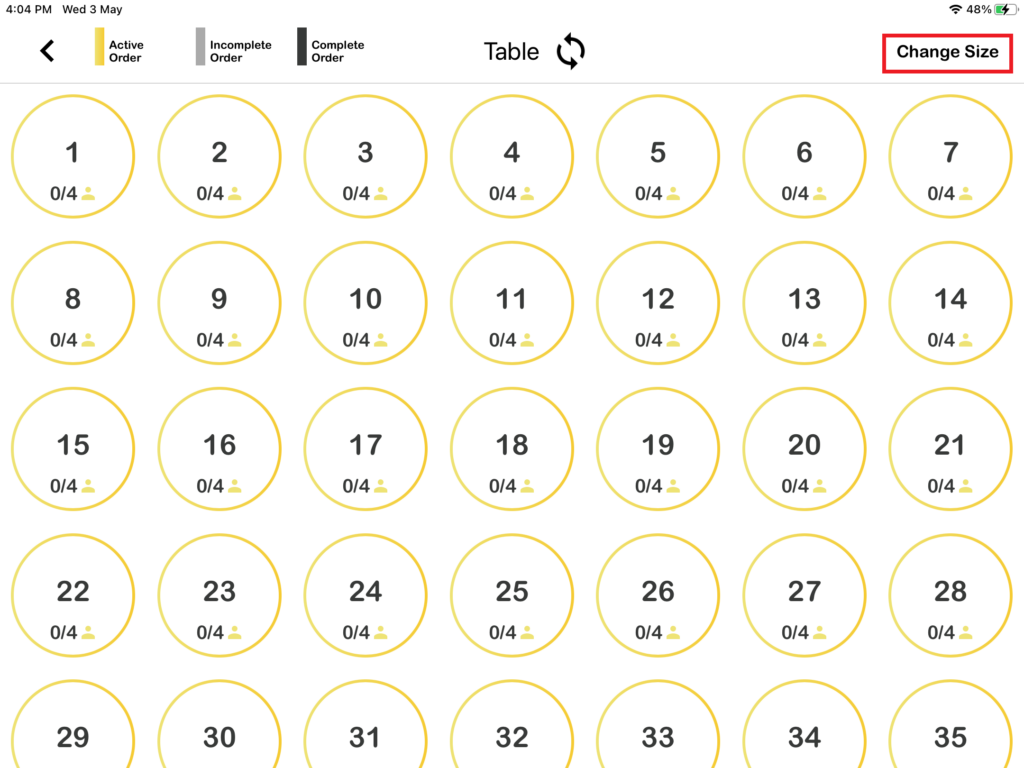
2. Then you will see “Change Size” on the top right side and press it.
3. It will show 3 types of sizes, which are Small, Medium, and Large. Choose any of them and you will see the difference.
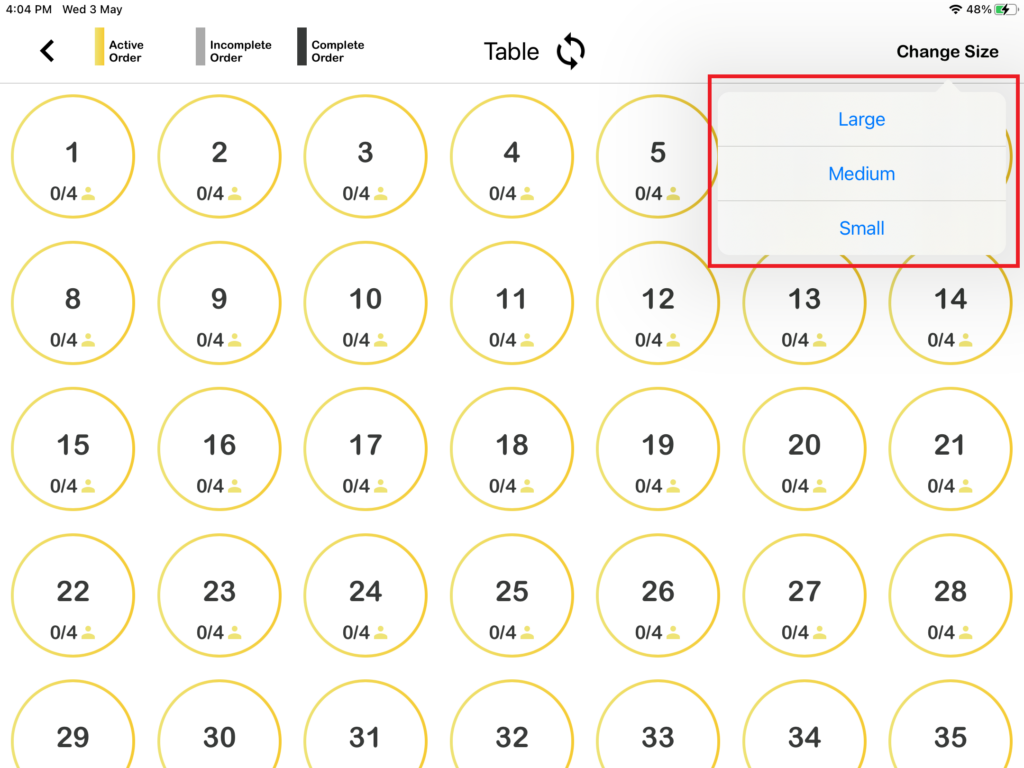
Large table layout size
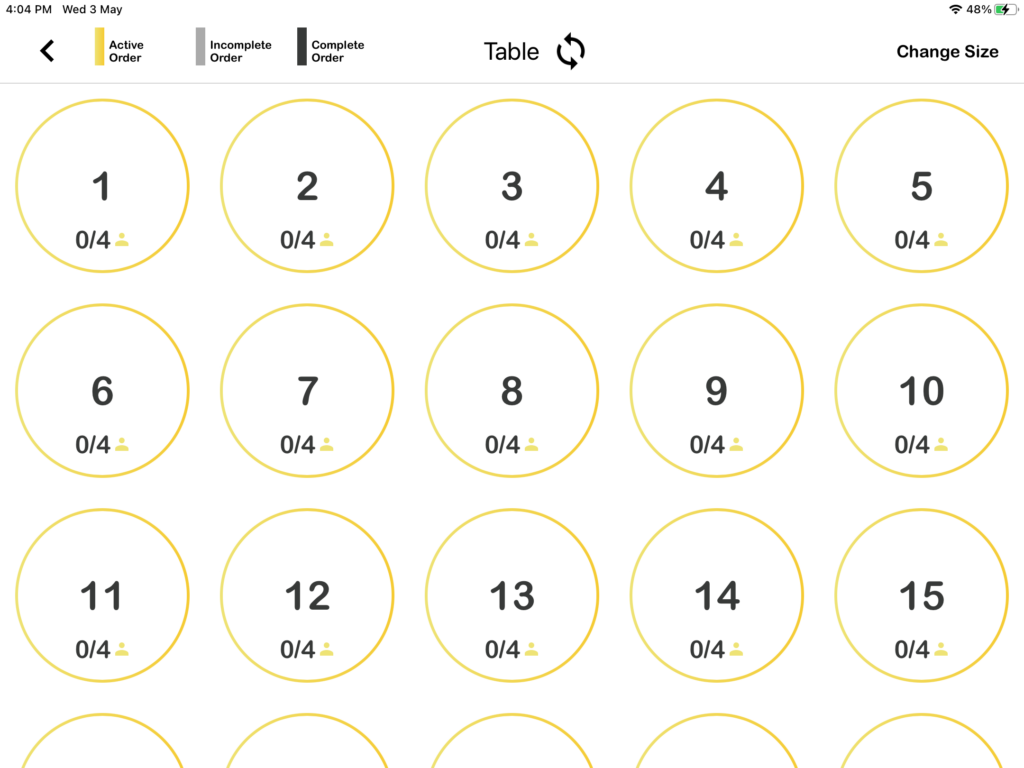
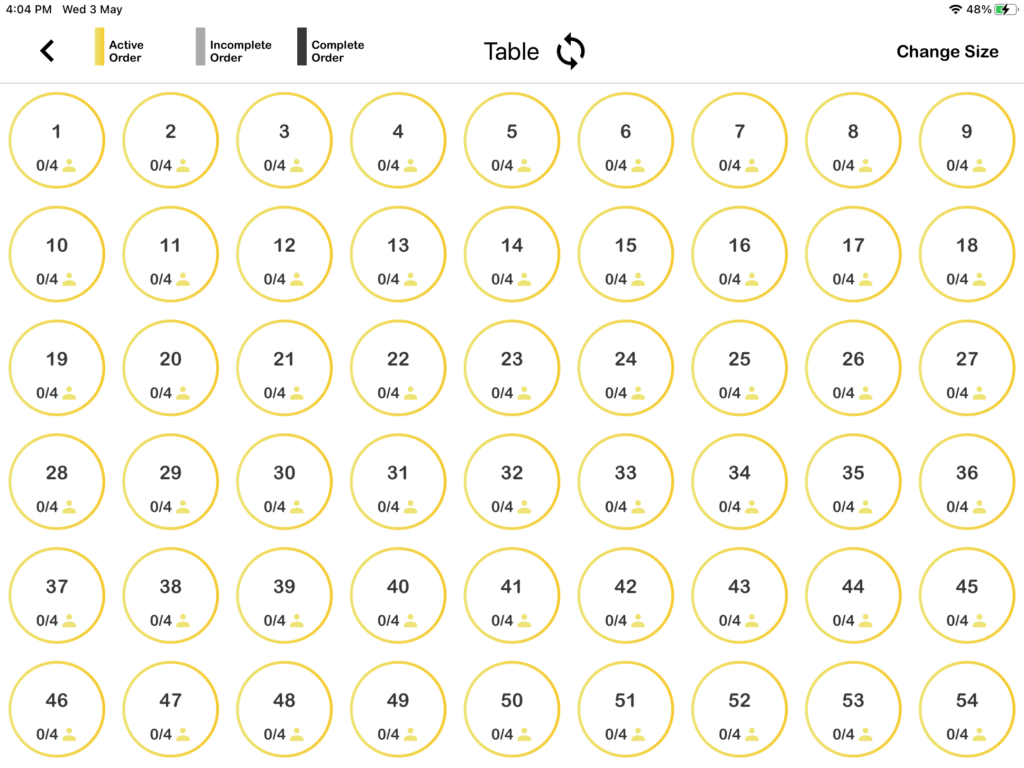
Medium table layout size
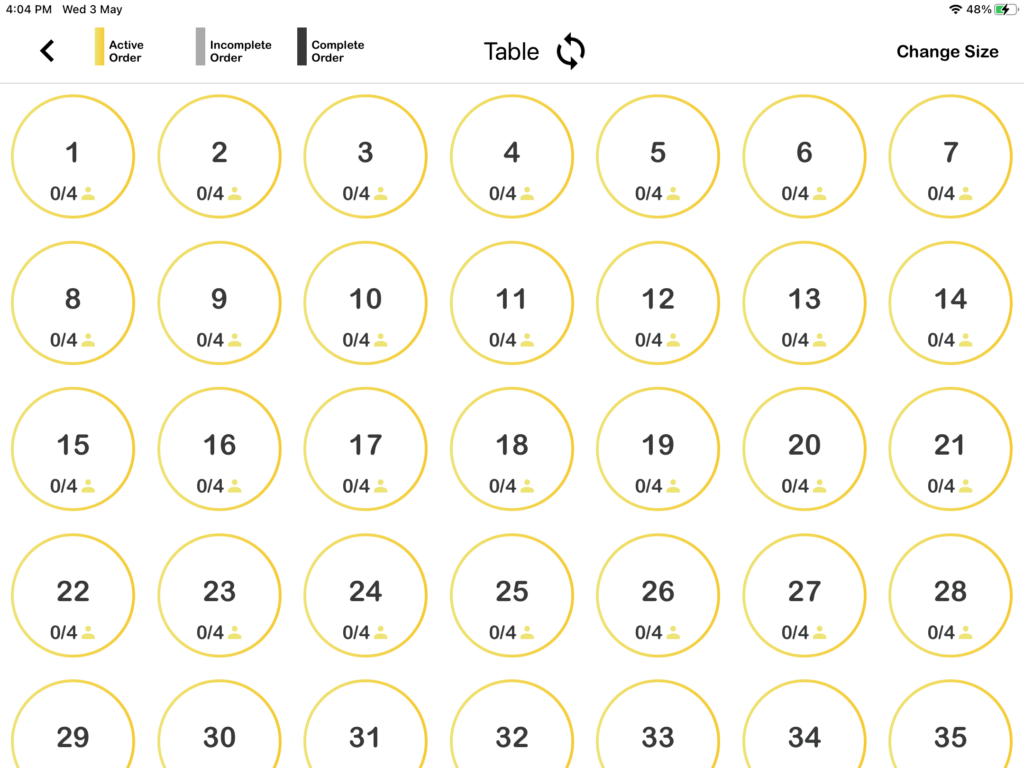
Small table layout size