How Can We Help?
How to change the number of copies of the receipt setting in BIGPOS Pro?
Introduction
This post will guide you on changing the number of copies of the receipt setting.
How to change the number of copies of the receipt setting?
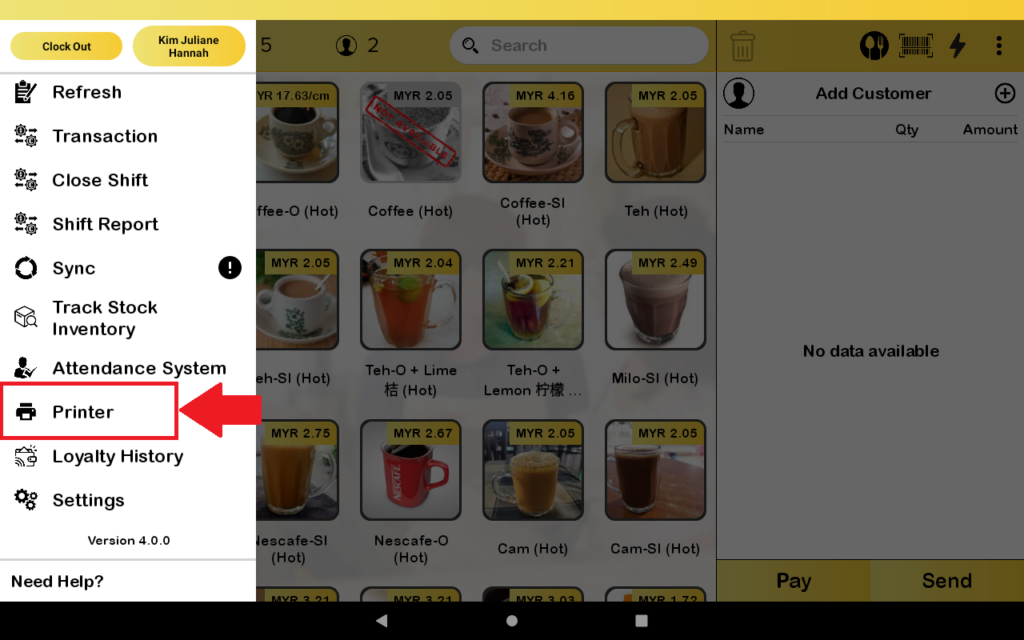
- First, you need to go to “Printer”.
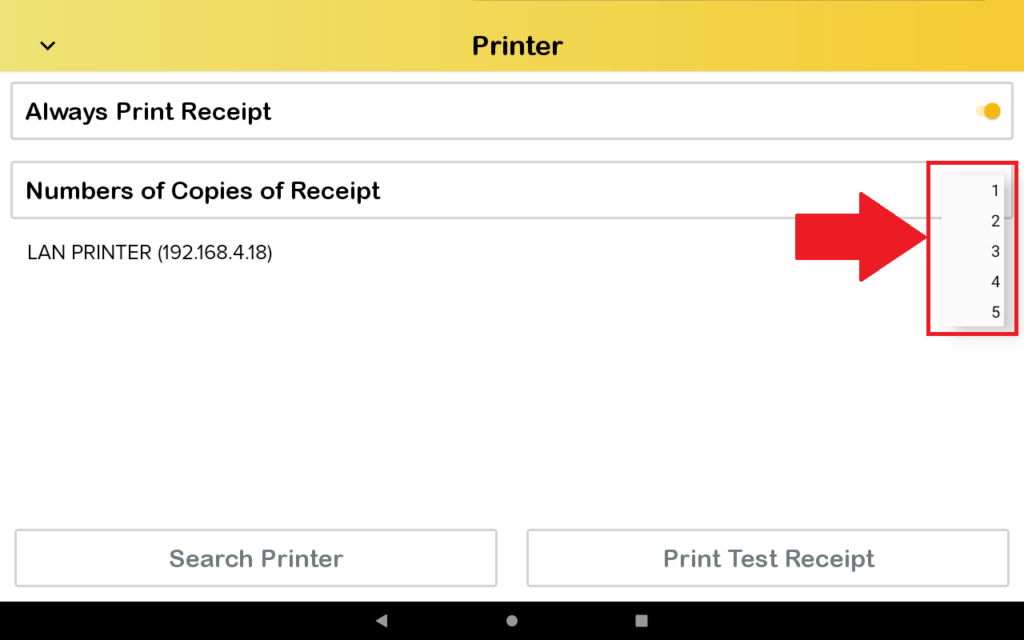
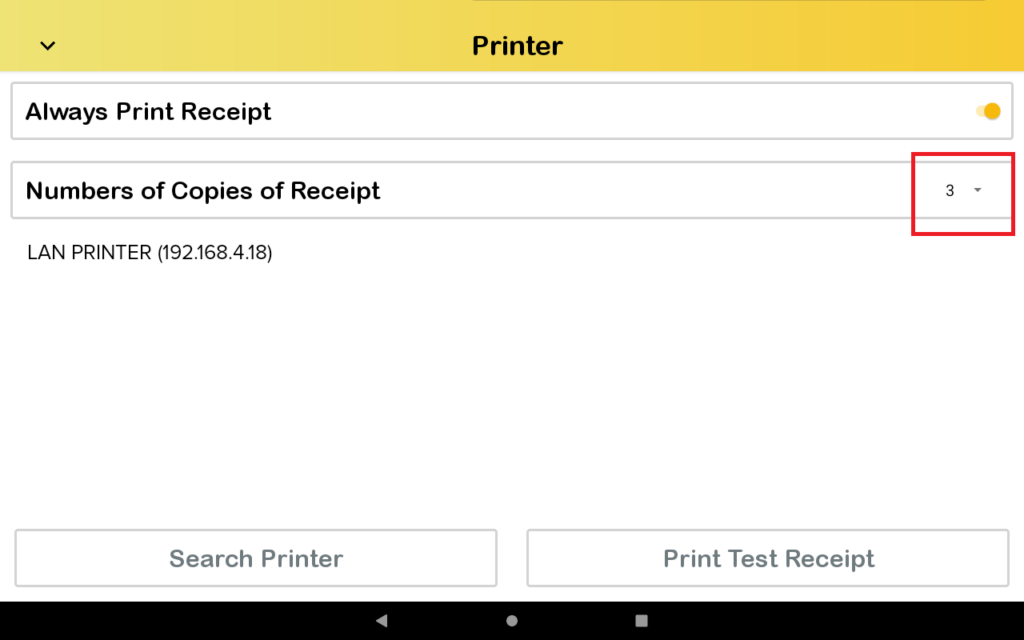
2. Then, you click “Number of Copies of Receipt” to choose how many copies you want to print.
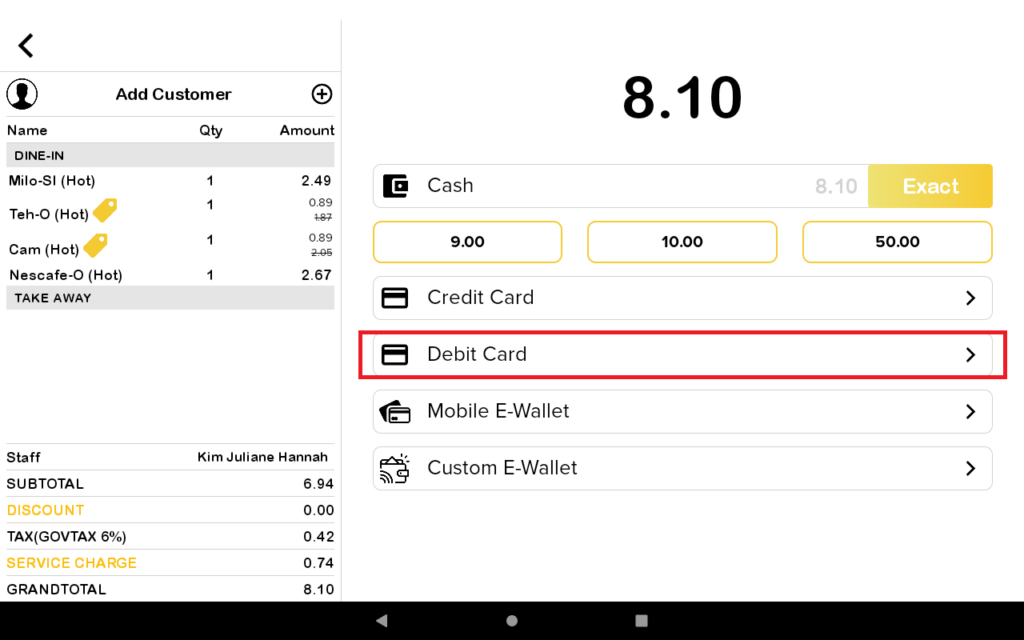
3. You put the order in the cart and then press pay.
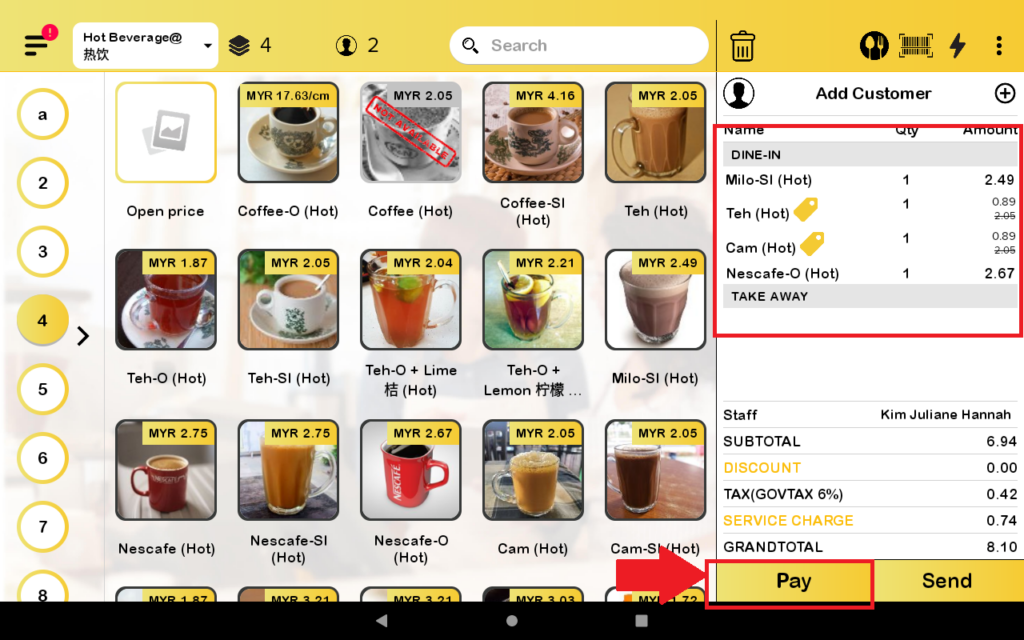
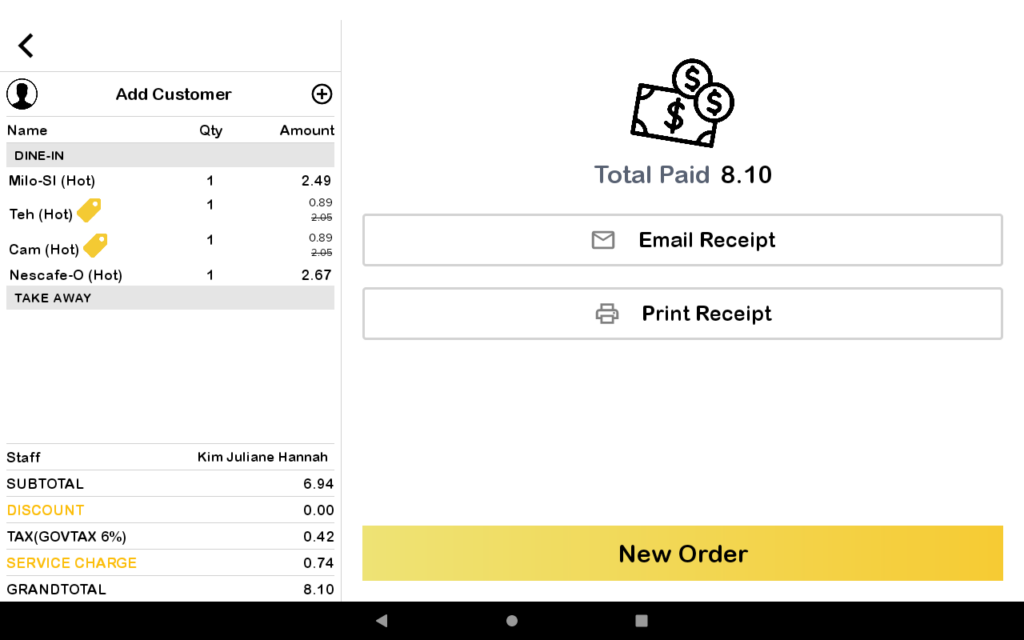
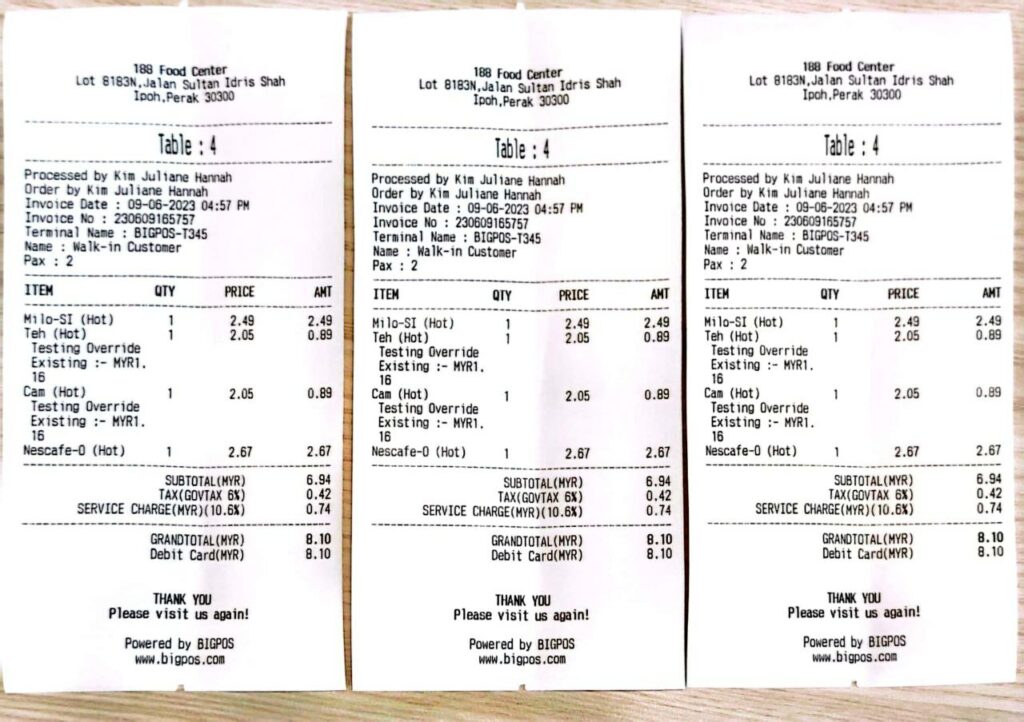
4. After you pay, the number of receipt that you choose to print will print out.