How Can We Help?
How Sync function works in BIGPOS App?
Introduction
Each transaction, stock management, change inventory, update, delete, add product, etc, that performs in the BIGPOS app will get synced into the database which let the users check every data anywhere and anytime. Remember to sync apps after finishing business hours or you can sync anytime you like.
How Sync function works in BIGPOS App?
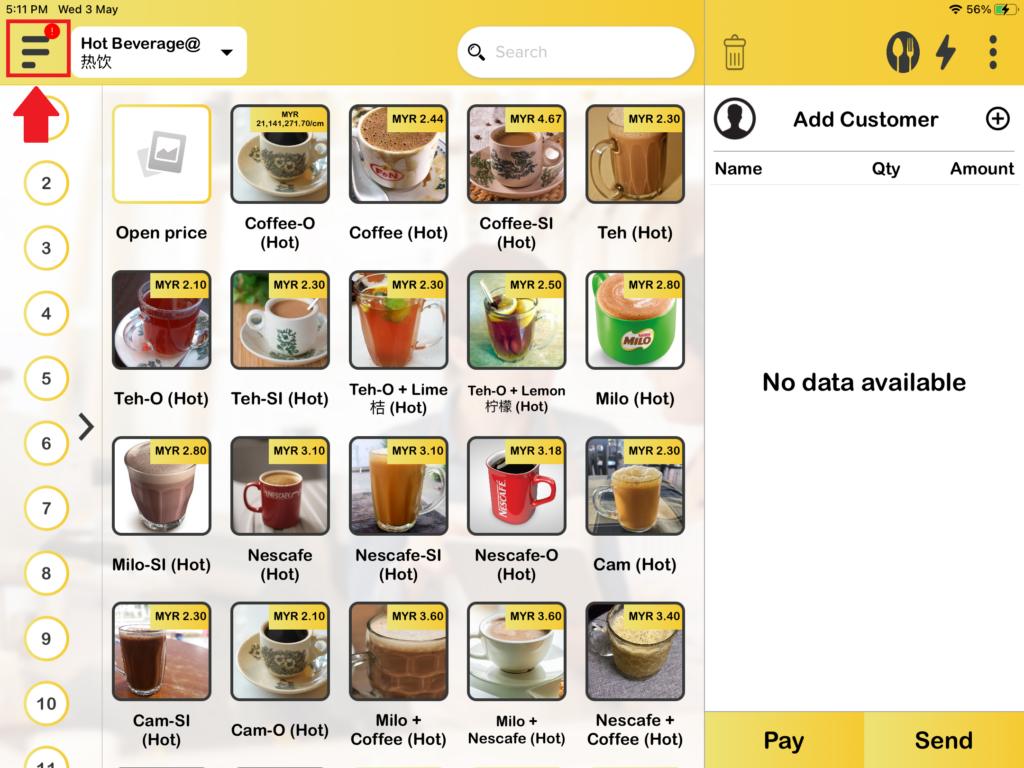
1. When you had finished one order, you will see on the top left side show sync icon, which that means currently data are ready to sync.
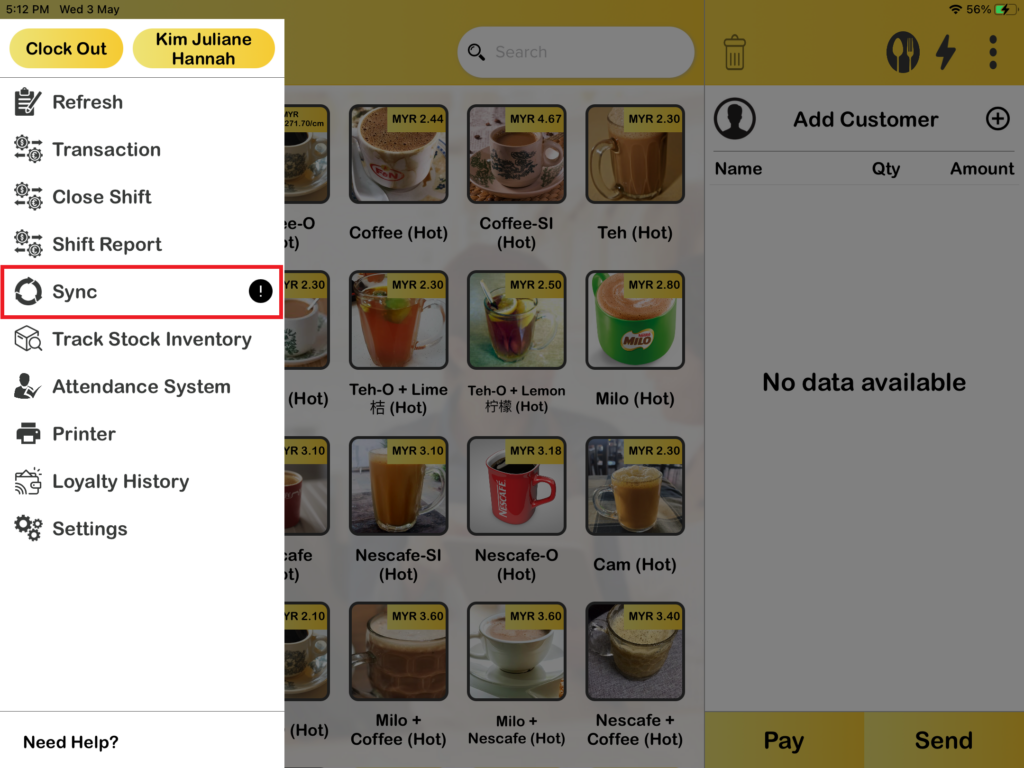
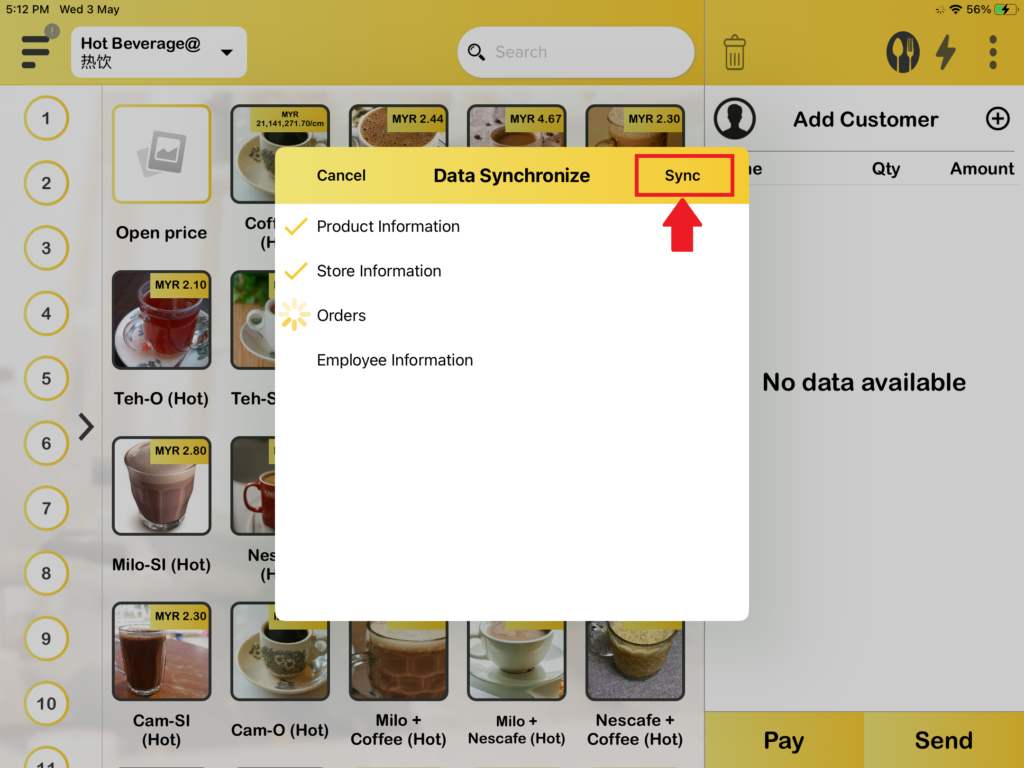
2. You need to click on “Sync“, Then the data will be synced to the BIGPOS database. You can check your latest data anywhere or anytime in web admin, BIGPOS App, and BIG Analytics.