How Can We Help?
Hide “Powered by BIGPOS” Setting in Receipt
Introduction
This post introduced a new setting that allows to hide or show the “Powered by BIGPOS” text on the receipt.
The update applies to the following applications:
- BIGPOS PRO
- BIG Waiter
- BIK SOK
Setting
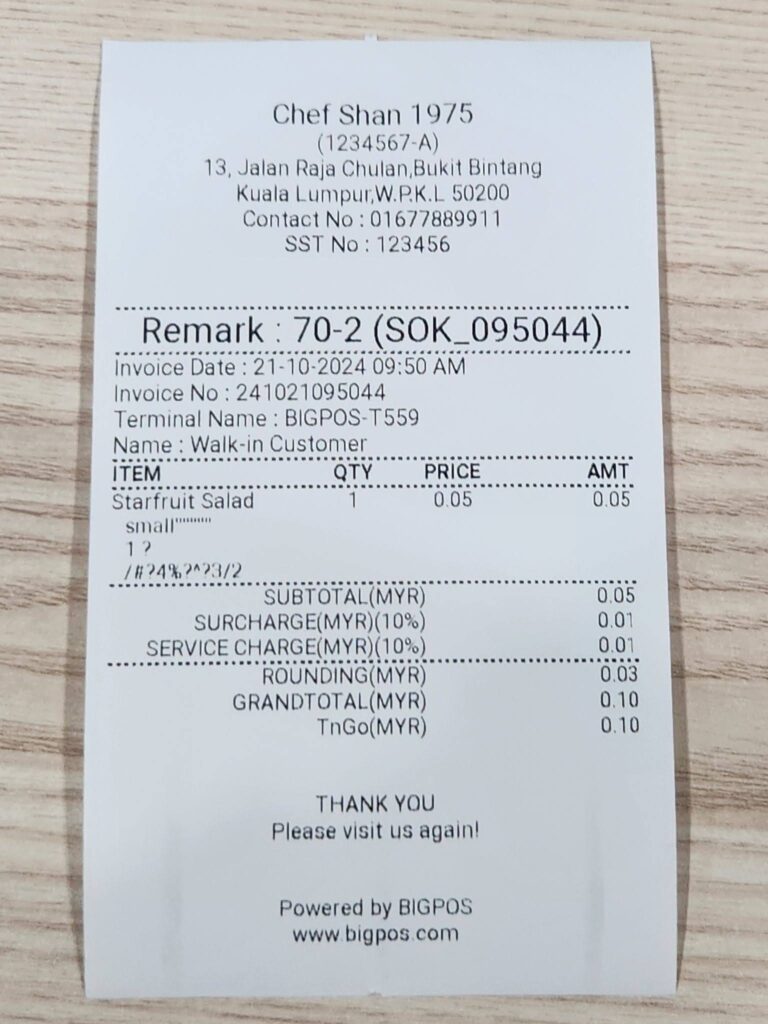
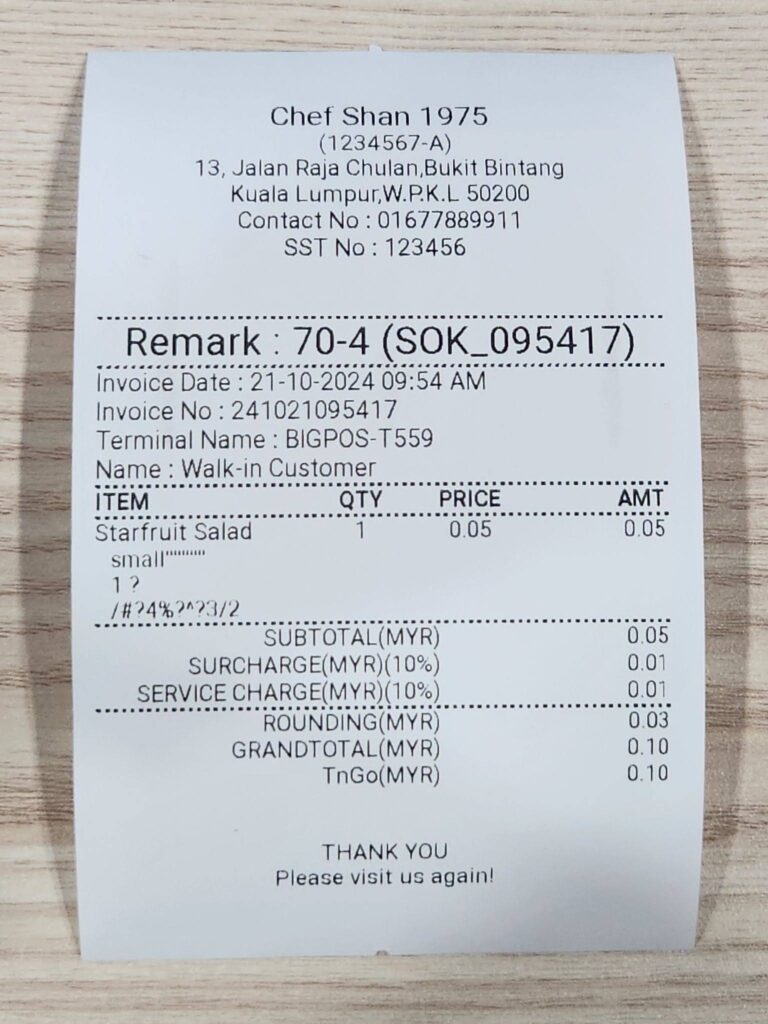
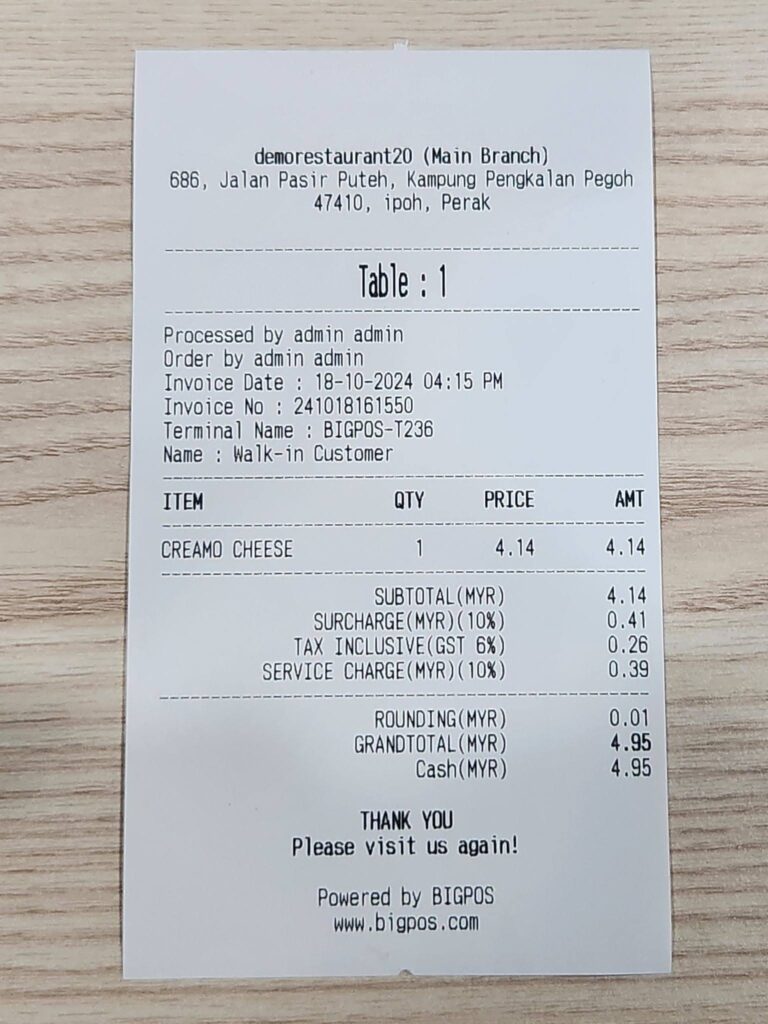
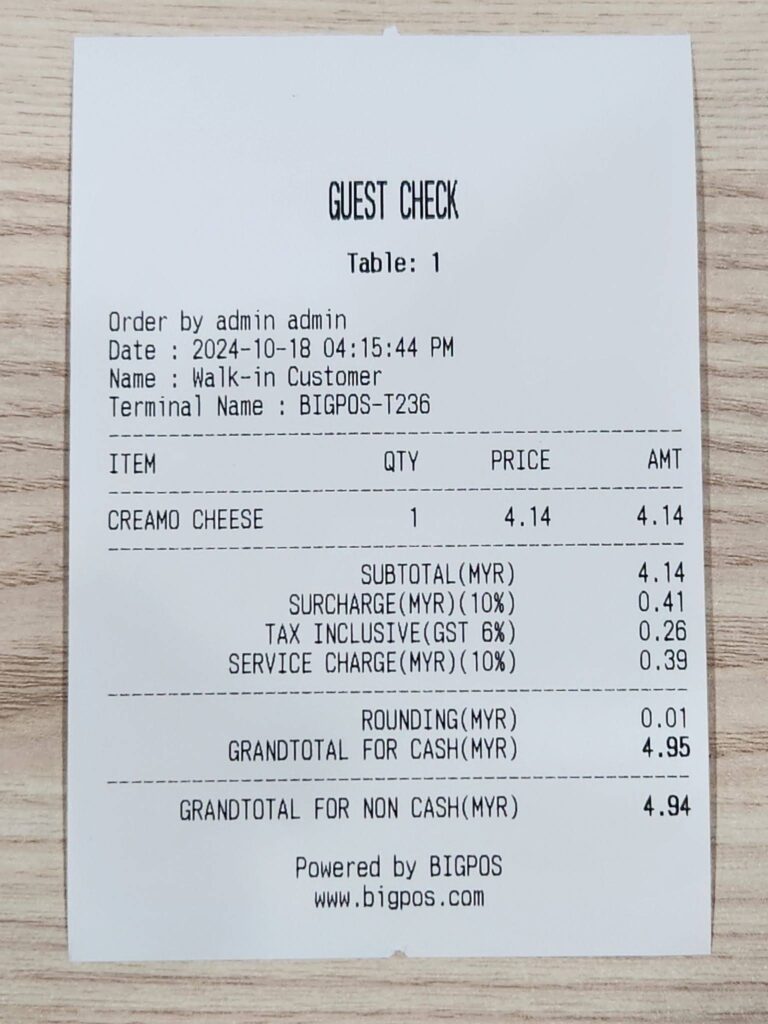
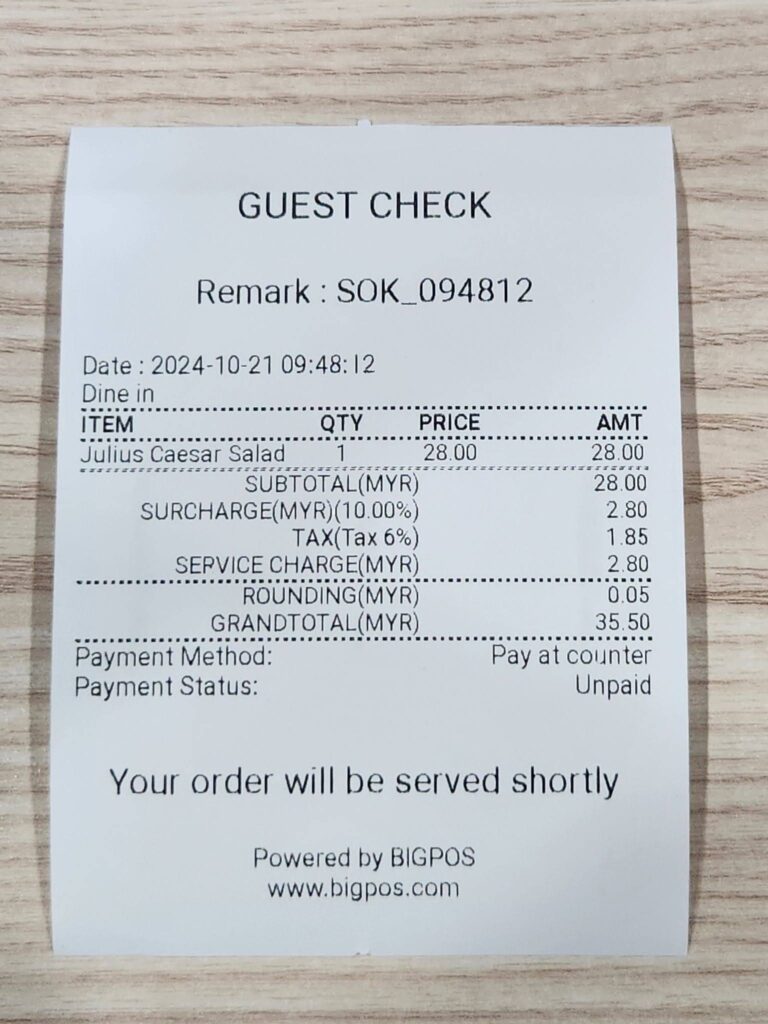
By default, the setting is enabled, meaning the “Powered by BIGPOS” text will appear at the bottom of receipts and guest checks.
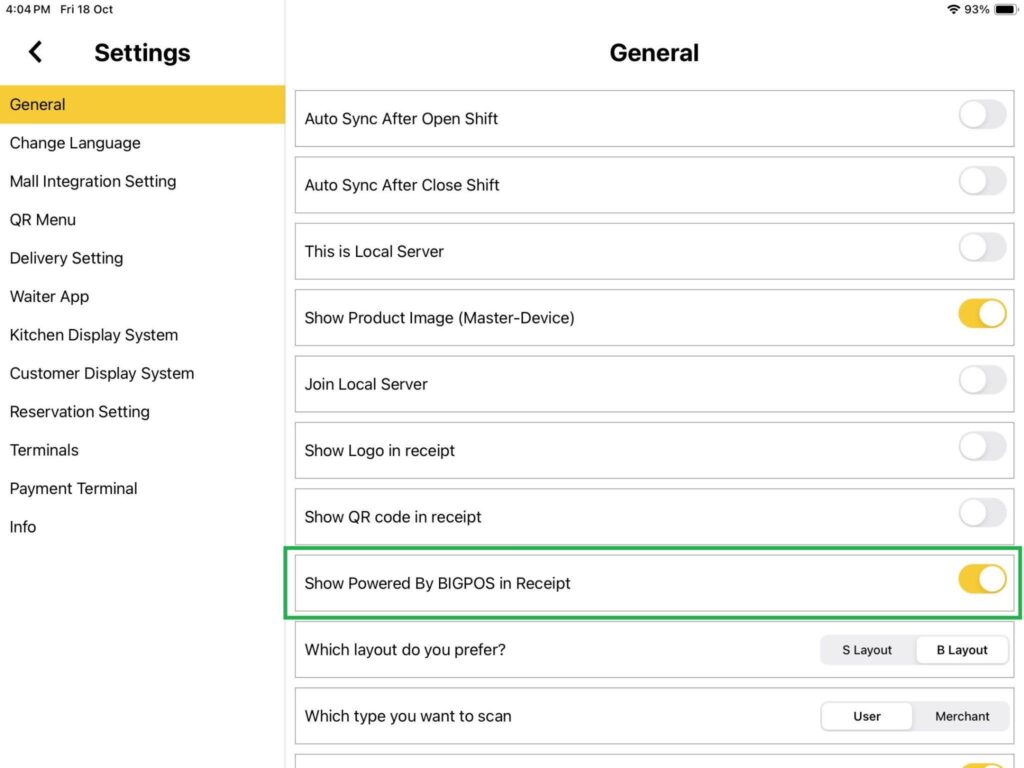
RECEIPT (PRO & LITE)
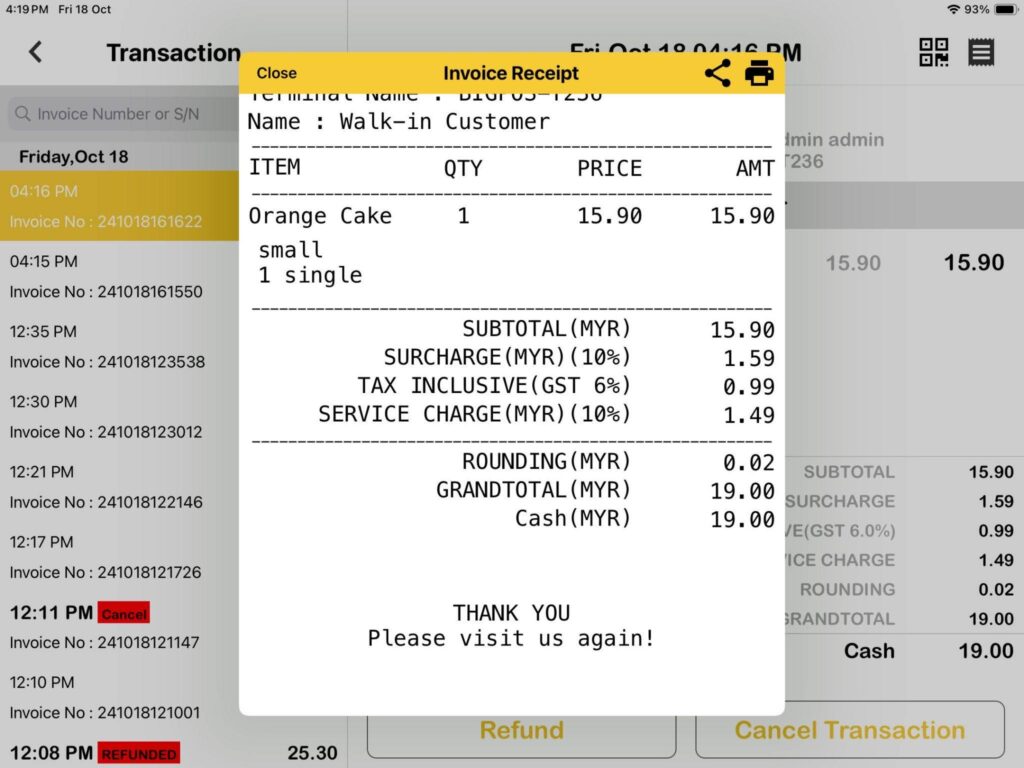
Enable and disable Powered by BIGPOS in apps receipt
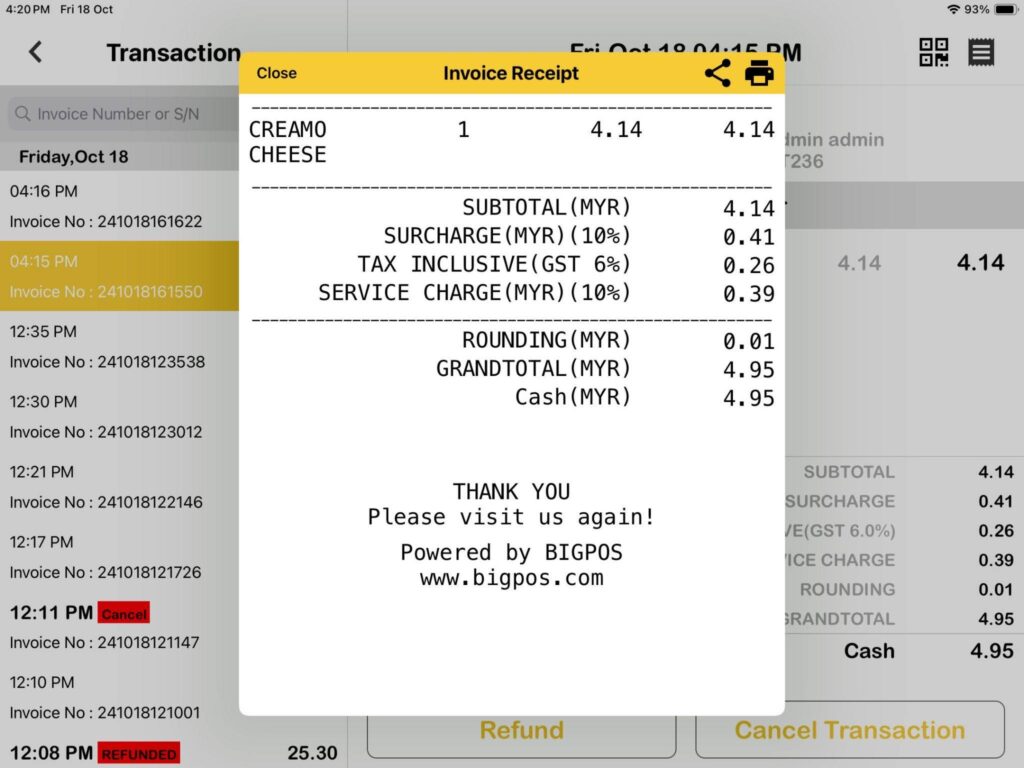
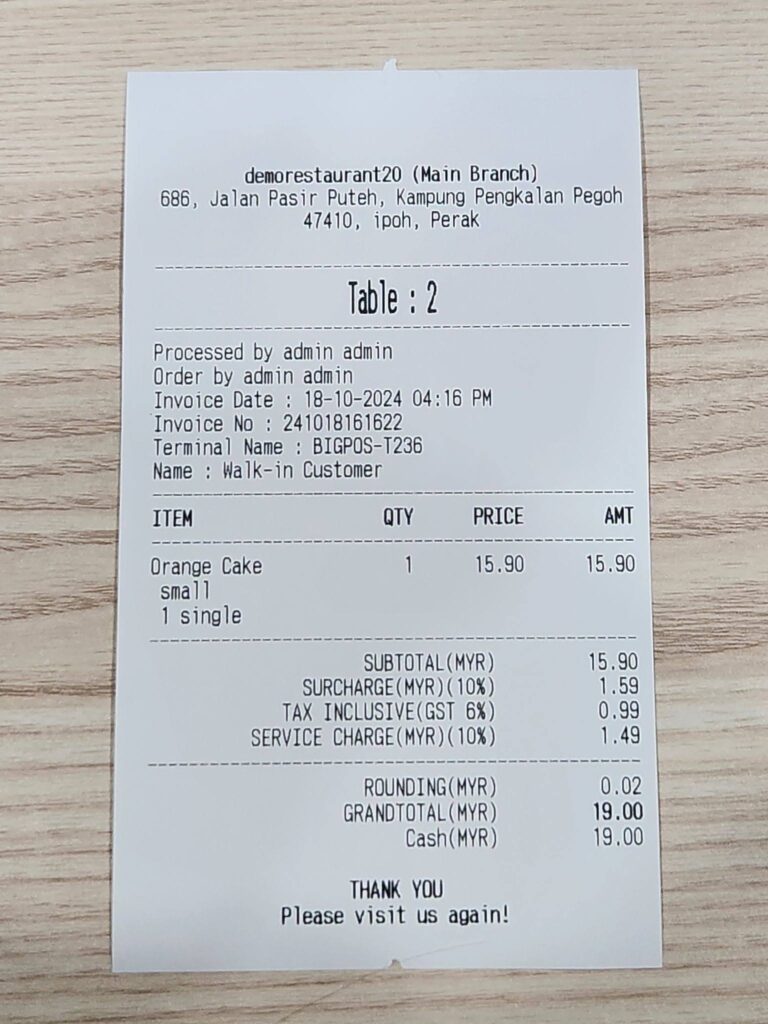
Enable and disable Powered by BIGPOS in printed receipt
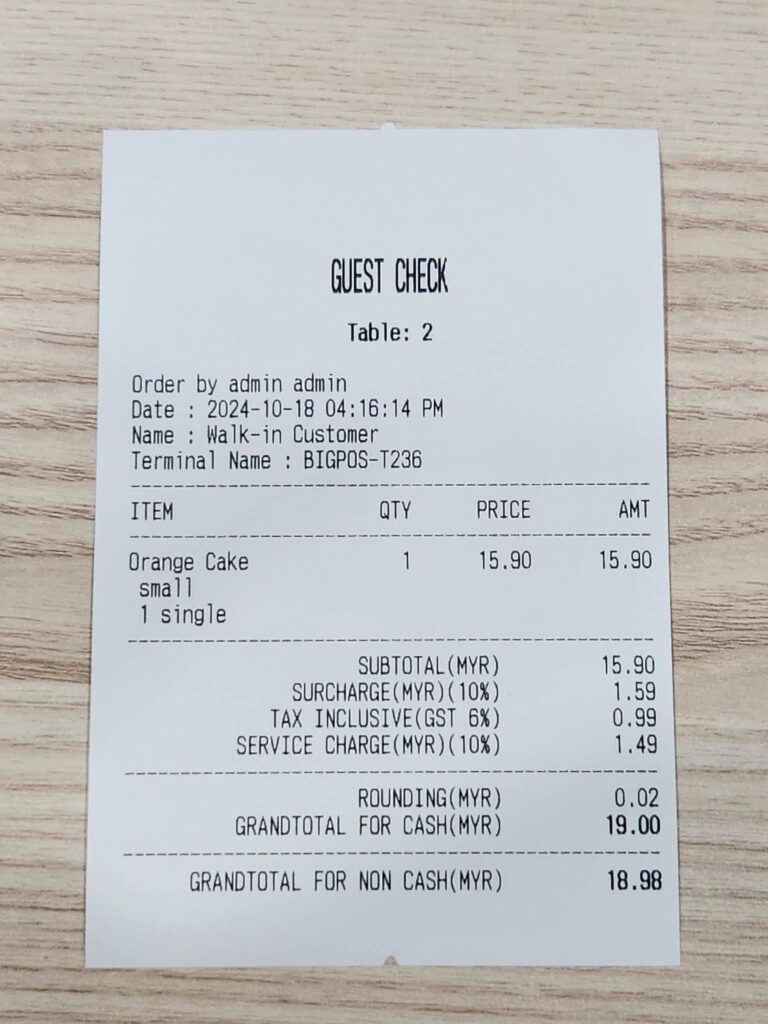
GUEST CHECK (PRO & LITE)
Enable and disable Powered by BIGPOS in guest check receipt
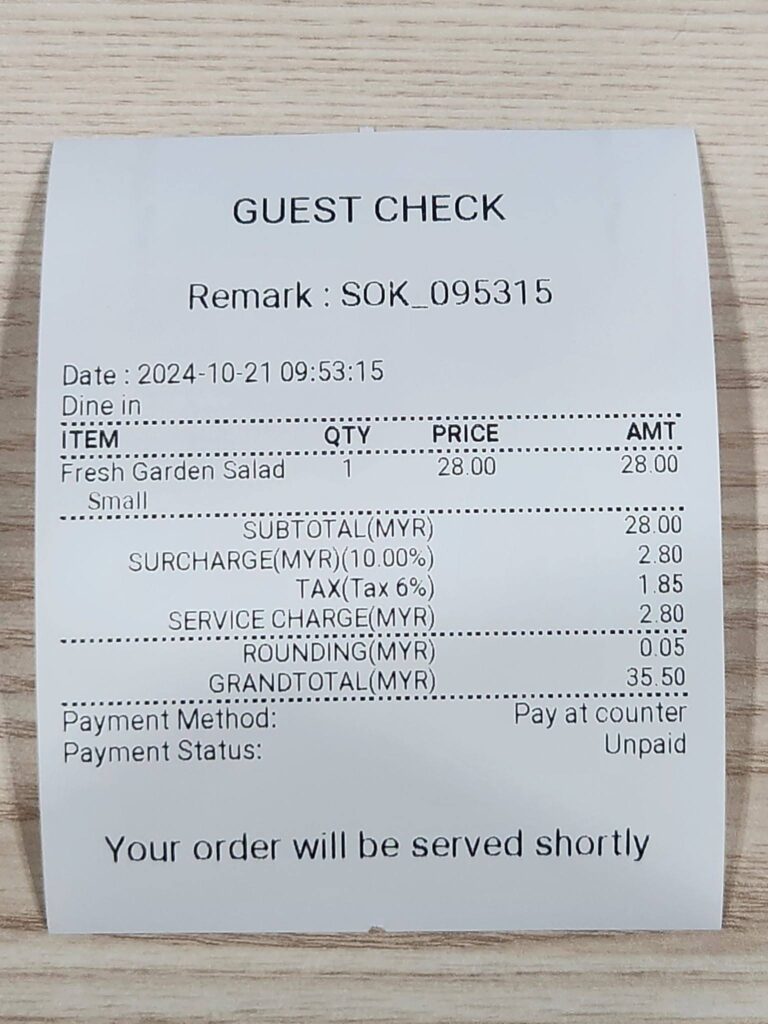
GUEST CHECK (SOK)
Enable and disable Powered by BIGPOS in guest check receipt (order send from SOK)
RECEIPT (SOK)
Enable and disable Powered by BIGPOS in receipt (order paid from SOK)