How Can We Help?
Hide Change Layout Setting in Sub Device
Introduction
Currently, the setting for “Which layout do you prefer?” in the general setting are visible both on master and sub-devices where users can manually switch between S and B layout. However this leads to inconsistencies between the devices.
Setting in BIGPOS Pro – Before
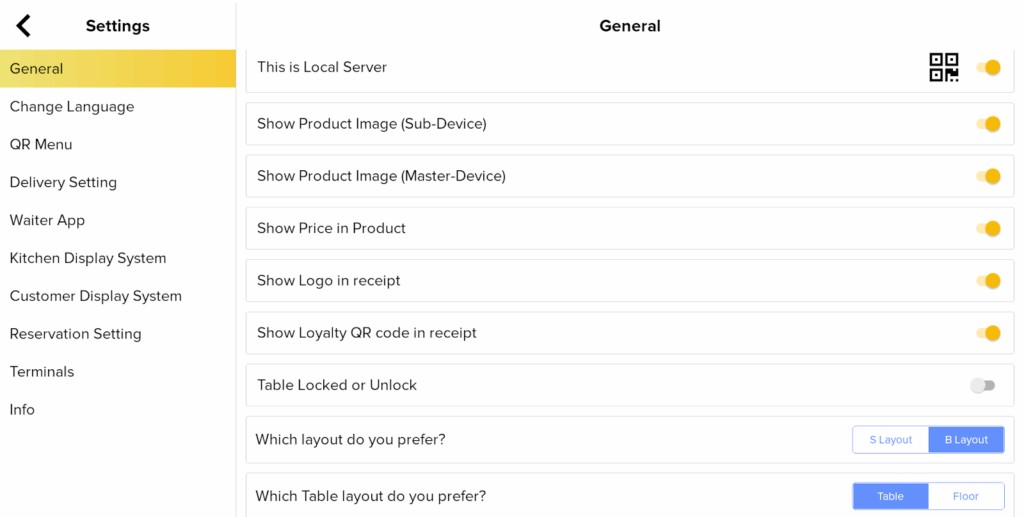
Master Device
- Users can toggle between S / B Layout.
- In B Layout, you can choose Floor / Table Layout.
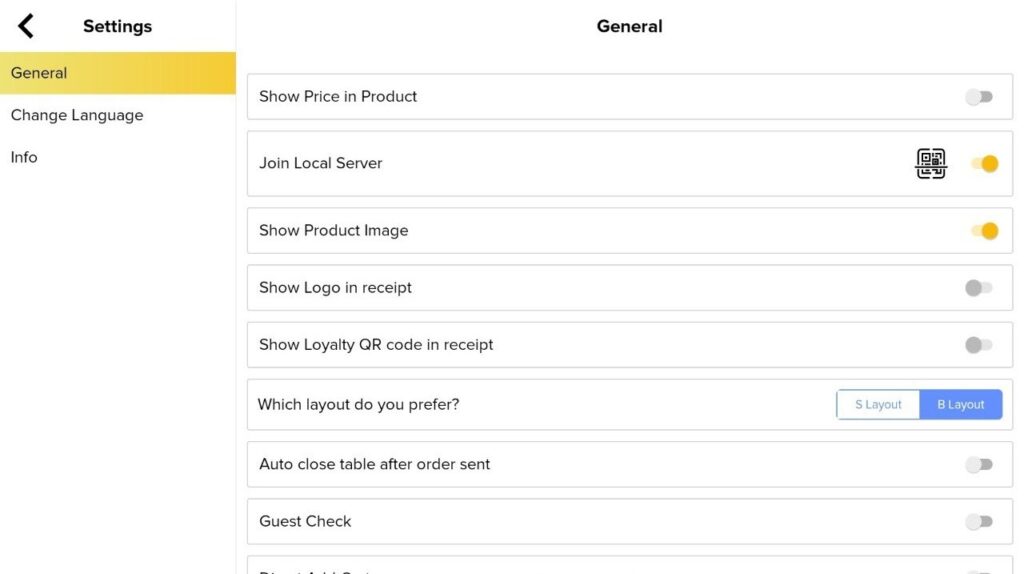
Sub-Devices
- Allow the user to choose S Layout / B Layout.
Setting in BIGPOS Pro – Update
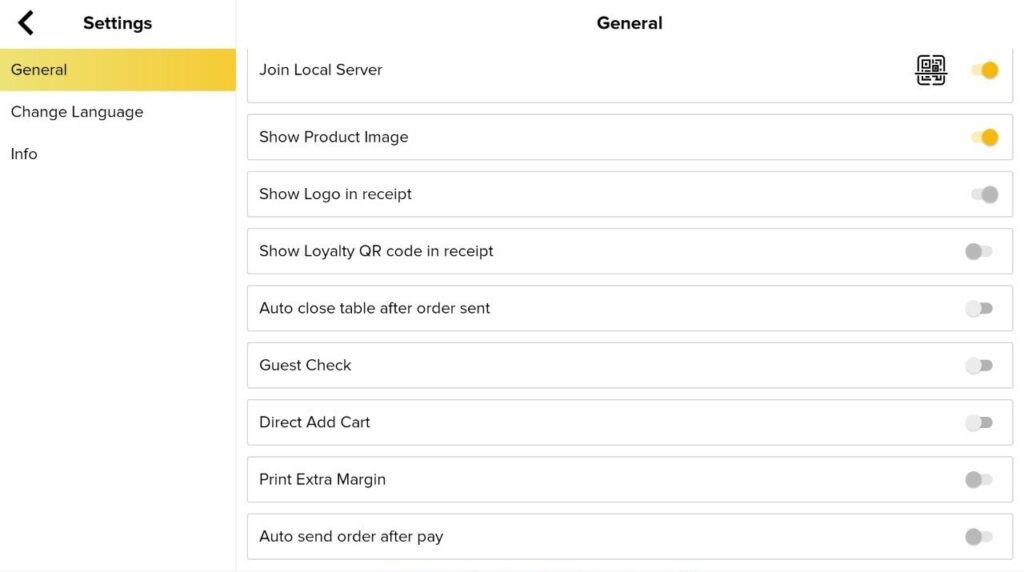
Sub-Devices
- The setting for “Which layout do you prefer?” is hidden when joining local server.
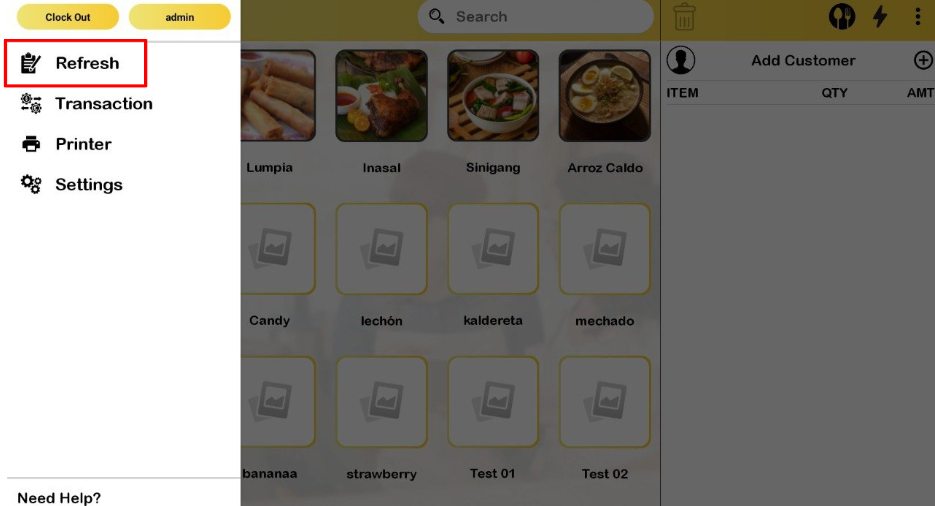
Notes: If the master device changed layout, the sub device needs to click Refresh to take the latest changes.