How Can We Help?
E-Invoice in B Reward
Introduction
Now, customers can conveniently request e-invoices for their transactions in B Reward (Member Application). This updates are applicable in Android and iOS starting on 1st July 2025.
‘Request E – Invoice’ Button
- The customer needs to set up E-Invoice in Web Admin, if not the ‘Request E-Invoice’ button will not show.
- FNB, Retail, Service line account need to sync transactions then can request e-invoice from B Reward while Sport account can directly request e-invoice after booking completed. Need to make sure all transactions are synced.
Steps to request e-invoice in B Reward
- Login B Reward using customer account.
- Click ‘Member’ icon.
- Click ‘Transaction’.
- Choose the respective invoice and click.
- Scroll down and click the ‘Request E-Invoice’ button.
- E-Invoice will open the phone browser.
- Fill in the e-invoice form and submit.
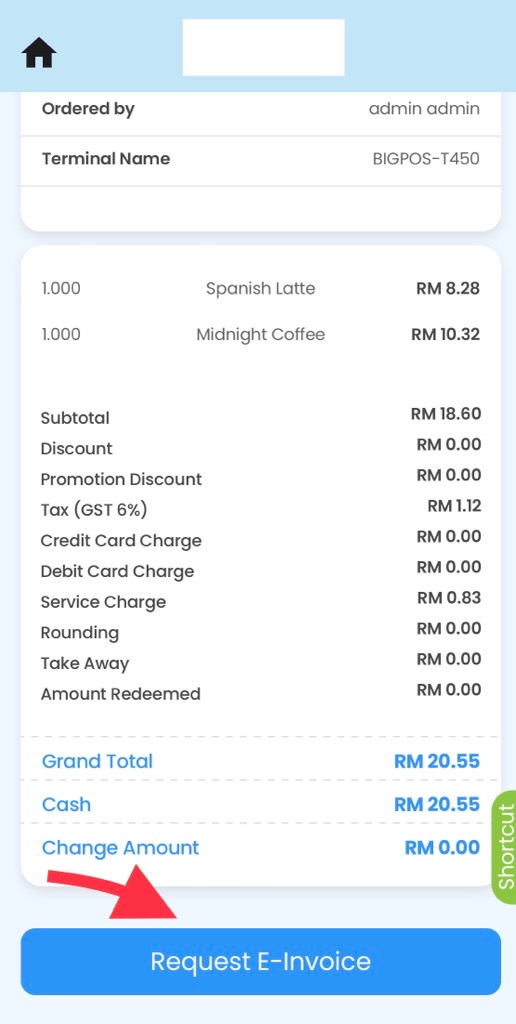
Expected display
E-Invoice able to be requested in B Reward for transactions starting from 1st July 2025. Transactions before 1st July 2025, button ‘Request E-Invoice’ will not be visible.
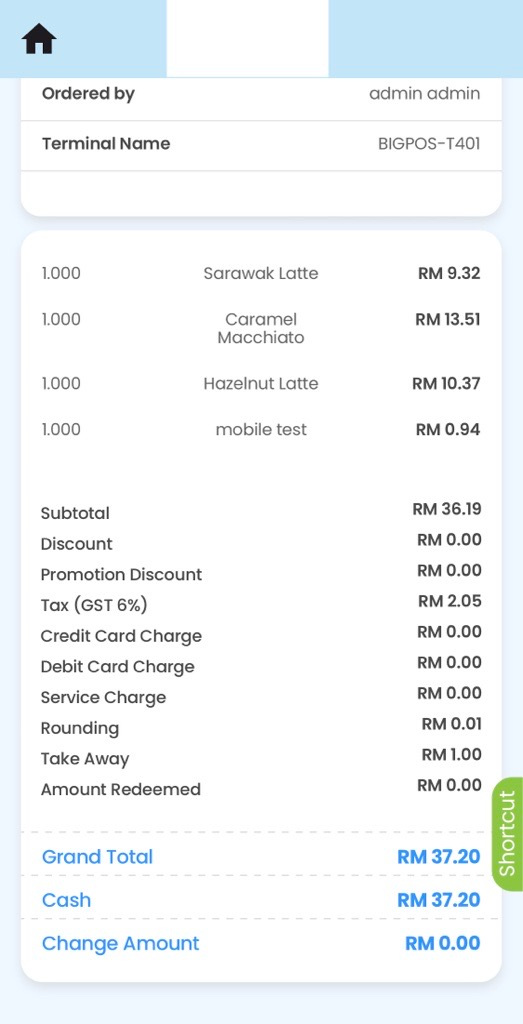
Account setup with e – invoice in web admin and transaction start 1st July 2025 and onwards ✅
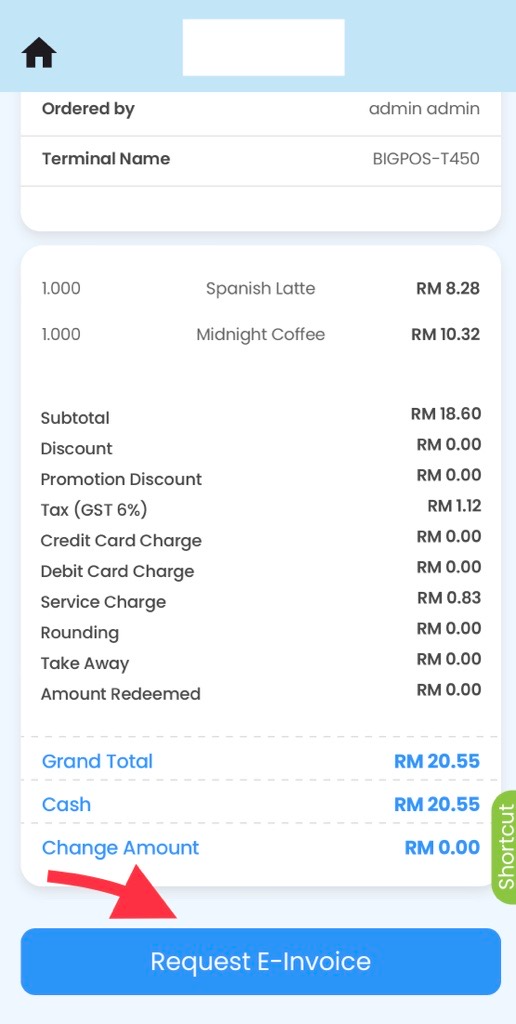
E – Invoice Form Status