How Can We Help?
Dynamic QR Changes
Introduction
Dynamic QR Feature has implemented some changes to further enhance user experience. The changes for this feature will apply solely for Dynamic QR Menu in Table business mode.
- Previously, “Generate QR menu” option was only available when user clicks on the three dots button on the top right corner of the apps.
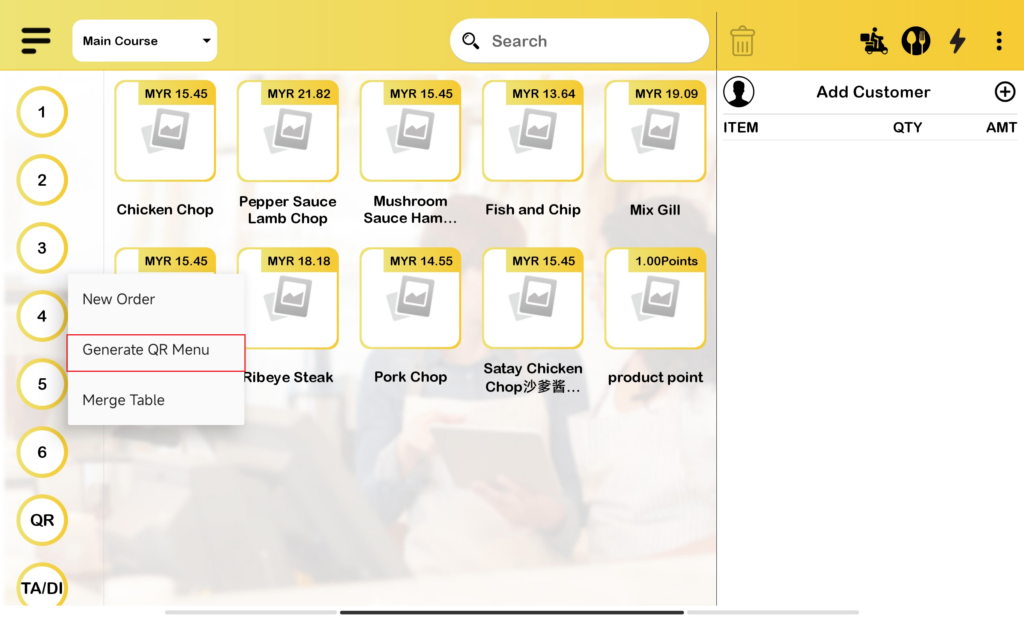
- For current changes, “Generate QR menu” option will be available at both table options and also three dots button.
Generate QR Menu at Table Flow
The flow will follow exactly the same as the fixed QR menu whereas the user choose and click on the respective table. Upon clicking on the table to open new order, “Generate QR menu” option is included among other options in Dynamic QR Menu.
Generate QR Menu at Three Dots Button Flow
- Compared to the previous flow, table selection will only prompt out once the QR Menu has been generated and scanned by the customer.
- When customer click on “Generate QR menu” at the three dot button, the choose table box will prompt out and user need to select the table.


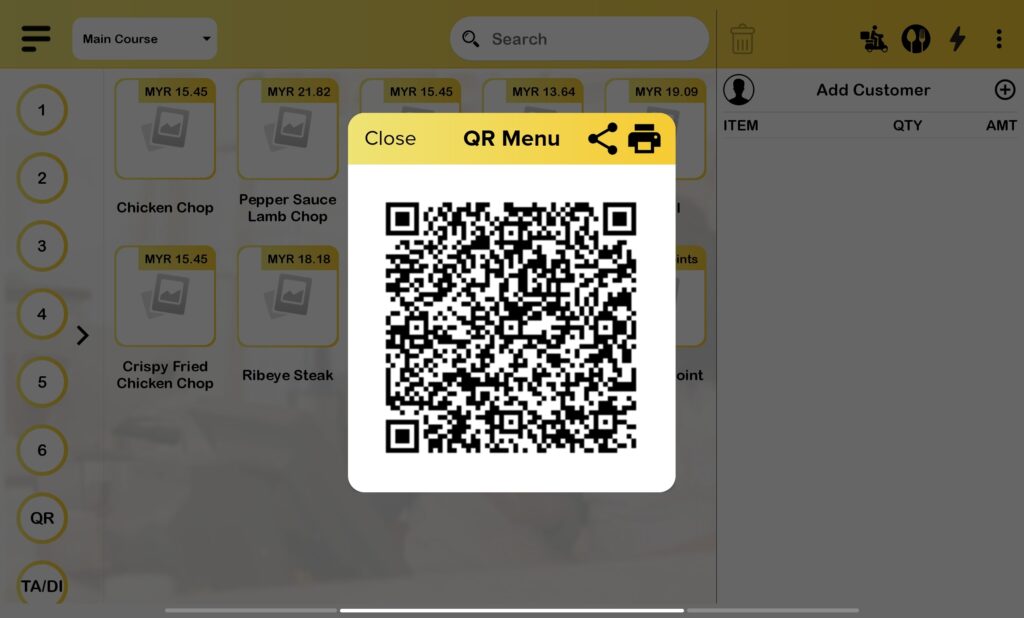
- After choose table, pro apps will generate the QR code and user will need to scan the QR code to make order via QR menu.

Same Table Order
- For the same table order using dynamic qr, only the first customer that scans the QR code needs to choose the table.
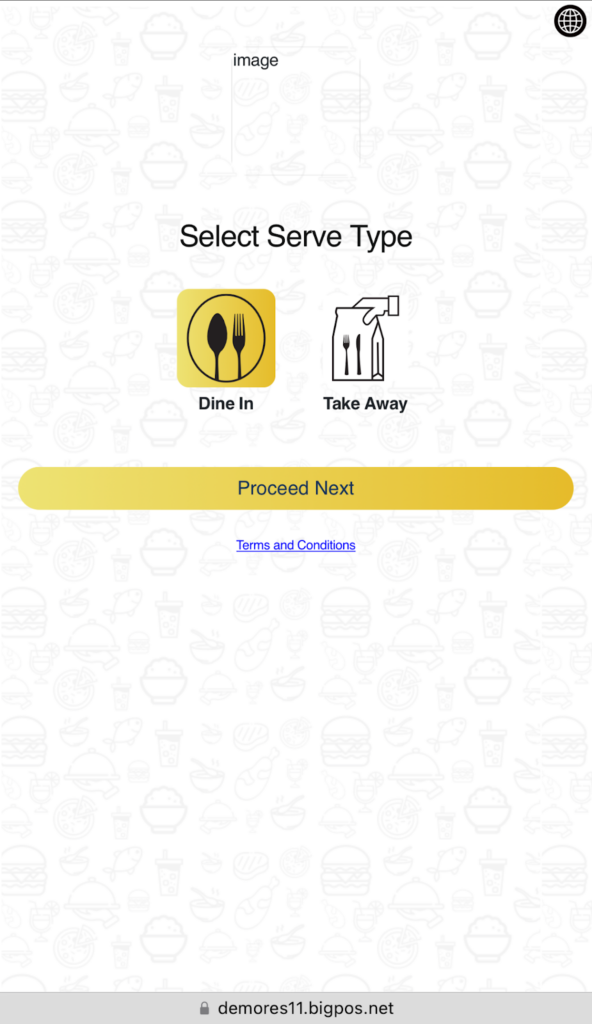
- For the next person that scans the same QR code, the QR page will straight away go to the serve type page and then redirect to the QR menu order page.
Timeout
- Dynamic QR code will expire after 2 hours.
- The timing starts after the user clicks on the “Generate QR menu” button. Once the timing has hit the 2 hours mark, the QR menu page will show “Invalid request”, and customers need to re-generate new QR code.
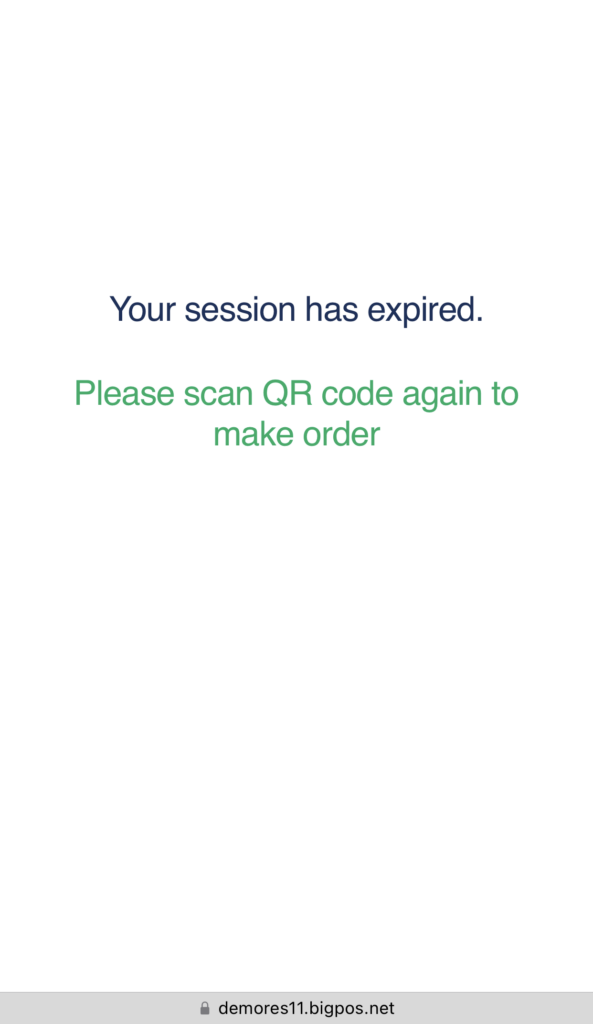
- If a customer has already scanned the QR code and left the phone idle for more than 2 hours after entering the QR menu page, the QR menu page will show the “ Your session has expired” page.

Close Session
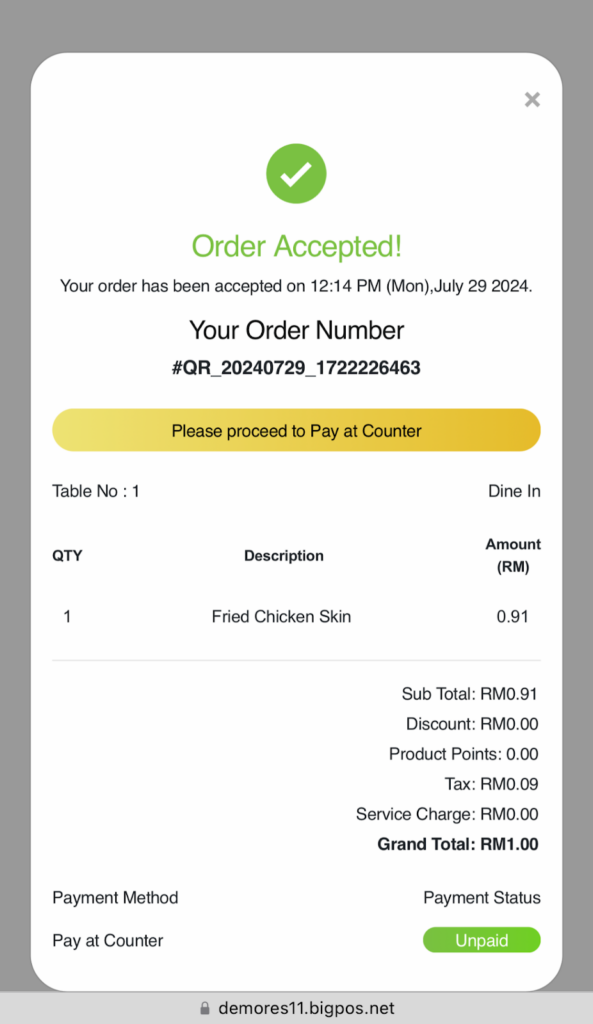
- QR menu order will close the session after customer finish making payment for their order (close table). By means, the qr menu link will expire after payment is made. User need to generate new QR code if they want to add a new order.
- If user make payment by online payment, the QR will auto generate new QR. So if user scan the same QR code, the QR will not expire and user able to make another order.
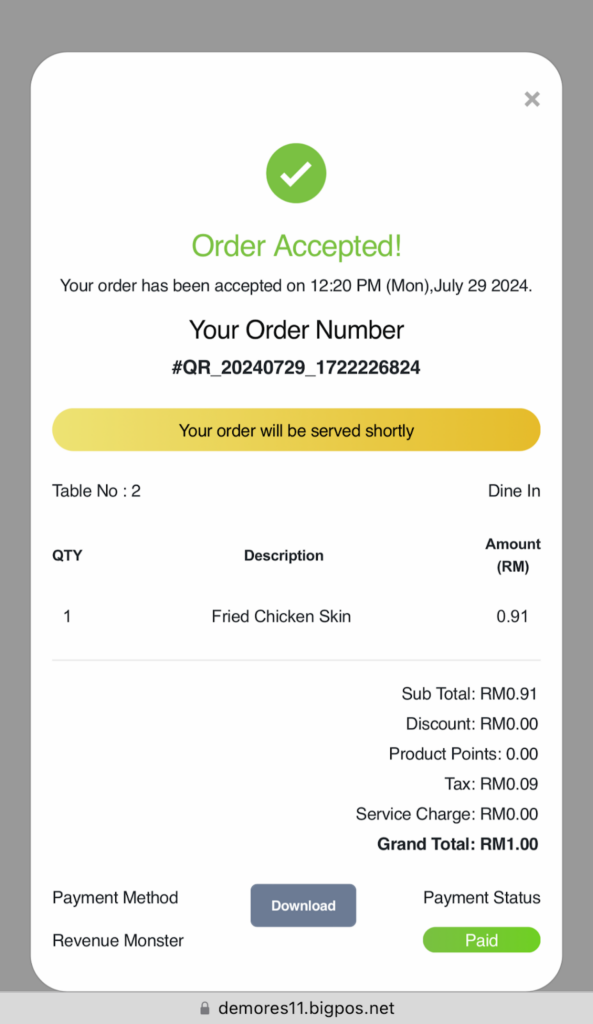
- If user make payment at the counter, the link will expire once the payment has been made. If user use the same link, the QR menu page will show “Invalid Request”.