How Can We Help?
Company Profile – Sync Setting
Introduction
‘Sync‘ allows data from the app to synchronize with web admin. Data should be tally between app and web admin.
How to enter ‘Sync Setting’?
To enter ‘Sync Setting’, follow the following steps:
- Head over to ‘Company Profile’ as shown in ‘Company Profile’ main page.
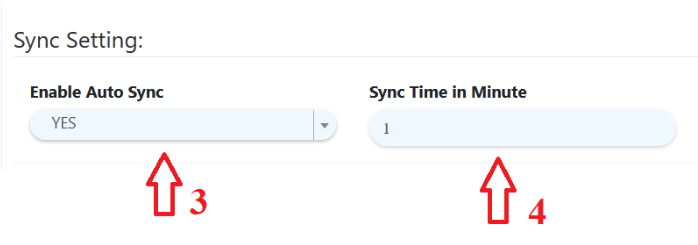
- Scroll down the page and look for ‘Sync Setting’ in the third section.
- Choose from dropdown list if users want to ‘Sync’.
- Enter ‘Sync Time’ in minute, duration of synchronizing data.