Split Payment Feature Enhancement
Introduction
This post introduces the enhanced split payment feature to further heightened user experience in using Big Pos Pro application.
Split Payment Enhancement
The split payment button has been added in Pro app to allow user make transaction without the need to enable Split Payment in Setting page, unlike previous setting which can be seen in the picture attached below.
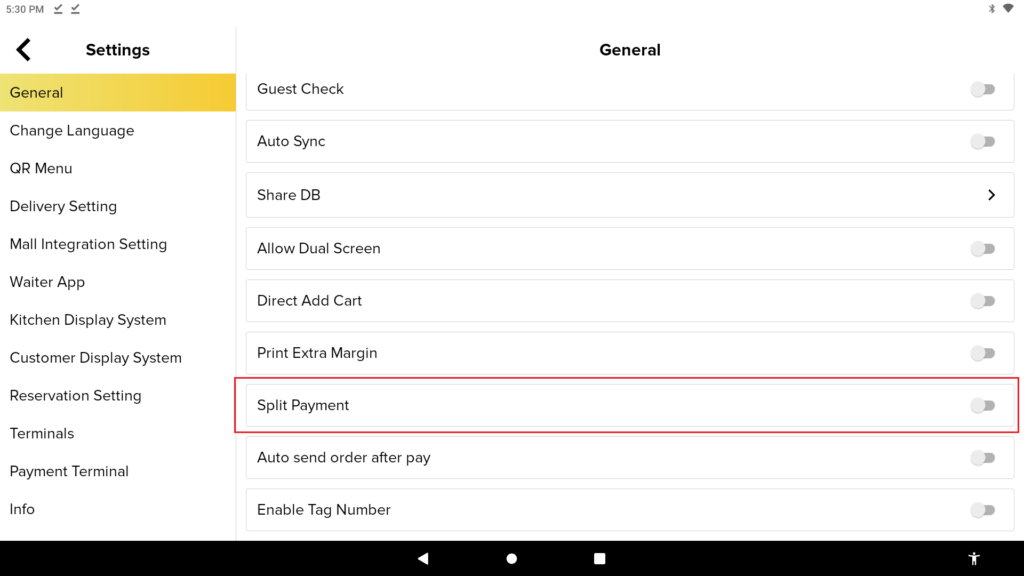
Current Setting of Split Payment Feature
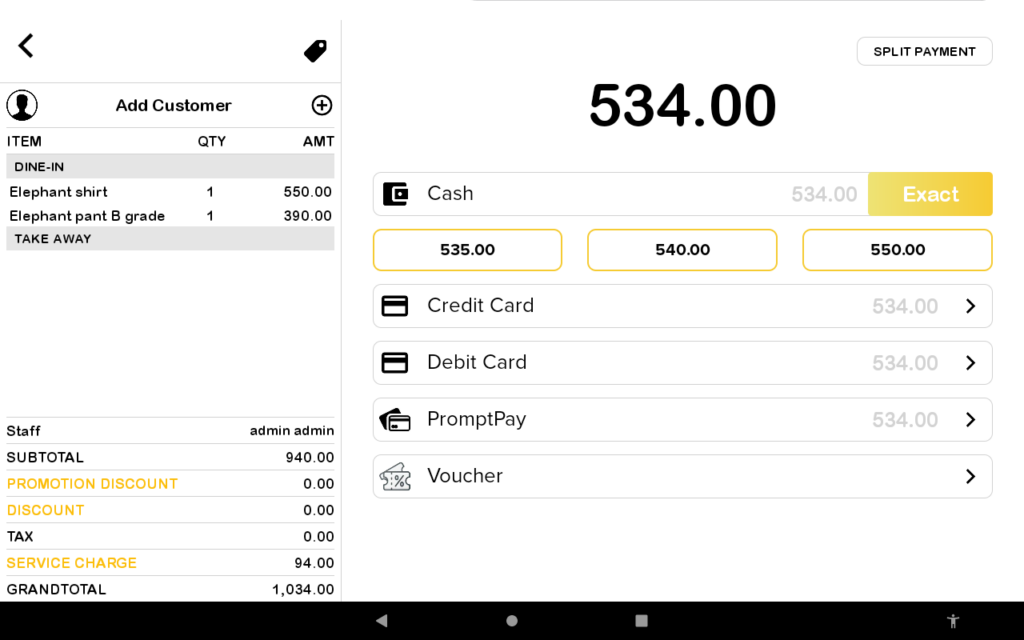
1. Proceed to make payment after you have finished adding item in the cart. Here, user will see the Split Payment button in the payment page.
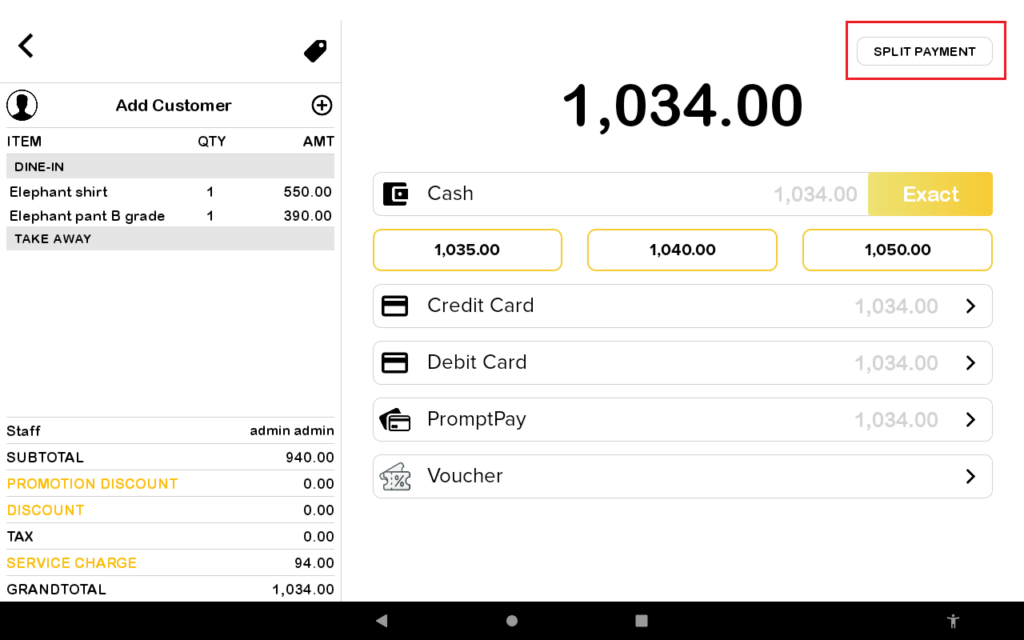
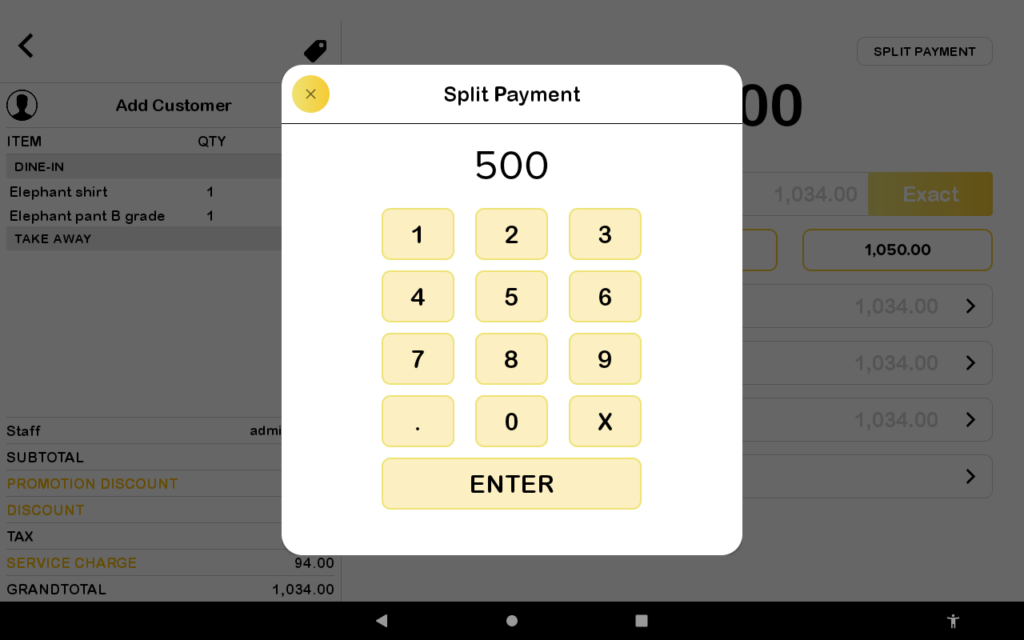
2. Once the Split Payment button has been clicked, input the amount user wanted to pay using selected payment method displayed in payment page. In the example shown below, an amount of 500 is inputted.
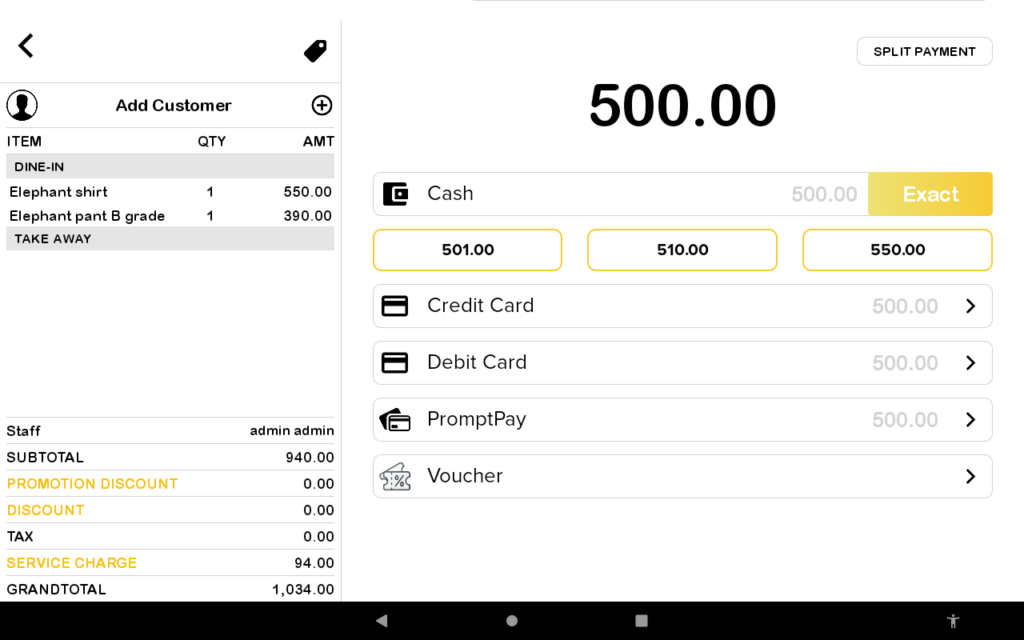
3. Then, user will see the payment page for the amount the user inputted earlier. Select any payment method that the user want to pay the amount with.
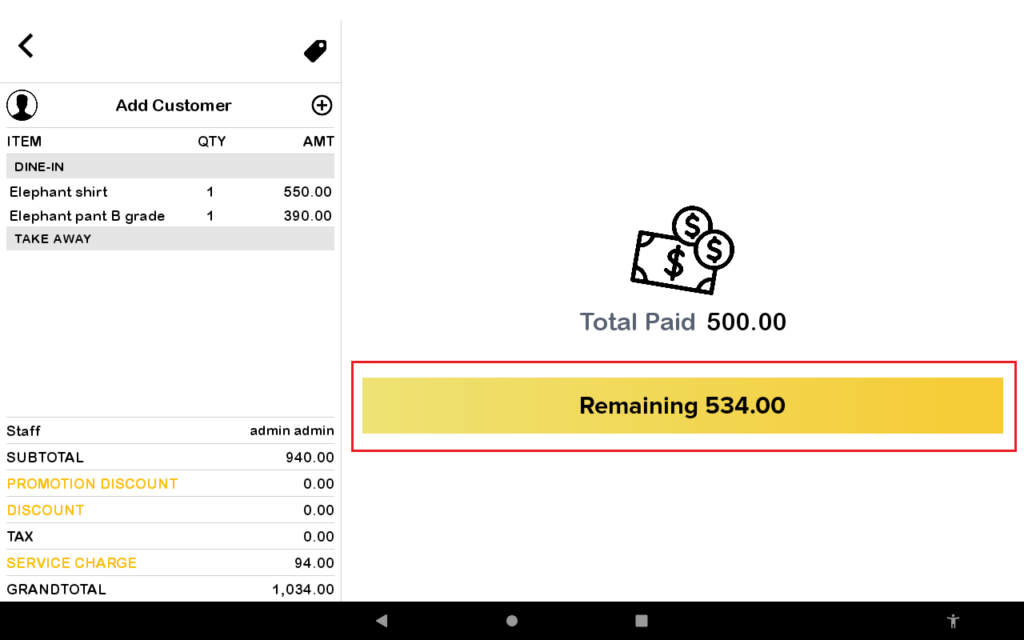
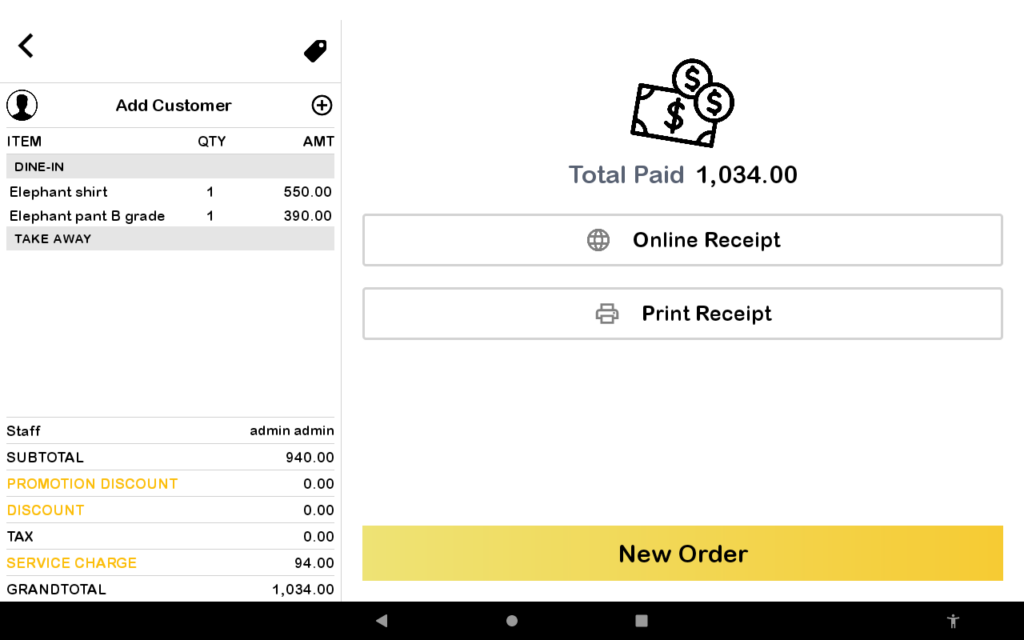
4. The successful transaction page will be displayed once user have made the first transaction in split payment. Click on the Remaining button to proceed to finish the payment for the order.